How to Make Kawaii Fox Hideout Art in Path of Exile
Kawaii Fox is one of the most fun things you can put on your hideout floor. In this guide you will see exactly how Kawaii Fox was rebuilt from real Path of Exile decorations, which decorations it uses, and how to make the same art in your own hideout in a few minutes.
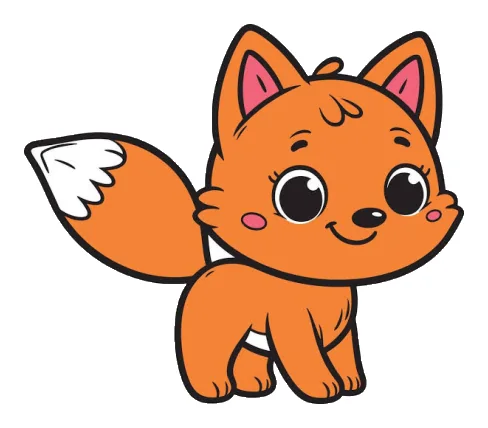 Original
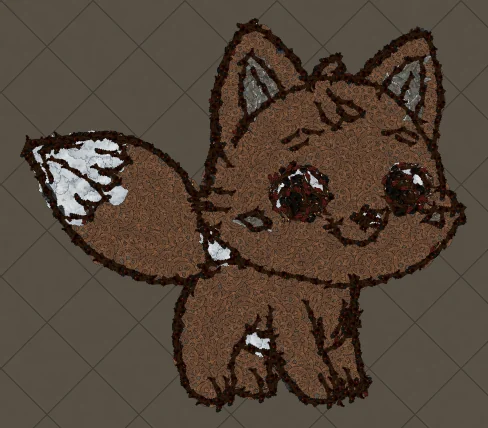 In game
A kawaii fox with an oversized head and a fluffy white-tipped tail. Cute animal art like this relies on round shapes and big eyes, both of which come through clearly in decorations.
The original and the in-game version
Drag the slider to compare the original image with the version rebuilt from Path of Exile decorations. Every piece on the right is a real decoration at its real in-game size, position and rotation.
Why Kawaii Fox works so well as hideout art
Cute animal art uses round shapes, big eyes and soft flat colours, which decorations reproduce cleanly. The outline keeps the silhouette readable and the eyes become small dark clusters.
This Kawaii Fox uses 701 decorations of 7 types, with Dead Oriath Soldier Pieces doing most of the work. That fits inside Path of Exile's 750-decoration hideout limit, so the complete artwork imports in one go.
Decorations used for Kawaii Fox
These are the exact decorations in this artwork, sorted by how many pieces each one contributes. The generator picks them by colour, texture and size, so large flat areas use big pieces and details use small ones.
| Decoration | Pieces | Share | Used for |
|---|---|---|---|
| Dead Oriath Soldier Pieces | 370 | Outline and line art | |
| Vaal Curtain | 213 | Main fill | |
| Cathedral Tiles | 45 | Details and edges | |
| Shattered Blade | 31 | Details and edges | |
| Ancient Books | 29 | Details and edges | |
| Oriathan Books | 8 | Details and edges | |
| Pooling Blood | 5 | Details and edges |
The game skips decorations you have not unlocked when you import a hideout file. Unlock the ones above from your masters or the store before importing to get the complete Kawaii Fox. This artwork needs no shop decorations.
How the colours were matched
Path of Exile decorations come in mostly earthy, stone and metal tones, so each colour in the Kawaii Fox image is matched to the closest decoration family while keeping light and dark areas in the right order. Here is how each colour of the original was translated:
How to make Kawaii Fox in your hideout
- Open the generatorGo to the POE Hideout Art Generator and choose Path of Exile 1 or Path of Exile 2.
- Pick your hideoutSelect the hideout you live in. The .hideout file only imports into the same hideout type.
- Upload your Kawaii Fox imageDrop a Kawaii Fox picture with a clear outline and a plain background. PNG, JPG and WEBP all work.
- Use these settingsArt size 88 units, 8 max colours, outline and line art on. This is what produced the result on this page.
- Generate a free previewIn a few seconds you see the art built from real decorations at their in-game size.
- Download and importUnlock the .hideout file, then in game open Edit Hideout, choose Import and select it.
Kawaii Fox in Path of Exile 2
The same image in Path of Exile 2 uses 720 decorations of 5 types (+19 compared with PoE 1). PoE 2 has its own decoration set, so the generator only uses pieces that exist in PoE 2, led by Fresh Giblets.
Choose Path of Exile 2 in the generator and pick your PoE 2 hideout: the art is rebuilt from PoE 2 decorations automatically, with the same outline and colour matching.
Tips for the best Kawaii Fox
- Eyes make the character: keep them large in the source image.
- Warm browns and oranges map especially well to wood, rug and earth decorations.
- Simple poses with the whole body visible look best on the hideout floor.
Importing the .hideout file
Go to your hideout, open Edit Hideout, choose Import and select the downloaded file. Make sure you import into the same hideout type you chose on the website. Back up your current layout with Export first if you want to keep it.
Kawaii Fox hideout art FAQ
How many decorations does Kawaii Fox hideout art use?
This Kawaii Fox artwork uses 701 decorations of 7 different types in Path of Exile 1 and 720 in Path of Exile 2. It fits inside Path of Exile’s 750-decoration hideout limit, so the whole artwork imports. A smaller art size uses fewer pieces; a larger size adds detail.
Can I make Kawaii Fox in a Path of Exile 2 hideout?
Yes. Choose Path of Exile 2 in the generator and it builds Kawaii Fox only from decorations that exist in PoE 2.
Which decorations do I need for Kawaii Fox?
The main decoration is Dead Oriath Soldier Pieces, and the full list with counts is in the table above. Decorations you have not unlocked are skipped when you import, so unlock them first for the complete art.
Do I need shop (MTX) decorations for Kawaii Fox?
No. This artwork uses only regular decorations.
Where should I place Kawaii Fox in my hideout?
Any open floor area works. The generator places it at your hideout's centre by default, and you can move it with the X and Y position before generating, for example next to your waypoint so visitors see it first.
More art guides
View all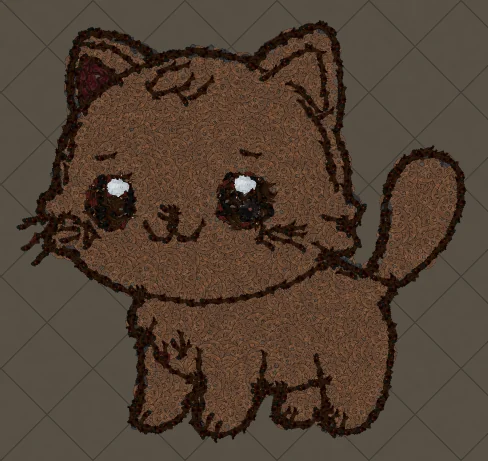 Cute Animals
How to Make Kawaii Orange Cat Hideout Art in Path of Exile
A chubby kawaii cat with a round face and tiny paws. Orange and brown tones map naturally to wood, rug and earth decorations, so this cat looks right at home in a hideout.
 Cute Animals
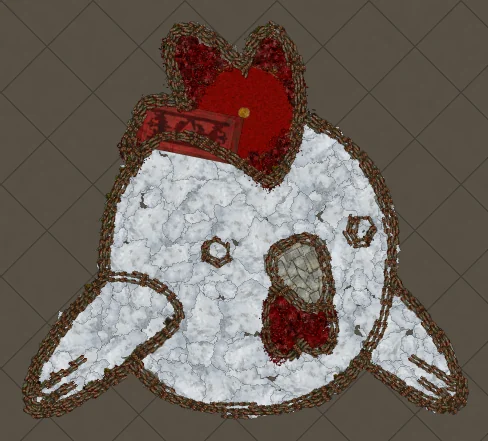
How to Make Cartoon Chicken Hideout Art in Path of Exile
A round cartoon chicken face with a red comb and wattle. White subjects keep their white areas because the generator only removes the background around the subject.
 Cartoons
How to Make SpongeBob SquarePants Hideout Art in Path of Exile
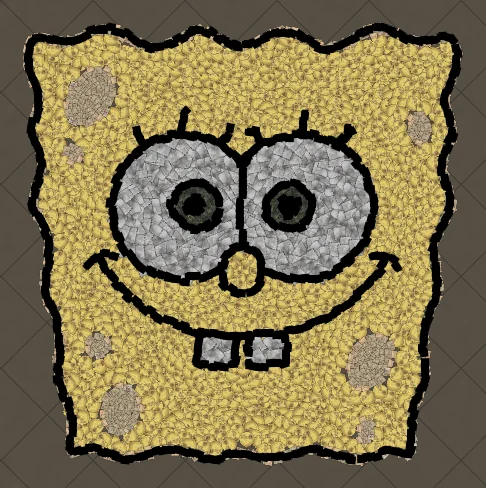
SpongeBob is a perfect fit for hideout art: a square silhouette, a single bold body colour and a face made of simple shapes. Those big eyes and the buck-toothed grin survive the conversion to decorations remarkably well, which makes him a great first project.
 Games
Games
How to Make Super Mario Hideout Art in Path of Exile
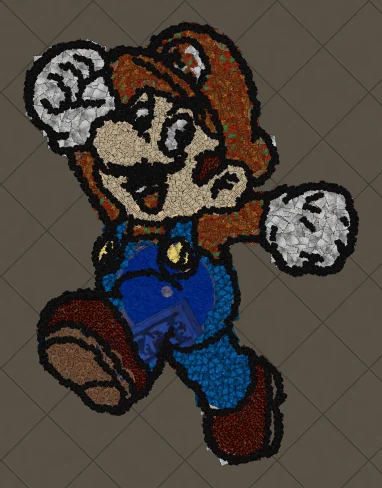
Mario has been one of the most recognisable game characters for decades, and his design was built to read at tiny sizes: a red cap and shirt, blue overalls, white gloves and a dark outline. Those colour blocks map neatly onto separate decoration types.
 Cartoons
How to Make Tom the Cat Hideout Art in Path of Exile
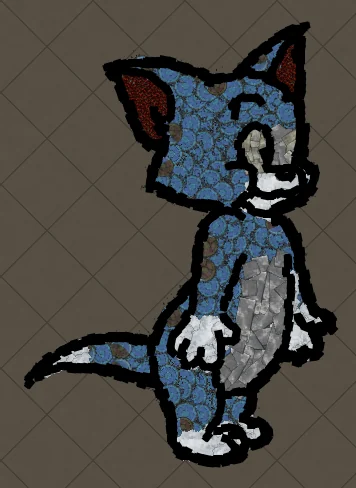
Tom from Tom and Jerry is all expressive curves: pointed ears, a long tail and a two-tone blue-grey body. The outline engine follows every one of those curves, which makes Tom a great showcase of how decorations bend along a drawing.
 Pokémon
How to Make Charmander Hideout Art in Path of Exile
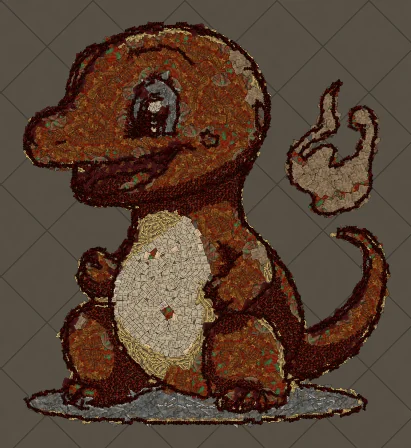
Charmander, the Fire-type starter Pokémon, is one of the most loved designs in the series. Its warm orange body, cream belly and flame-tipped tail map beautifully onto the earthy reds and browns that Path of Exile decorations do best.