How PoE Hideout Art Actually Works
What happens between uploading an image and importing a hideout full of decorations.
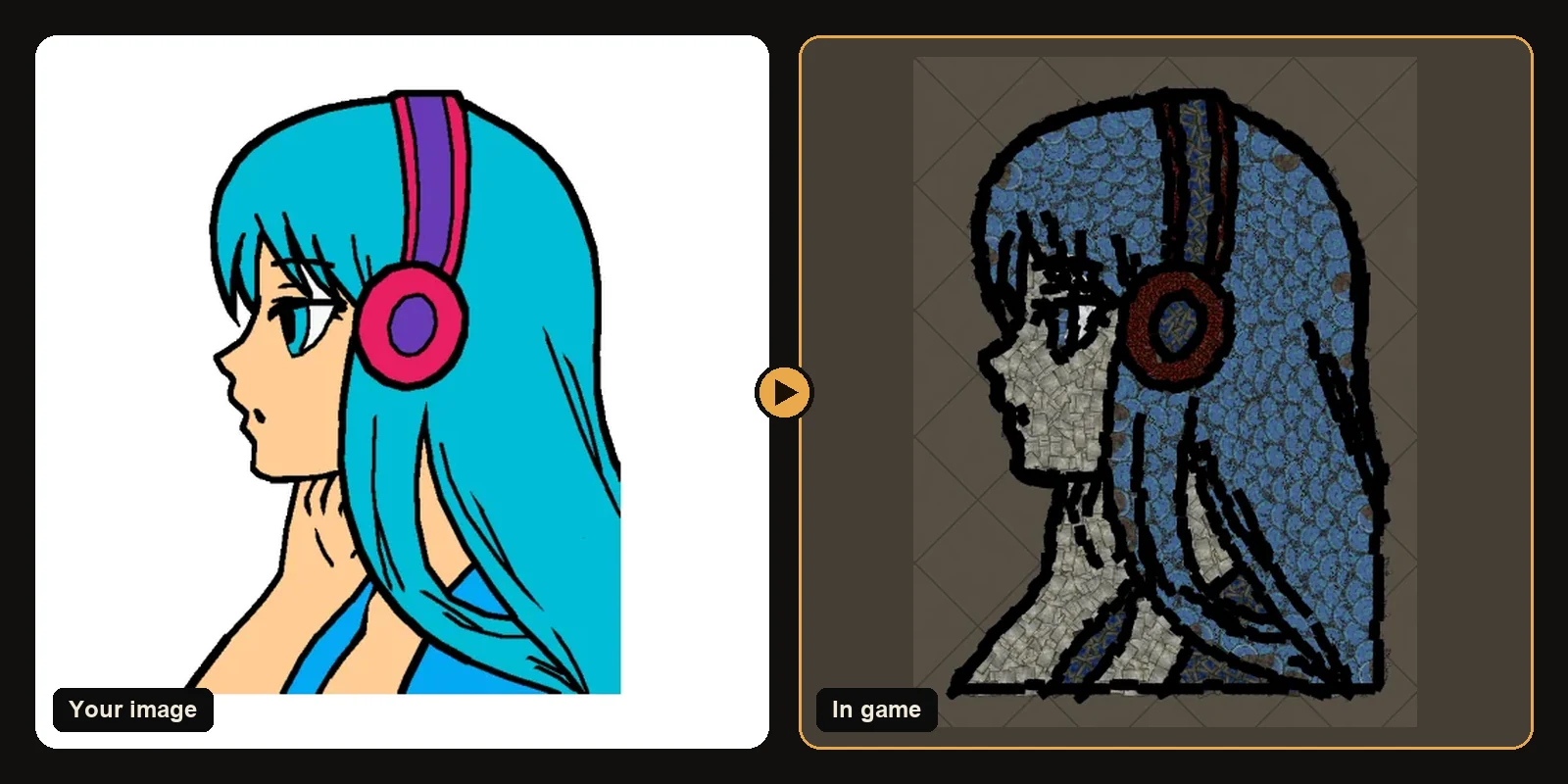
Hideout art looks like a painting, but it is made of individual decorations, each with its own position, rotation and variation. Here is what the generator does between the moment you upload an image and the moment you import a hideout full of decorations.
1. Finding the subject
First the generator decides what to build. If your image has transparency, it keeps it. Otherwise it removes only the background that touches the image border. That detail matters: white parts inside the subject, like eyes, teeth and highlights, stay part of the art instead of being cut out.
2. Simplifying colours and finding outlines
A typical image has thousands of colours, but the game camera can only show a handful of decoration families clearly. The generator groups the image into a small set of colour regions, cleans up tiny specks, and detects dark, thin lines as line art.
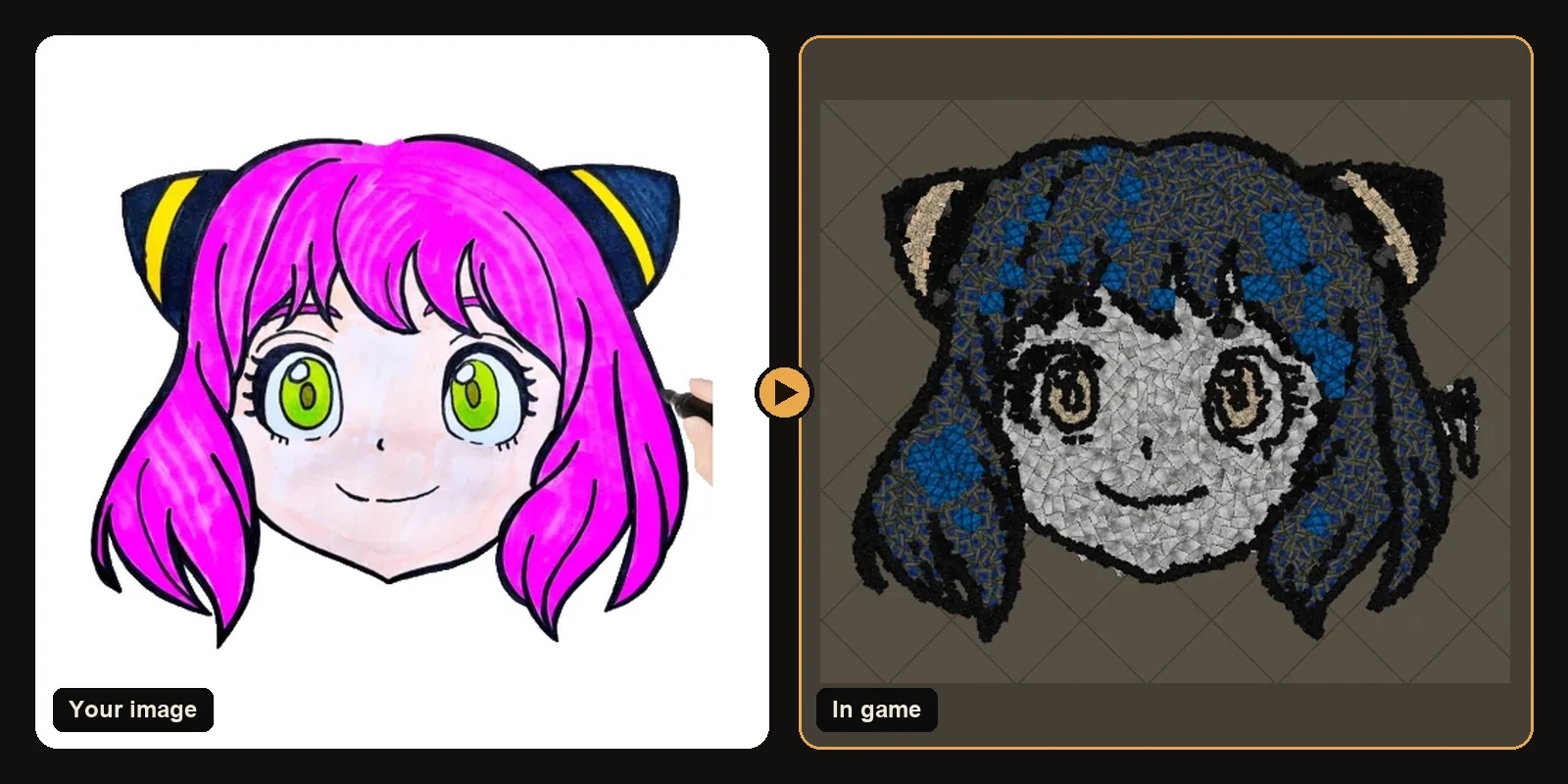
3. Knowing every decoration
Every decoration in the catalogue was rendered from the game's own meshes and textures, viewed from above like the hideout camera. From those renders the generator knows each decoration's real:
- colour, measured in a perceptual colour space so "close" means close to the eye,
- footprint: its size and shape on the floor,
- texture: whether it reads as smooth, rough or speckled.
4. Matching colours to decorations
For each colour region the generator picks the decoration that matches best. A few rules keep the result readable:
- Different colours get different decorations, so neighbouring areas never blur together.
- Light and dark stay in order: if the original's yellow is brighter than its orange, the decorations are too.
- Thin regions get small pieces, so a region too narrow for a big rug still gets filled.
5. Placing every piece
Placement works from big to small:
- Big pieces fill the inside of each region quickly.
- Smaller pieces finish the edges, rotated to follow the outline's direction.
- A dark "brush" decoration traces the line art and the outer edge.
Every piece snaps to whole hideout coordinates as it is placed, exactly like the game stores it, so the preview shows precisely what the file contains.
6. Rendering the preview
The preview is drawn from the same renders, at each piece's real position and rotation, on the floor of the hideout you chose. If something looks wrong in the preview, it would look wrong in game too, which is why you can change settings and preview again before downloading anything.
7. Writing the .hideout file
Finally the generator writes a .hideout file in the same format the game exports. It includes your hideout's functional objects (stash, waypoint, benches, masters) unless you chose otherwise, plus every decoration of the artwork. You import it with the game's own Import button.
Why not just a pixel grid?
Older tools placed one decoration per pixel on a square grid. That gives blocky edges, wastes pieces on flat areas and loses fine detail. Following the shapes of the drawing uses big pieces where they fit and small pieces only where they are needed, which is why generated art looks hand-placed.
See it on real artworks
Every art guide breaks down one artwork: the exact decorations used, how each colour was matched, and the counts for PoE 1 and PoE 2.
Art guides
View all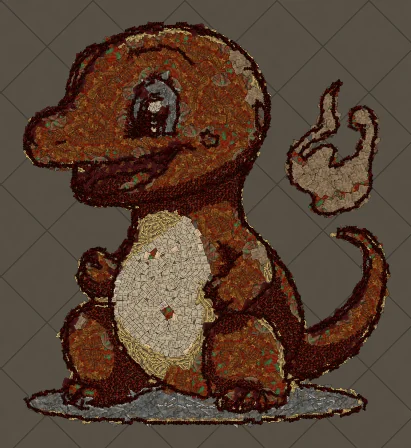 Pokémon
How to Make Charmander Hideout Art in Path of Exile
Charmander, the Fire-type starter Pokémon, is one of the most loved designs in the series. Its warm orange body, cream belly and flame-tipped tail map beautifully onto the earthy reds and browns that Path of Exile decorations do best.
 Sports
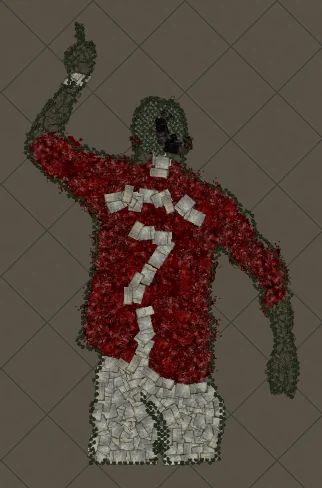
How to Make Football Star No. 7 Hideout Art in Path of Exile
A football celebration silhouette with the famous number 7 on the back. Sports art like this works because the pose and the shirt colours carry the whole image, and both translate cleanly into decorations.
 Cartoons
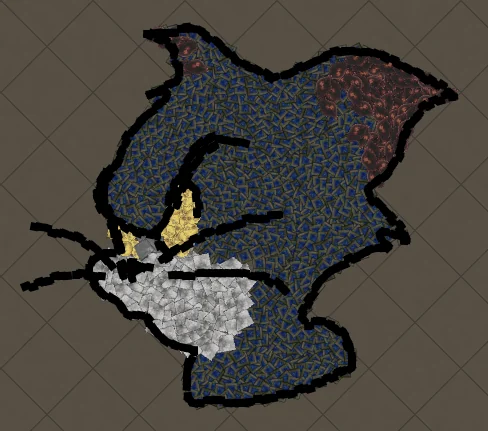
How to Make Tom Portrait Hideout Art in Path of Exile
A close-up of Tom's face, with sharp eyes and a sly expression. Portraits put all the decorations into the face, so expressions come through with surprising detail.
Keep reading
 Guides
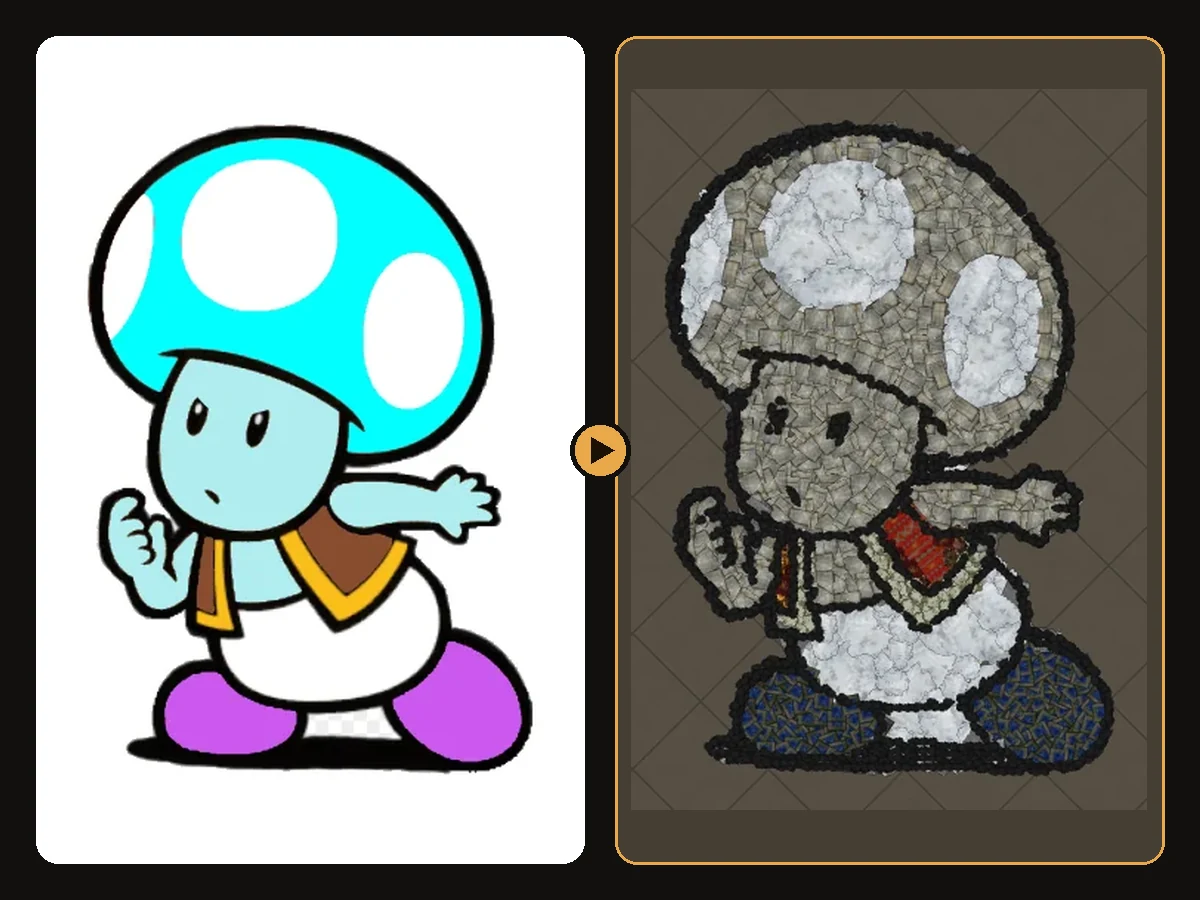
How to Import Hideout Art into Path of Exile
Import a .hideout file into your Path of Exile hideout, and fix the most common problems.
 Tips
Tips
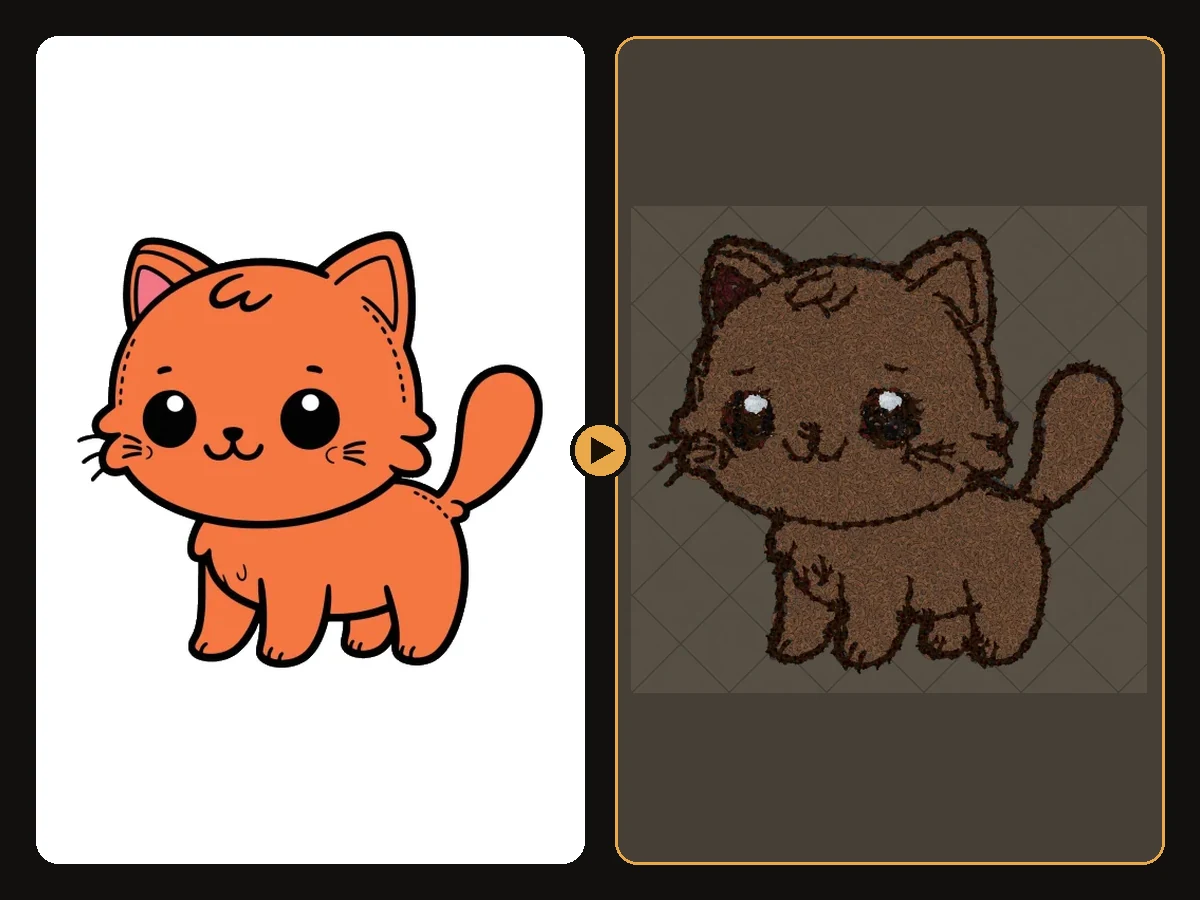
Best Images for PoE Hideout Art
Which images turn into great Path of Exile hideout art, and how to prepare them.
 Explained
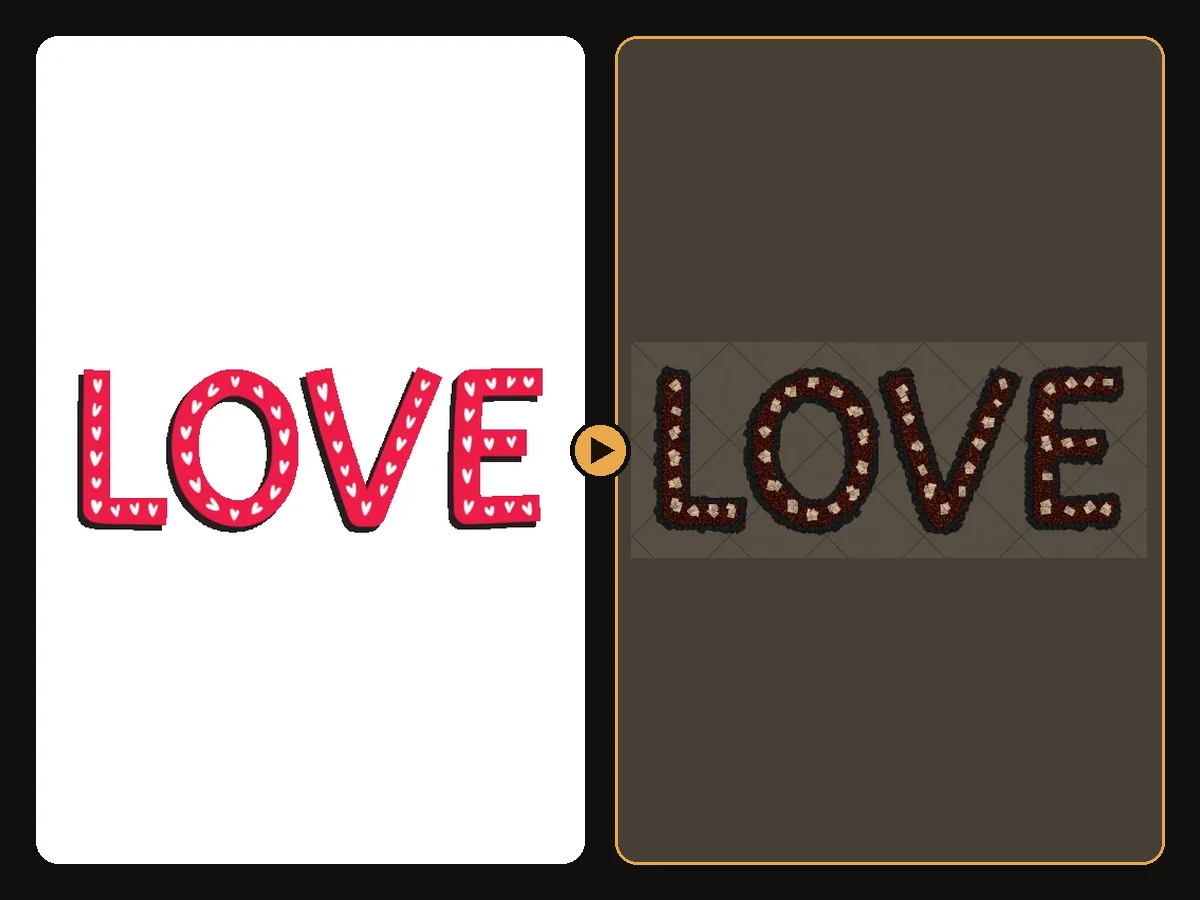
How Many Decorations Does Hideout Art Use?
Typical decoration counts for generated hideout art, and how to use fewer.