Best Images for PoE Hideout Art
Which images turn into great Path of Exile hideout art, and how to prepare them.
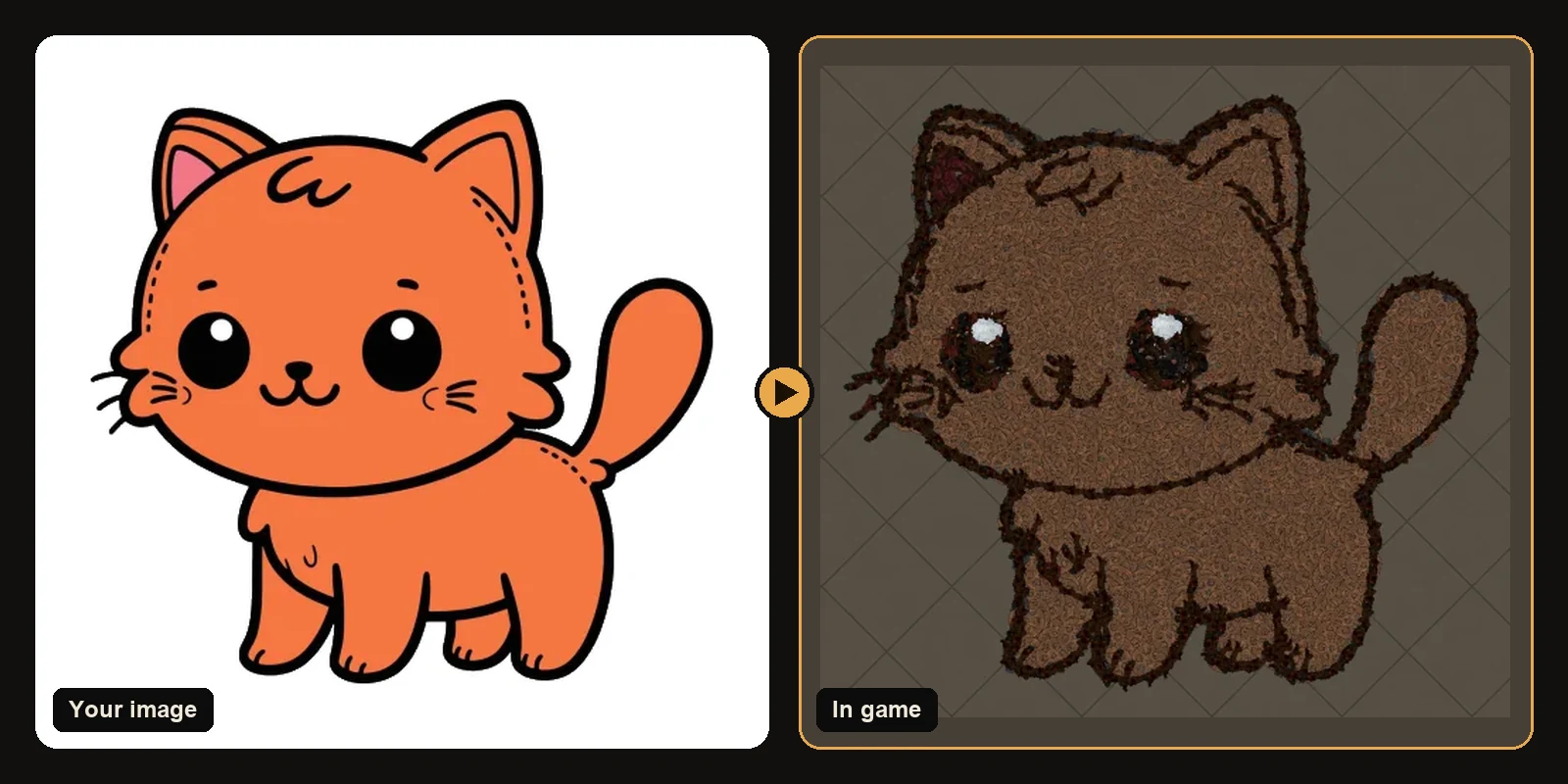
Some images turn into stunning hideout art and some lose their charm in translation. The difference is almost never the subject; it is the style of the image. This guide shows what to look for, with real before-and-after examples.
The three things that matter
1. A bold outline
Outlines become a trace of dark decorations. A thick, clean outline gives the art a crisp edge; a thin or broken one disappears. Cartoons, stickers and logos usually have the best outlines.
2. A few flat colours
Each colour area becomes one decoration family. Four to eight flat colours read perfectly from the game camera. Gradients and soft shading are simplified into bands, which can look busy.
3. One clear subject
The generator builds whatever is in the image. A character on a plain or transparent background gives a clean silhouette on your hideout floor. A character in a detailed scene builds the scene too.
Great choices
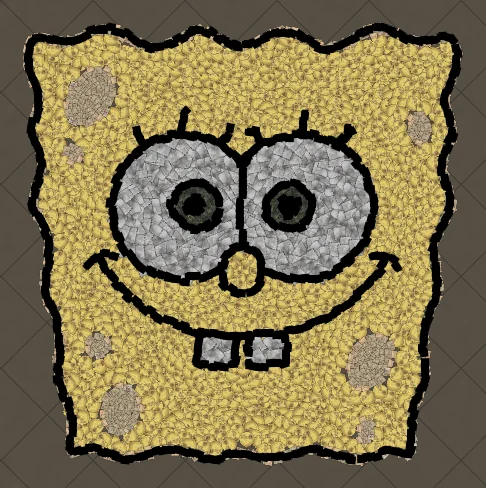
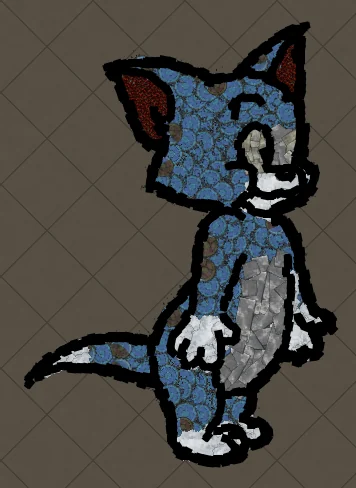
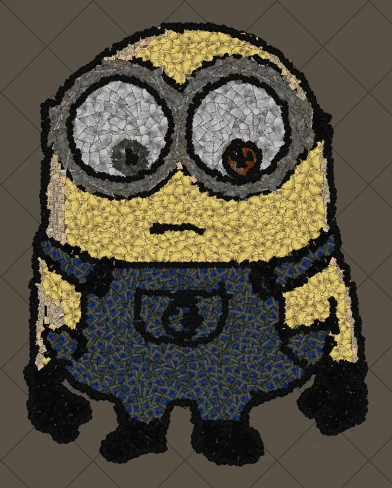
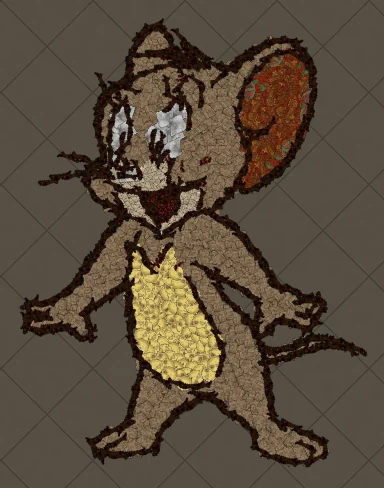
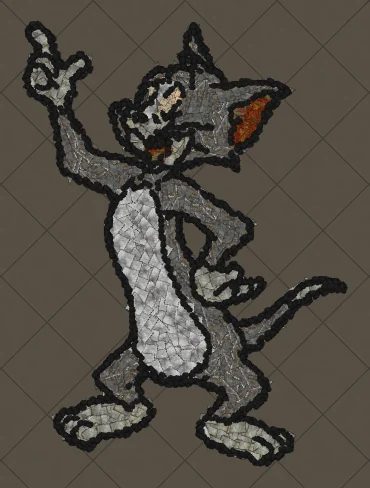
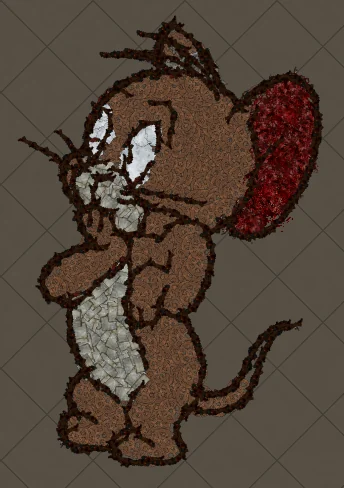
- Cartoon characters: SpongeBob, Tom and Jerry, Minions.
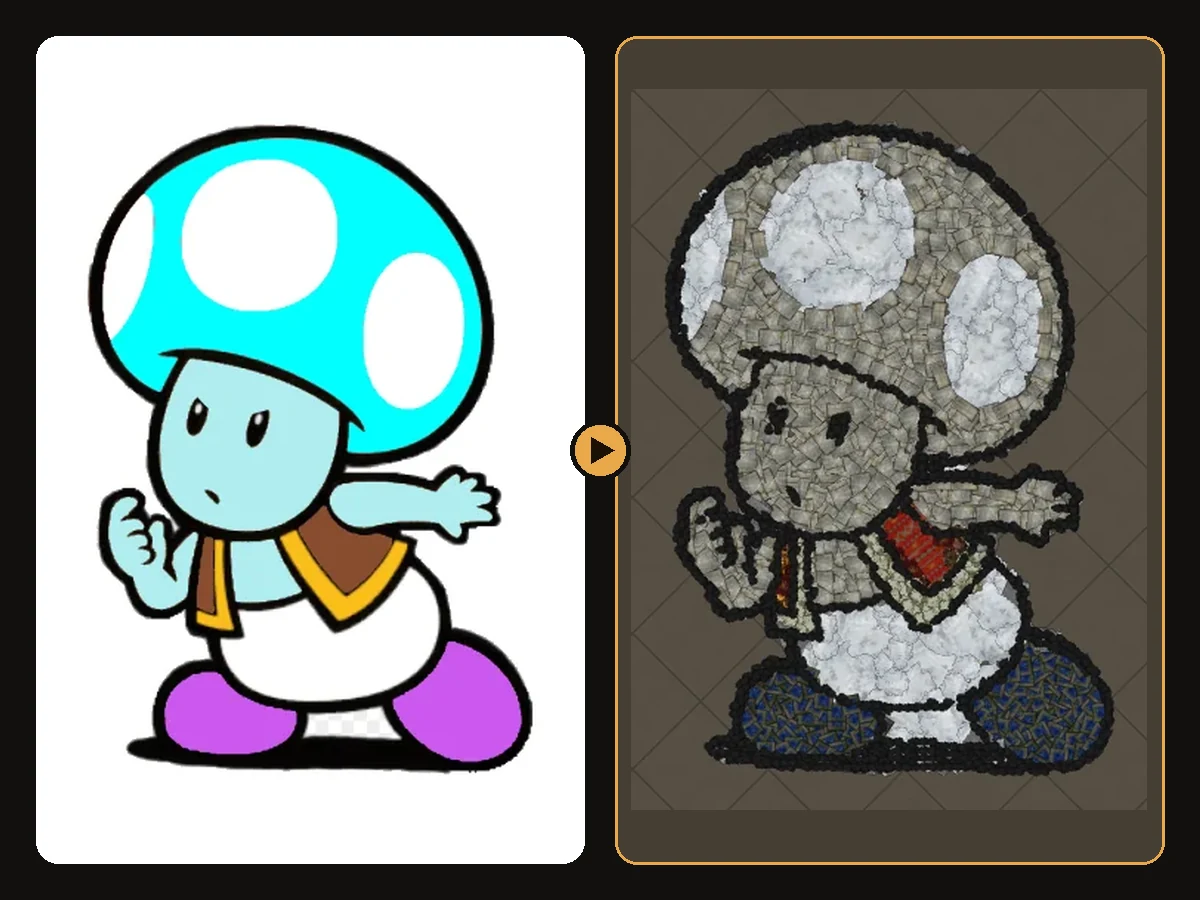
- Pokémon and game characters: Pikachu, Mario, Toad.
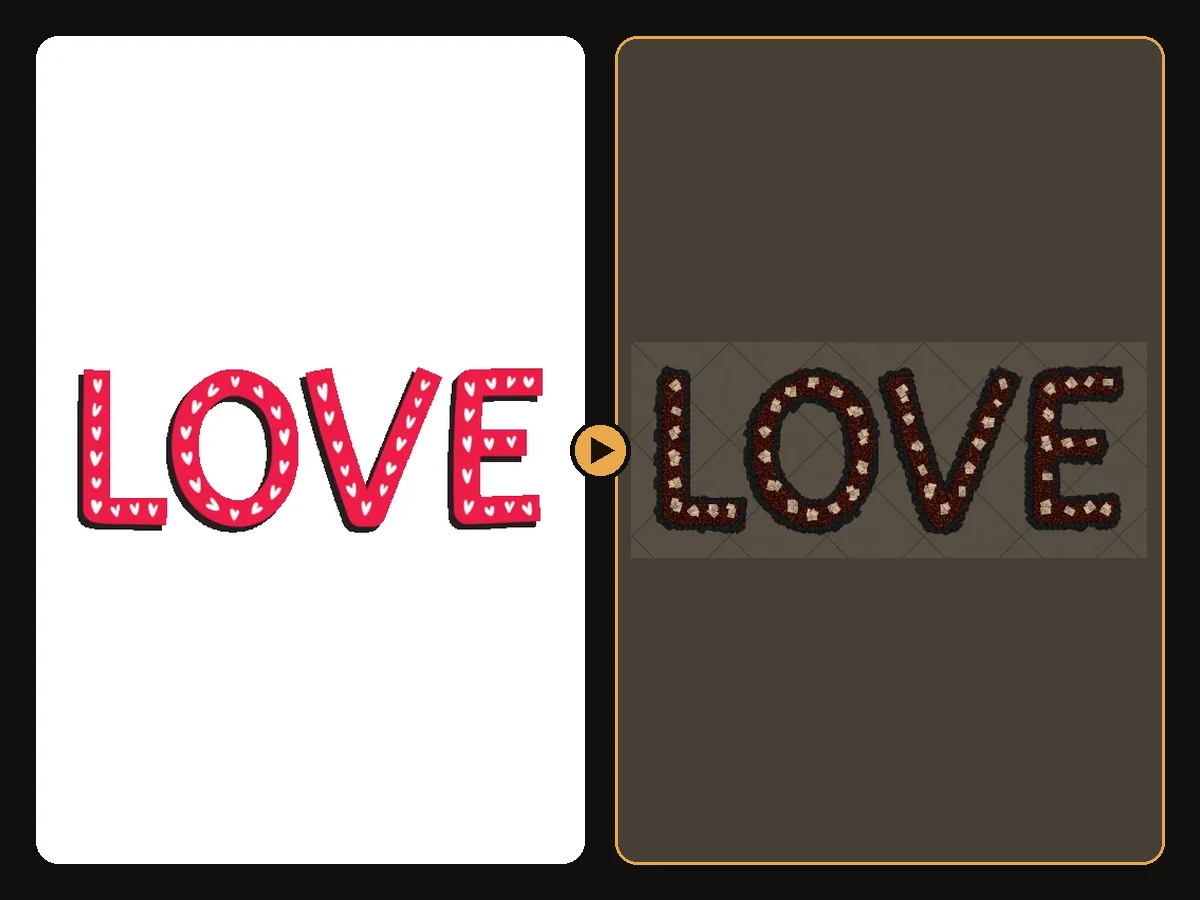
- Logos and text with a few flat colours, like LOVE marquee letters.
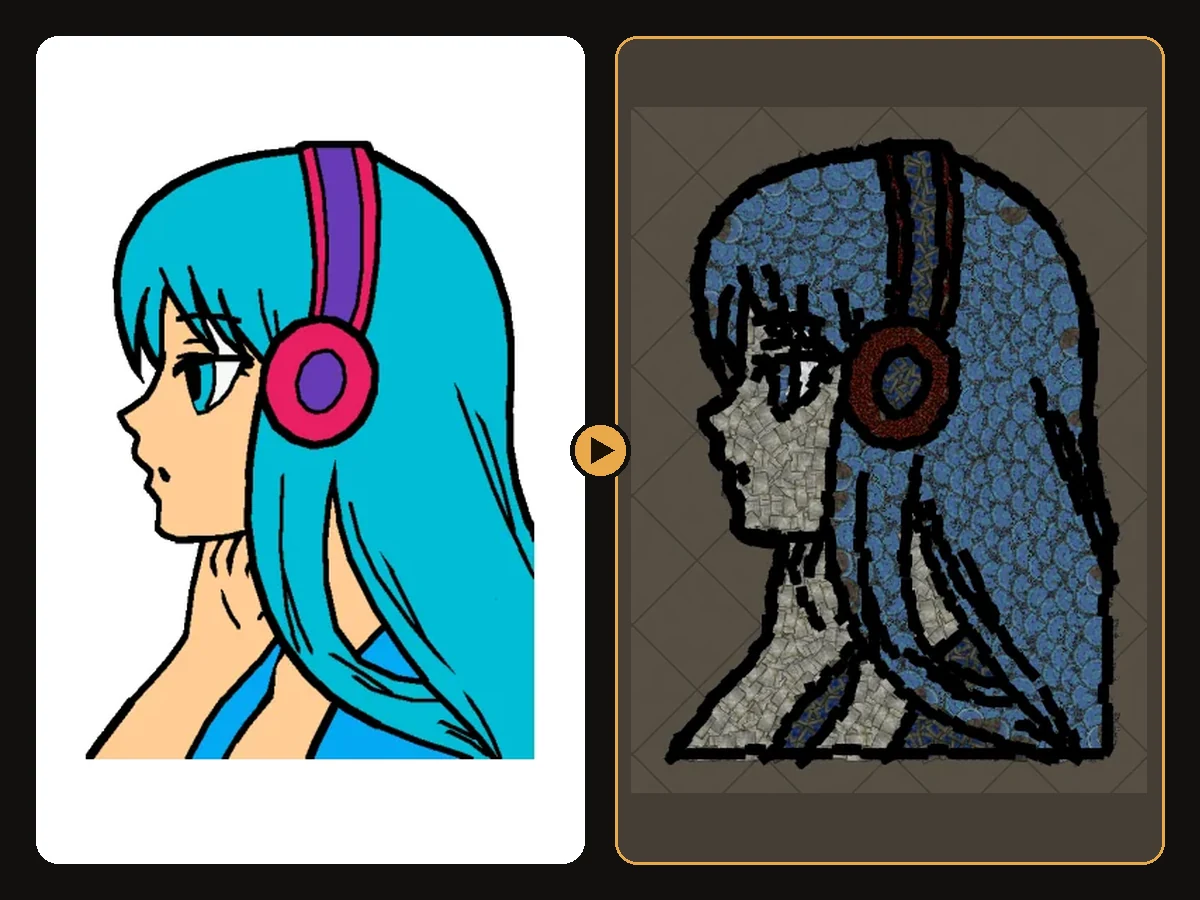
- Anime portraits with clear hair and eye shapes.
- Icons and emojis: the laughing smiley is about as clean as hideout art gets.
- Line art: colouring-page drawings like the line art cat become elegant outline pieces.
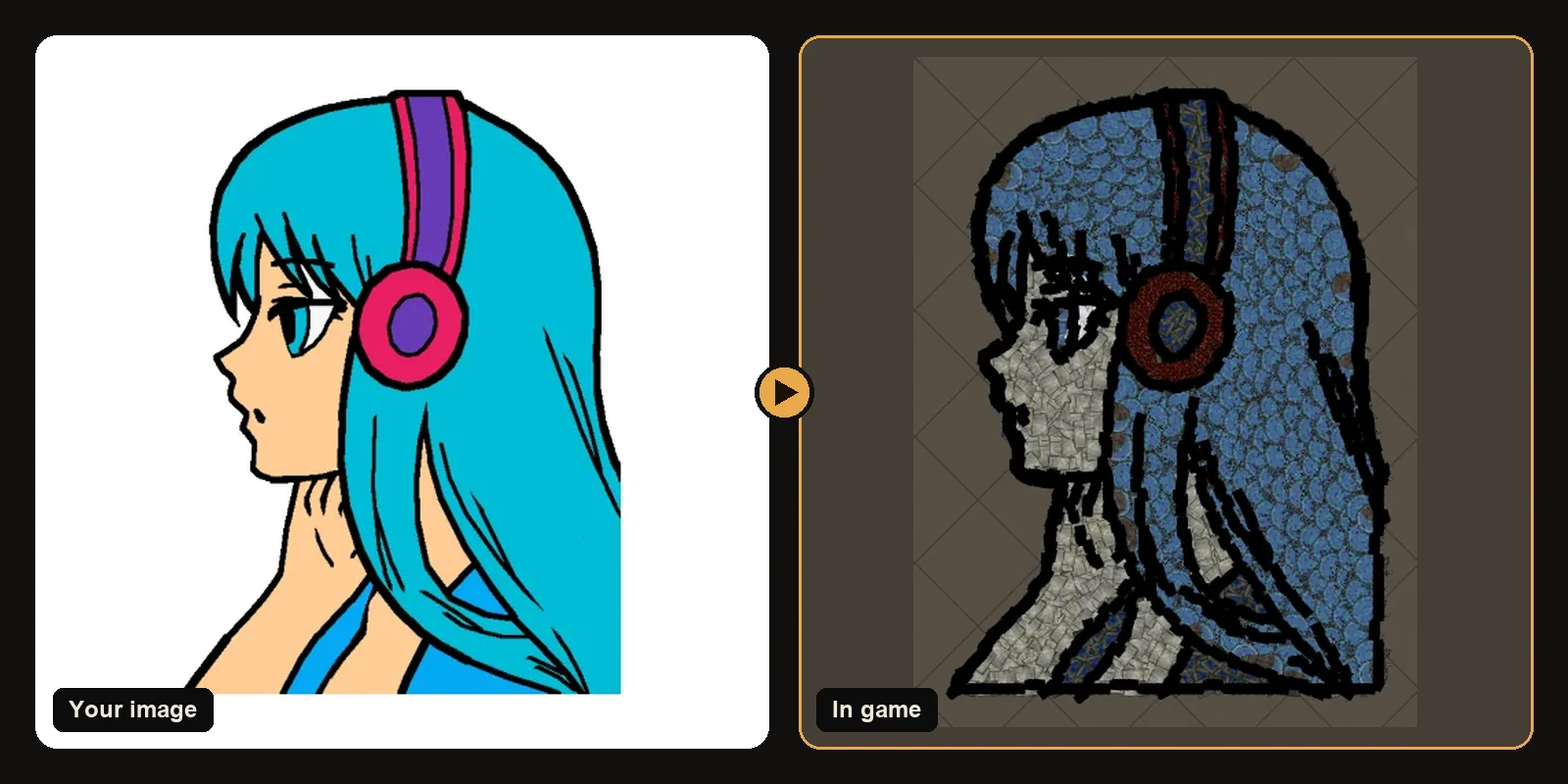
Harder images, and how to fix them
Photos
Photos have thousands of colours and soft edges. They still work, but expect a stylised result. Fix: use a portrait with a plain background and strong light, or apply a cartoon filter first.
Tiny details
Small text, thin lines and distant faces need space. Fix: crop closer and raise the art size.
Neon and pastel colours
Path of Exile decorations lean earthy: stone, wood, bone, cloth and metal. Very bright colours are matched to the nearest family, so a neon pink becomes a warm rose. Fix: nothing to fix. The contrast is kept, so the image still reads, and the preview shows exactly what you get.
Very dark images
If most of an image is dark, the outline has nothing to stand out against. Fix: brighten the image a little before uploading.
Quick preparation checklist
- Crop to the subject.
- Remove the background, or use plain white or transparency.
- Pick the version of the image with the thickest outline.
- Increase the art size for faces and fine detail.
- Lower max colours for a cleaner, poster-like look.
See what works
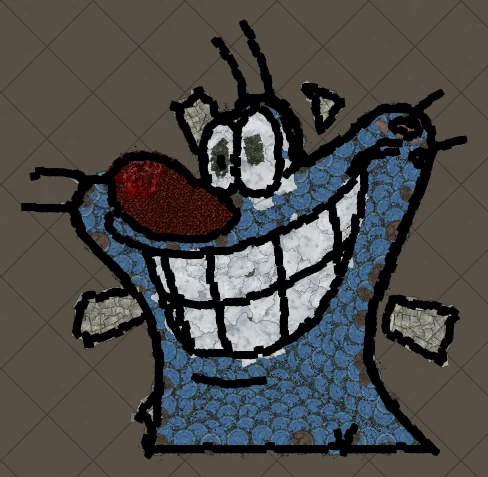
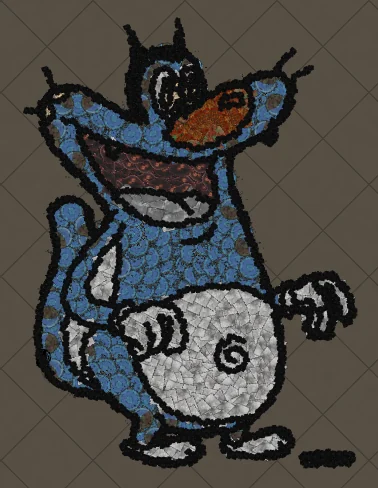
Every art guide shows the original image next to the in-game result, so you can judge any style before trying it yourself.
Art guides
View all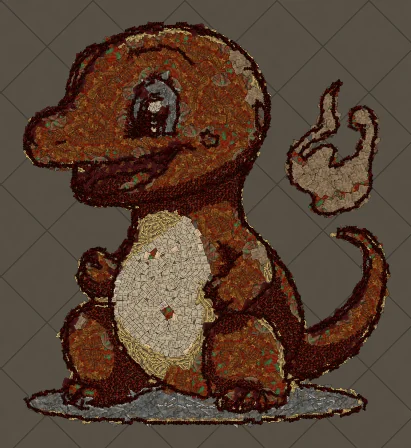 Pokémon
How to Make Charmander Hideout Art in Path of Exile
Charmander, the Fire-type starter Pokémon, is one of the most loved designs in the series. Its warm orange body, cream belly and flame-tipped tail map beautifully onto the earthy reds and browns that Path of Exile decorations do best.
 Sports
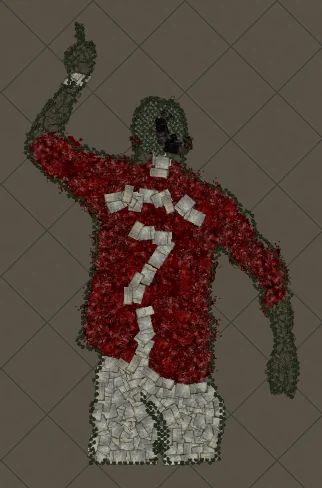
How to Make Football Star No. 7 Hideout Art in Path of Exile
A football celebration silhouette with the famous number 7 on the back. Sports art like this works because the pose and the shirt colours carry the whole image, and both translate cleanly into decorations.
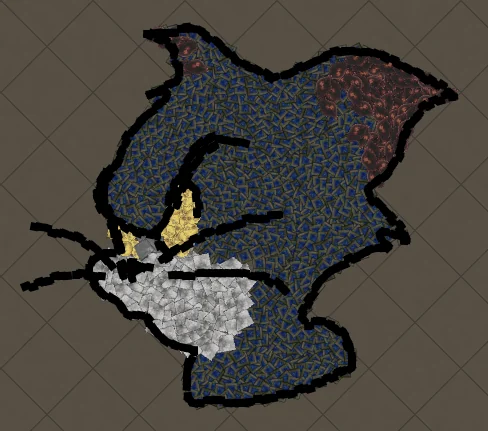 Cartoons
How to Make Tom Portrait Hideout Art in Path of Exile
A close-up of Tom's face, with sharp eyes and a sly expression. Portraits put all the decorations into the face, so expressions come through with surprising detail.
Keep reading
 Guides
How to Import Hideout Art into Path of Exile
Import a .hideout file into your Path of Exile hideout, and fix the most common problems.
 Explained
How PoE Hideout Art Actually Works
What happens between uploading an image and importing a hideout full of decorations.
 Explained
How Many Decorations Does Hideout Art Use?
Typical decoration counts for generated hideout art, and how to use fewer.