How Many Decorations Does Hideout Art Use?
Typical decoration counts for generated hideout art, and how to use fewer.
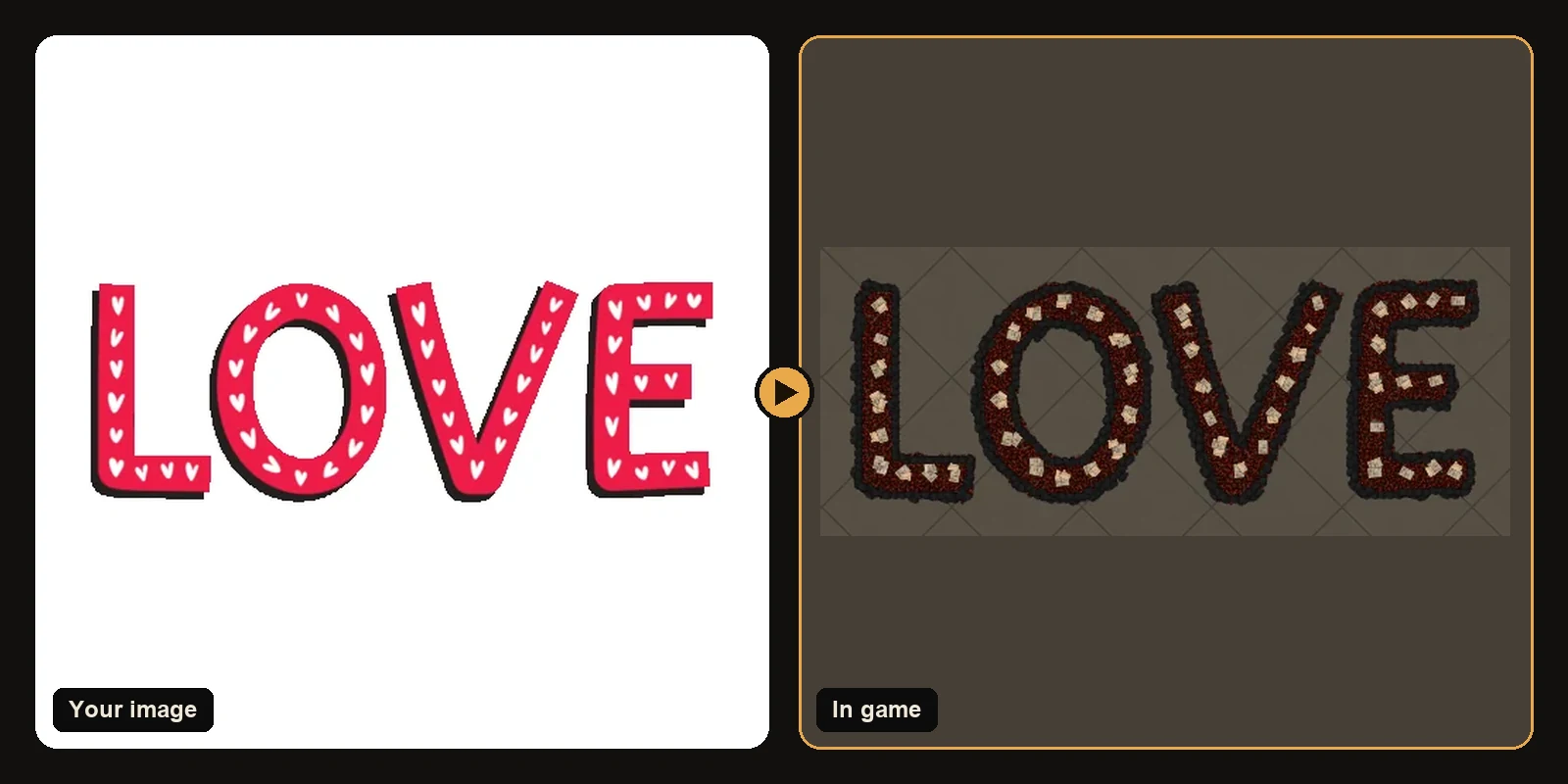
The number of decorations in a piece of hideout art depends mostly on two things: how big the art is, and how detailed the image is. Here are real numbers from the starter artworks, and how to make your art use fewer pieces.
The 750 decoration limit
Path of Exile 1 and Path of Exile 2 allow 750 decorations per hideout. Functional objects like your stash, waypoint, crafting bench and masters do not count toward it.
The generator respects that limit automatically. Every artwork is built to fit inside it:
- The image is generated at the size you chose.
- If it would need more than 750 decorations, outlines switch to longer, more efficient strokes first.
- If it still does not fit, the art is scaled down just enough to fit, keeping as much detail as possible.
So a file from the generator always imports completely, with no pieces cut off by the game.
Typical counts
- Simple logos, text and line art often fit in 300 to 600 decorations at the default size.
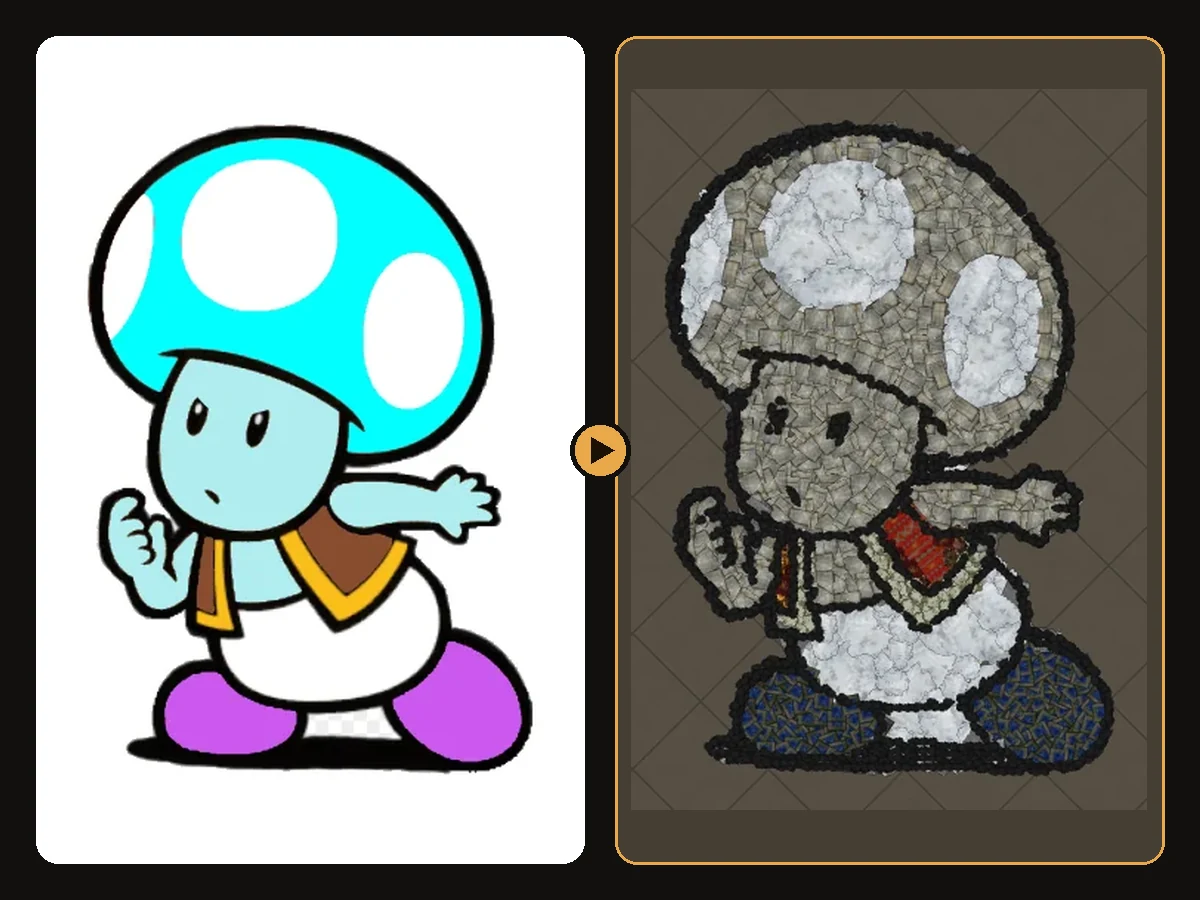
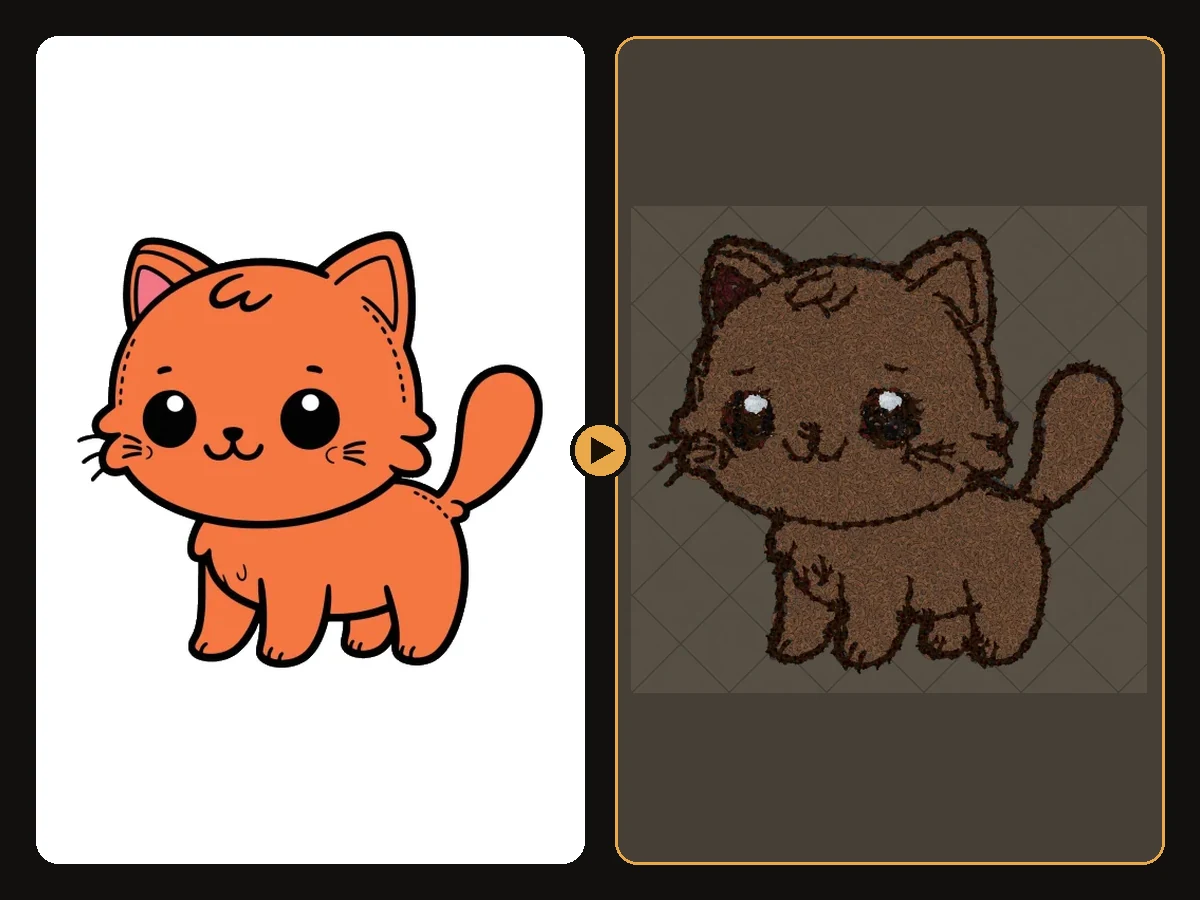
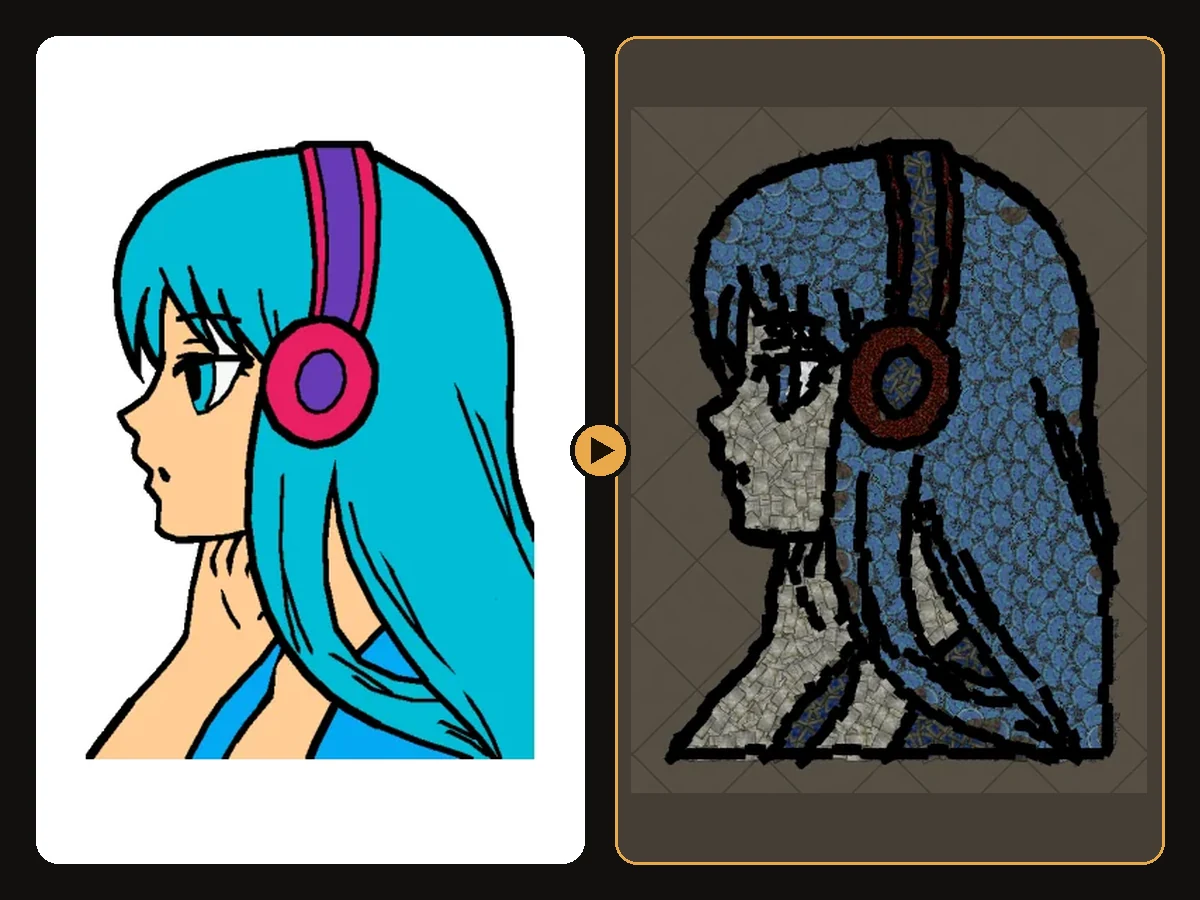
- Cartoon characters and anime usually use most of the budget, 650 to 750, at a size fitted to the limit.
The result page always shows the exact count, the final art size and every decoration type, so you know before you import. Every art guide on this site lists its counts for PoE 1 and PoE 2 too.
What changes the count
Art size
Art size is measured in hideout units along the longest side. Because the art is an area, doubling the size roughly quadruples the number of pieces, which is why detailed images are fitted at a smaller size to stay under the limit.
Detail
Many small colour regions need many small pieces. A face with eyes, eyebrows, teeth and blush uses far more decorations than a flat logo of the same size.
Outline and line art
Tracing the outer edge and inner lines adds a row of dark pieces along every line. That trace is what makes the art crisp, but on a very detailed drawing it can be a large part of the total.
Number of colours
More colours mean more, smaller regions, and more edges between them.
How to use fewer decorations
- Lower the art size if you want to leave room for your own decorations next to the art.
- Reduce max colours under More options. Five or six colours often look cleaner anyway.
- Turn off Follow line art for images without important inner lines.
- Crop the image so no decorations are spent on empty background.
How to get more detail within the limit
Because the total is capped at 750, detail comes from spending pieces wisely rather than adding more:
- Crop tightly so every piece goes to the subject.
- Use fewer colours so pieces are not spent on tiny shading areas.
- Pick images with bold shapes: they stay readable even when the art is fitted smaller.
Plans include unlimited previews, so try a few versions.
Does the count affect the cost?
No. A download uses one conversion from your plan whatever the size of the artwork.
Related guides
Art guides
View all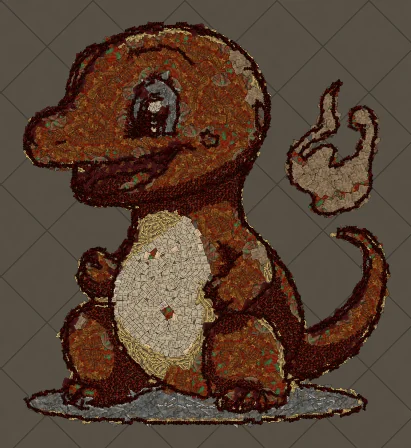 Pokémon
How to Make Charmander Hideout Art in Path of Exile
Charmander, the Fire-type starter Pokémon, is one of the most loved designs in the series. Its warm orange body, cream belly and flame-tipped tail map beautifully onto the earthy reds and browns that Path of Exile decorations do best.
 Sports
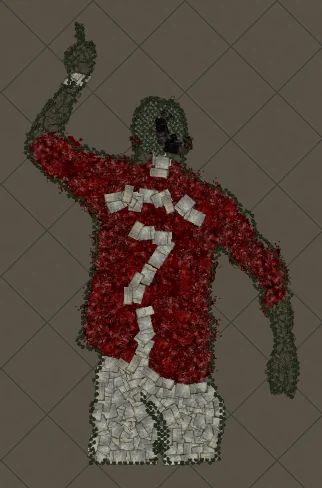
How to Make Football Star No. 7 Hideout Art in Path of Exile
A football celebration silhouette with the famous number 7 on the back. Sports art like this works because the pose and the shirt colours carry the whole image, and both translate cleanly into decorations.
 Cartoons
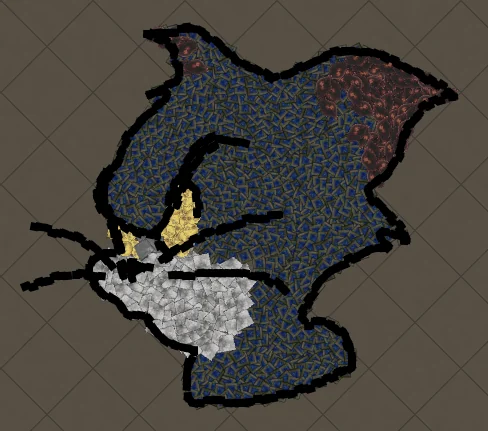
How to Make Tom Portrait Hideout Art in Path of Exile
A close-up of Tom's face, with sharp eyes and a sly expression. Portraits put all the decorations into the face, so expressions come through with surprising detail.
Keep reading
 Guides
How to Import Hideout Art into Path of Exile
Import a .hideout file into your Path of Exile hideout, and fix the most common problems.
 Tips
Tips
Best Images for PoE Hideout Art
Which images turn into great Path of Exile hideout art, and how to prepare them.
 Explained
How PoE Hideout Art Actually Works
What happens between uploading an image and importing a hideout full of decorations.