Image to Hideout Art
Convert a PNG, JPG, logo or anime image into Path of Exile hideout art made from real decorations.
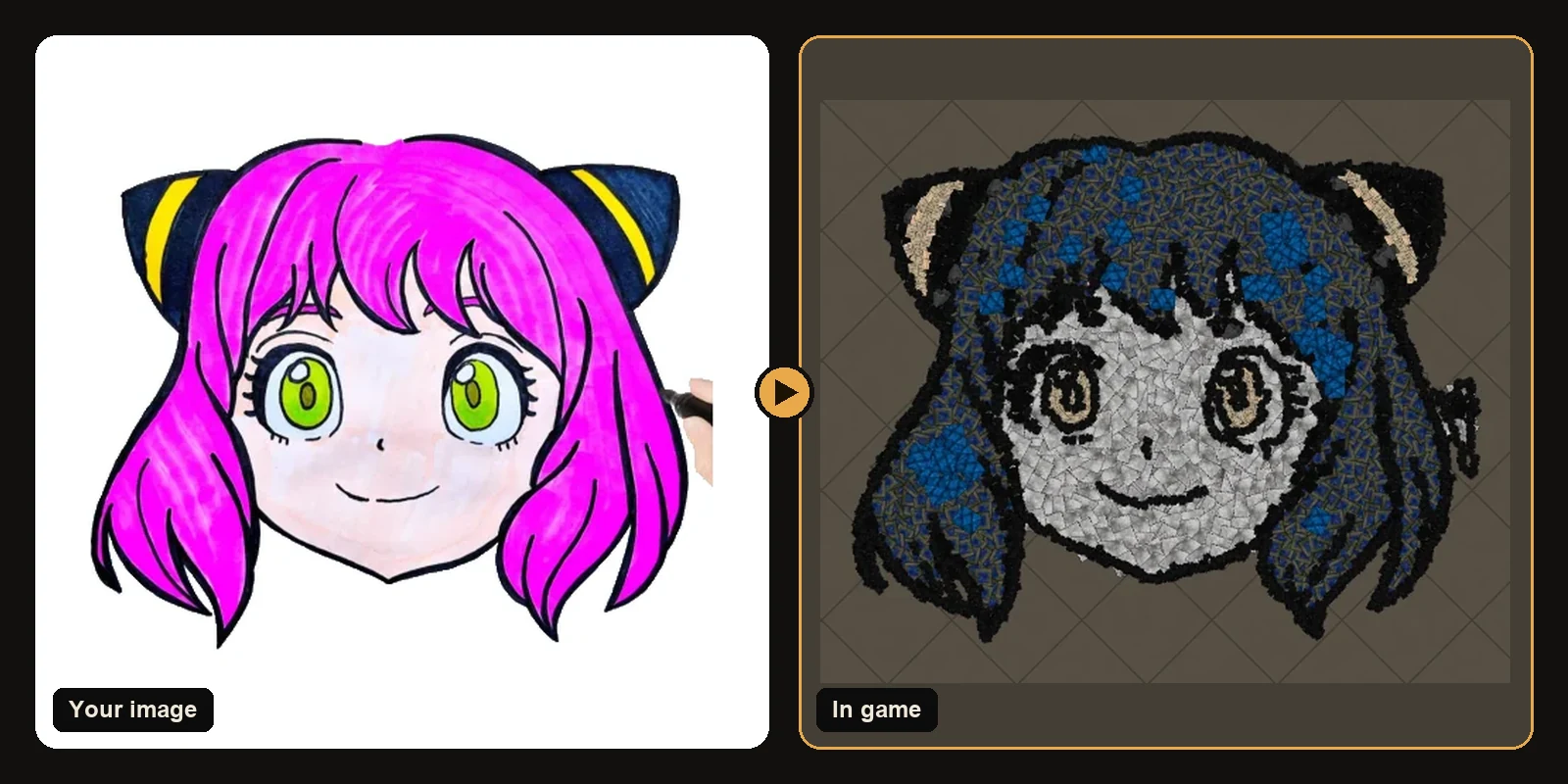
You can convert almost any image into Path of Exile hideout art: characters, logos, anime, memes, guild emblems or your own drawings. This page covers which images work, how the conversion handles colour and detail, and how to get the cleanest result.
Supported images
The generator accepts PNG, JPG, WEBP, GIF and BMP.
- Transparent backgrounds stay transparent, so only the subject is built.
- Plain white backgrounds are removed automatically. Only the white that touches the image border is removed, so white parts of the subject, like eyes and teeth, are kept.
- Busy backgrounds are built as part of the art, so crop or clean them first if you only want the subject.
What converts best
Cartoons and characters
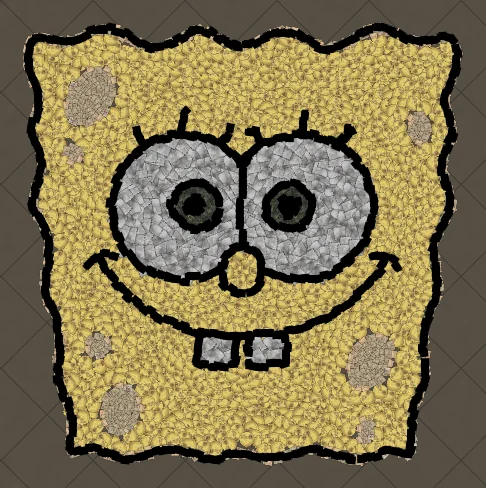
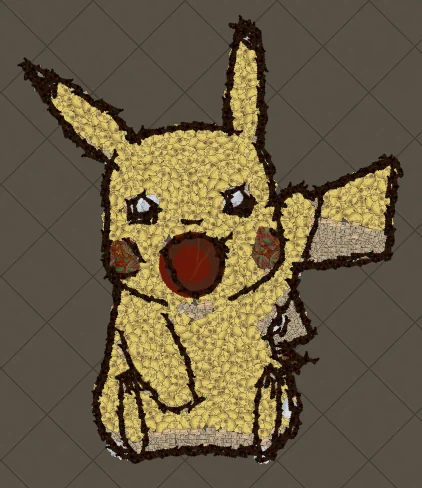
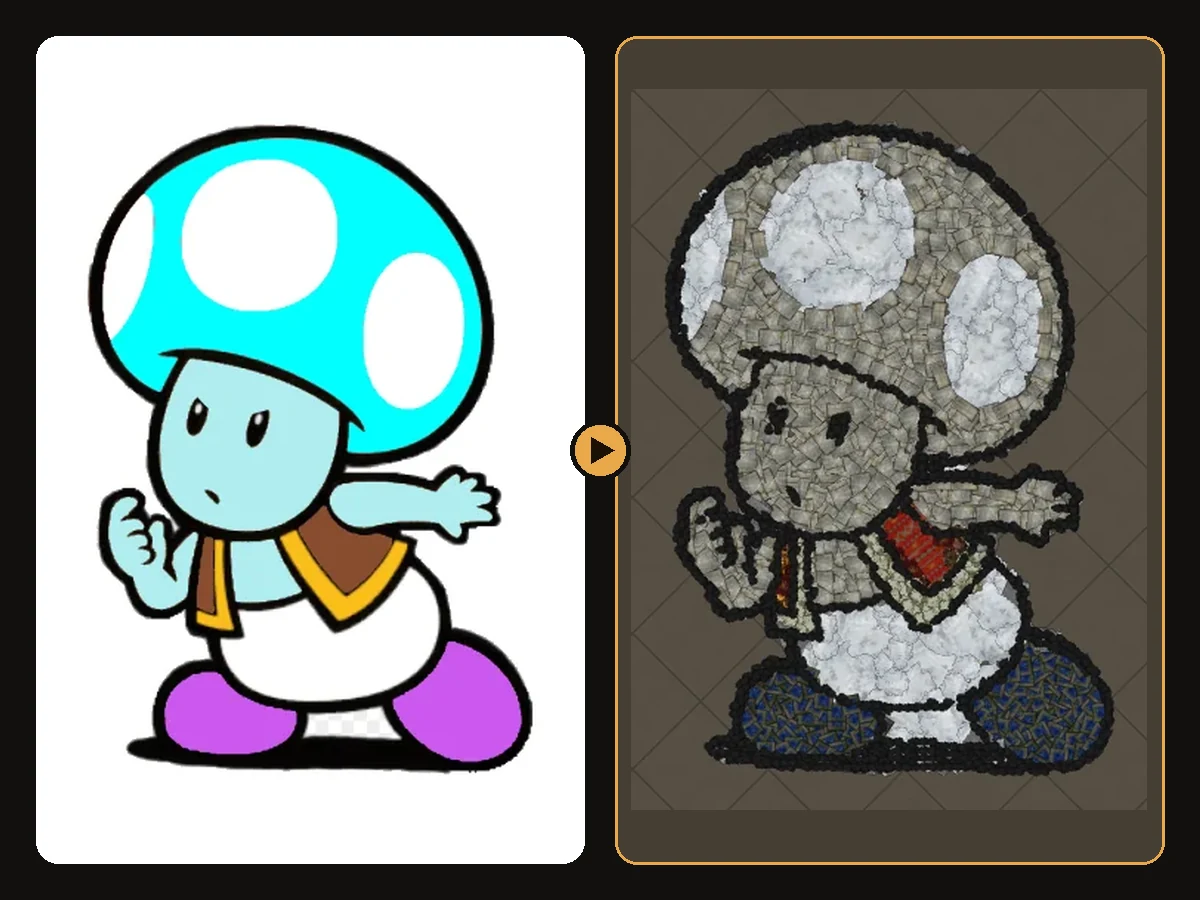
Bold black outlines and flat colours are ideal. The outline becomes a dark decoration trace and each colour area becomes one decoration family. That is why SpongeBob and Pikachu look so clean.
Logos and text
Logos are usually designed to be readable at small sizes with few colours, which is exactly what hideout art needs. Keep letters thick; very thin fonts need a larger art size.
Anime
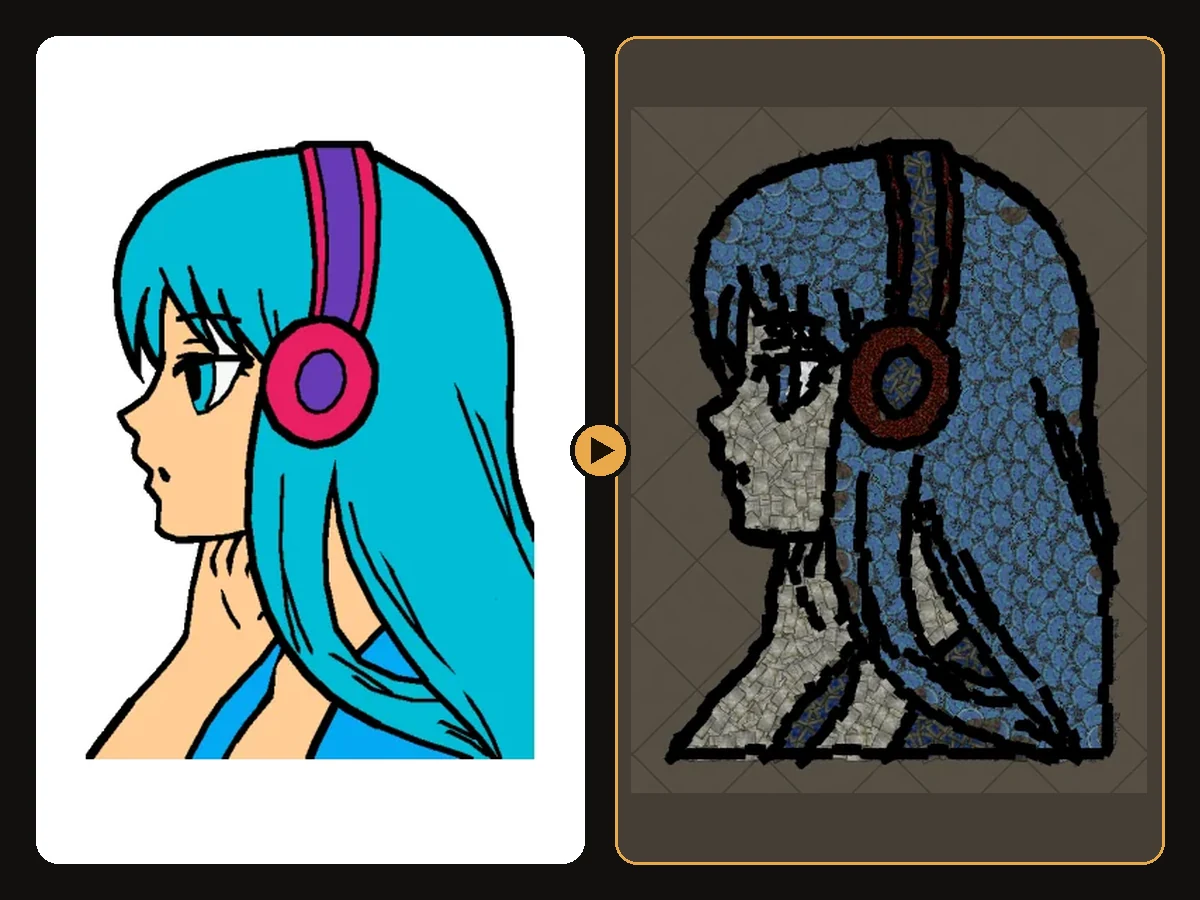
Anime portraits work well because of their strong hair shapes and large eyes. Choose images where the face is at least a third of the picture.
Photos
Photos work, but they are simplified to a few colour areas. Portraits with a plain background and strong lighting turn out best.
How colours are converted
Path of Exile decorations are mostly earthy: stone, wood, bone, cloth and metal. The generator matches each colour of your image to the closest decoration family while keeping the light and dark order of the original. Bright yellow becomes a warm cream or sand, not grey stone, and dark outlines stay dark.
Very bright neon and pastel colours are the hardest to match exactly, so the result will look a little more natural than the original. The free preview shows exactly what you will get before you download anything.
Size and detail
The art size setting controls how large the artwork is in the hideout, measured in hideout units.
- Around 110 units suits most logos and simple characters.
- Larger sizes give faces, hands and small text more room.
Path of Exile allows 750 decorations per hideout, and every artwork is automatically fitted to that limit: if your image would need more pieces at the size you chose, the generator scales it down just enough to fit. The result page shows the final size and count, so what you import always works in game.
Preparing your image in a minute
- Crop close to the subject.
- Remove the background, or place the subject on plain white.
- Simplify if the image has gradients or fine texture; a slightly cartoon-like version converts better.
- Upload and compare the preview. If edges look soft, raise the art size.
See more conversions
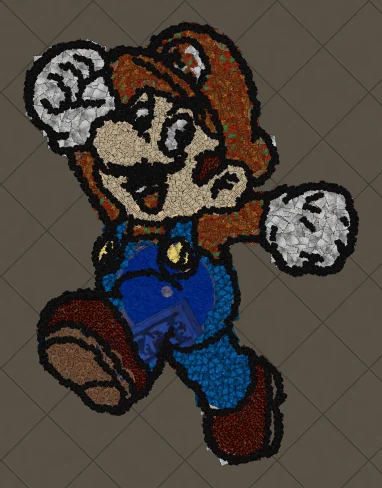
Every artwork in the art guides shows the original next to the in-game version with a slider, so you can see how each type of image converts.
Art guides
View all
Pokémon
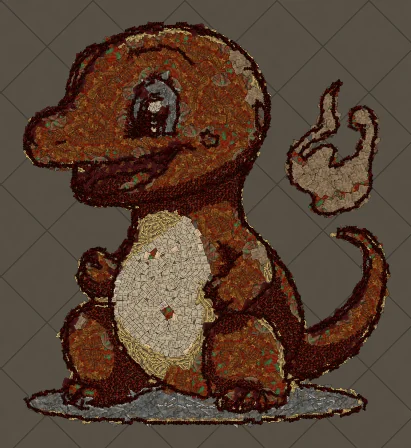
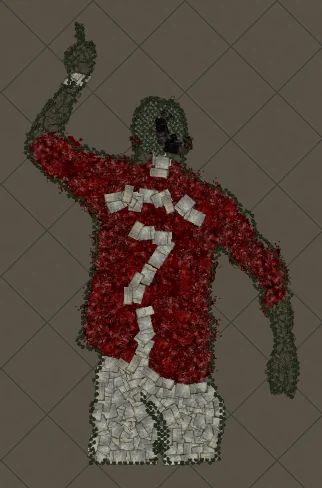
How to Make Charmander Hideout Art in Path of Exile
Charmander, the Fire-type starter Pokémon, is one of the most loved designs in the series. Its warm orange body, cream belly and flame-tipped tail map beautifully onto the earthy reds and browns that Path of Exile decorations do best.
Cartoons
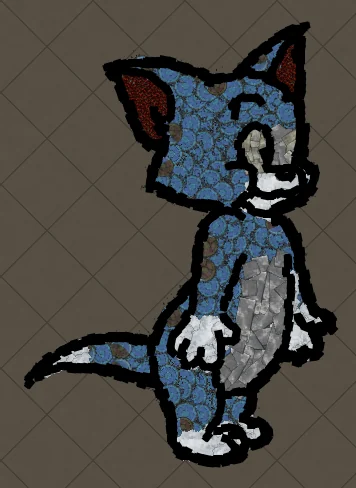
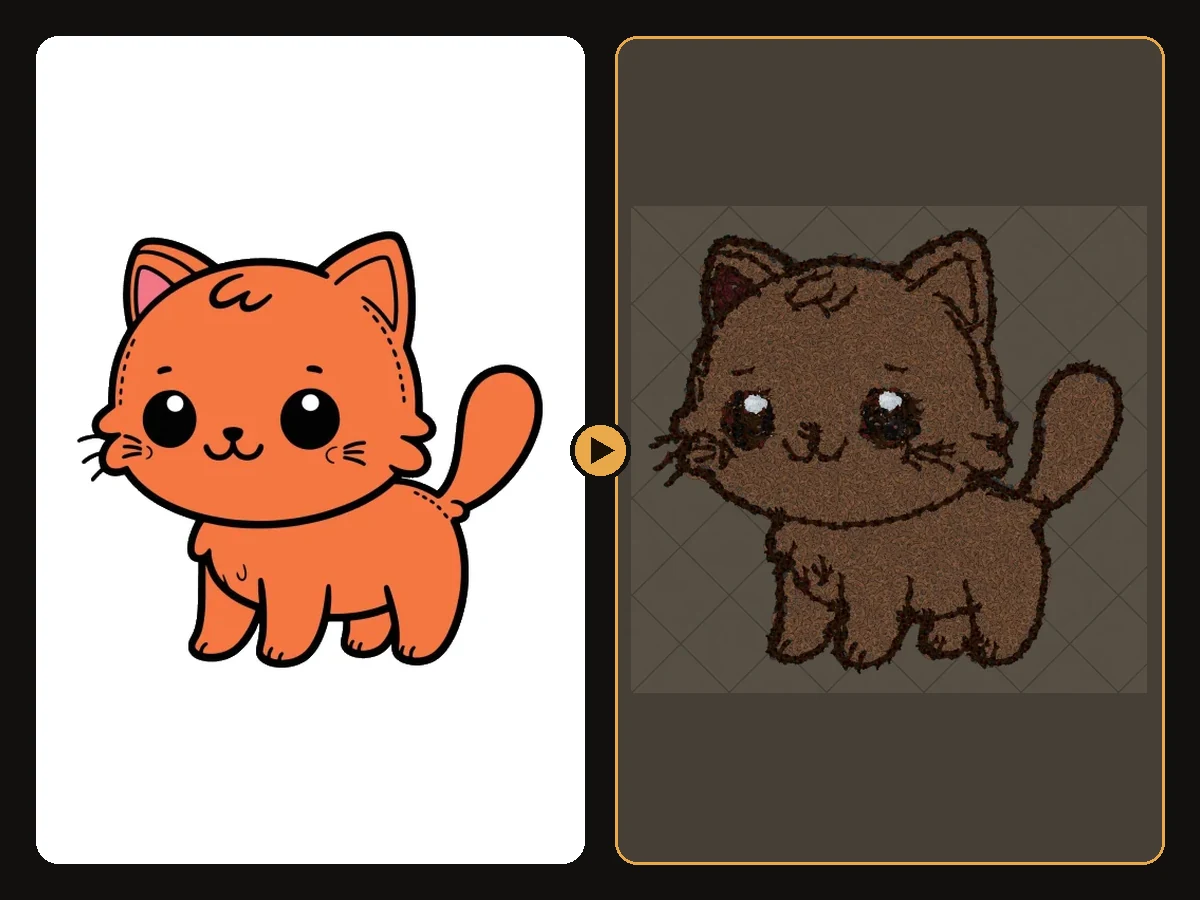
How to Make Tom the Cat Hideout Art in Path of Exile
Tom from Tom and Jerry is all expressive curves: pointed ears, a long tail and a two-tone blue-grey body. The outline engine follows every one of those curves, which makes Tom a great showcase of how decorations bend along a drawing.
Anime
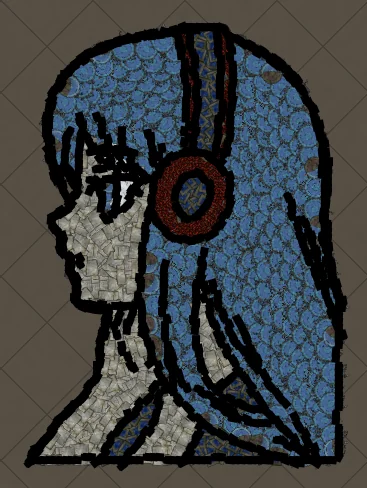
How to Make Anime Girl with Headphones Hideout Art in Path of Exile
A classic anime portrait: flowing hair, big expressive eyes and bold headphones. Anime art is drawn with clean outlines and flat colour areas, which is exactly what the generator rebuilds best from decorations.
Keep reading
 Guides
How to Import Hideout Art into Path of Exile
Import a .hideout file into your Path of Exile hideout, and fix the most common problems.
 Tips
Tips
Best Images for PoE Hideout Art
Which images turn into great Path of Exile hideout art, and how to prepare them.
 Explained
How PoE Hideout Art Actually Works
What happens between uploading an image and importing a hideout full of decorations.