PoE Hideout Art Generator
Upload an image and get a real Path of Exile hideout file made from in-game decorations. Free preview, no design skills needed.
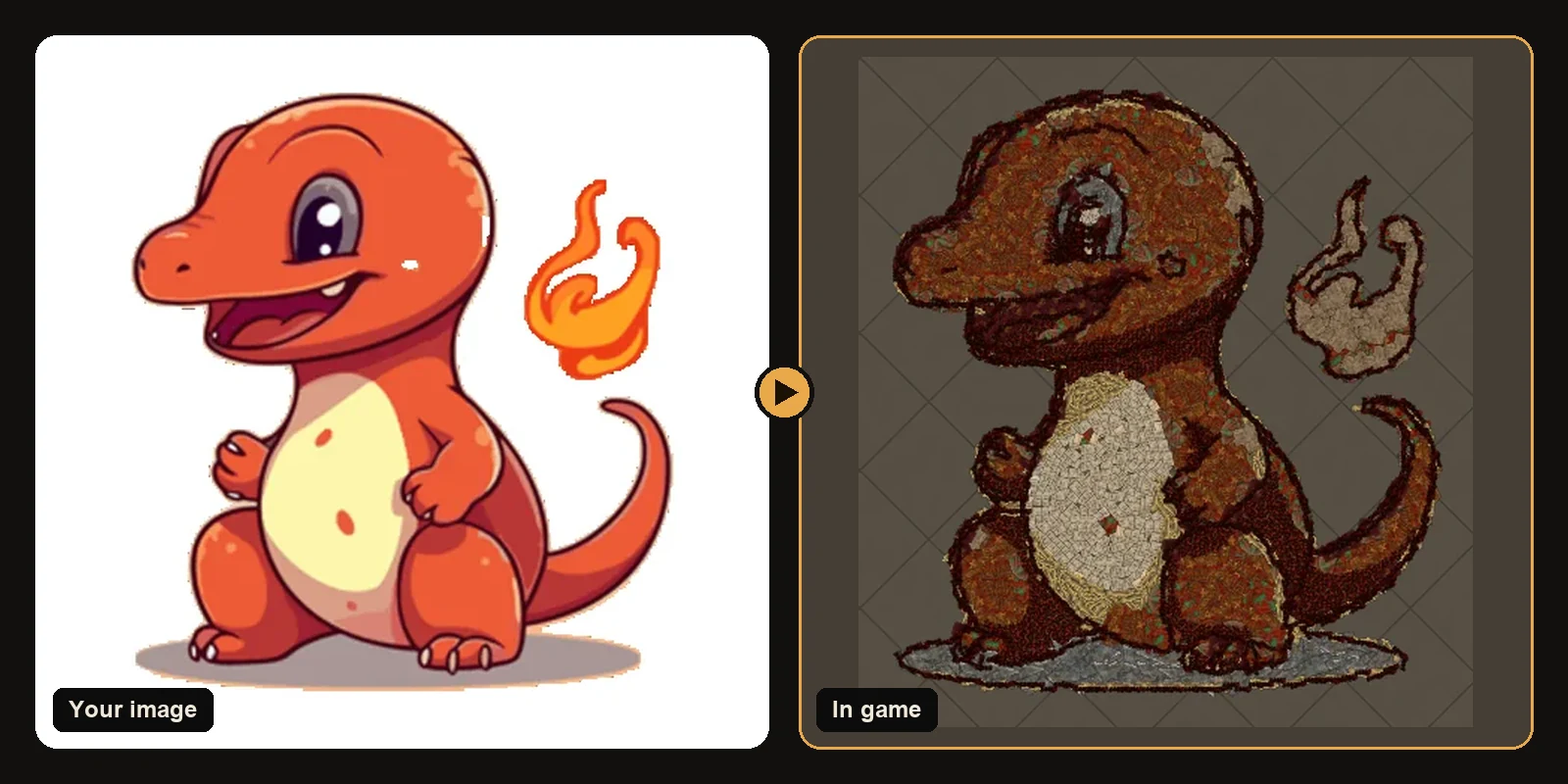
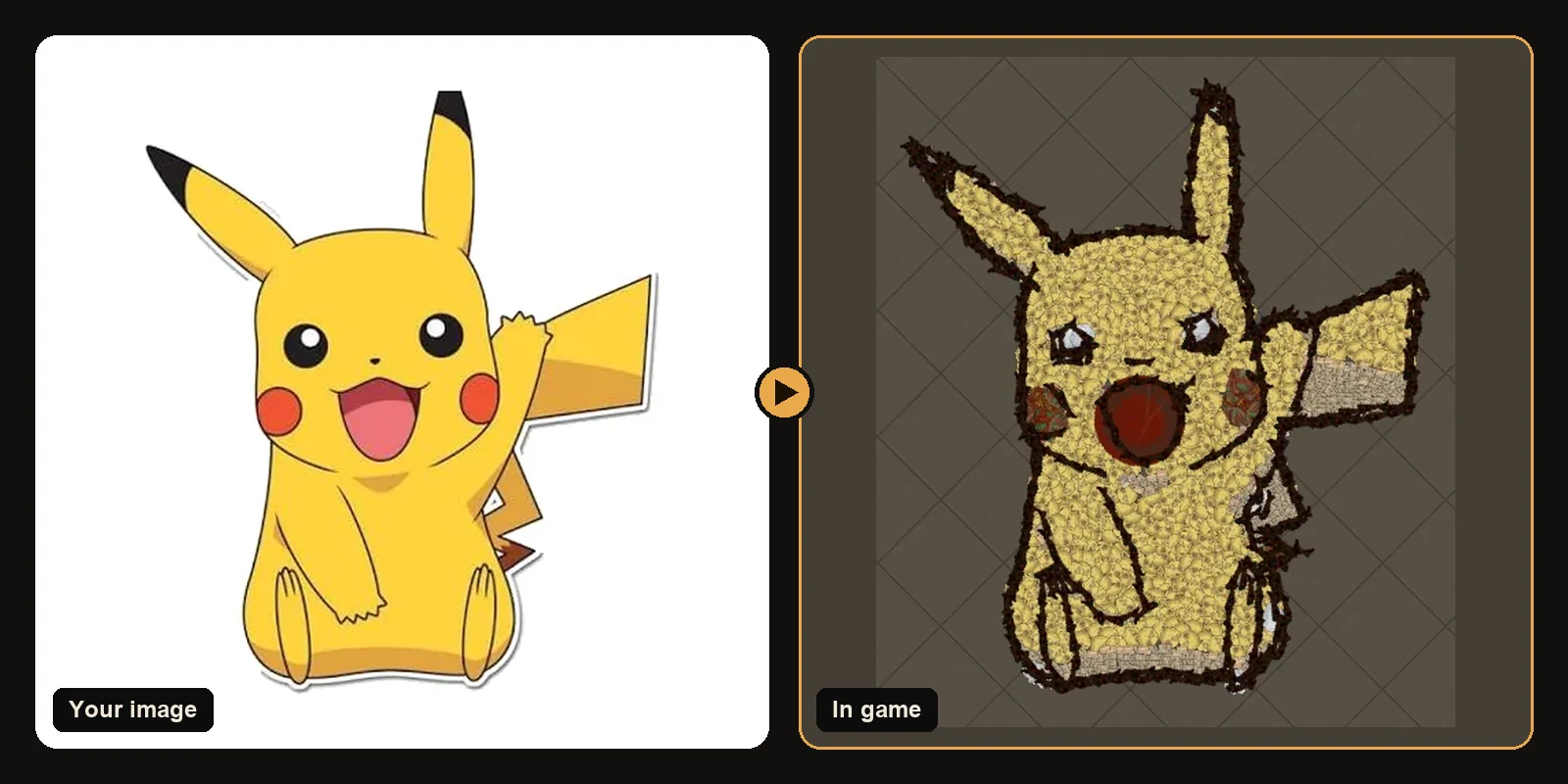
The POE Hideout Art Generator turns any image into Path of Exile hideout art made only from real in-game decorations, and gives you a .hideout file to import with the game's own Import button. It works for Path of Exile 1 and Path of Exile 2 and every hideout in both games.
What you get
- An in-game preview drawn from each decoration's real mesh and texture at its exact position and rotation.
- A full decoration list with counts and variations, so you know exactly what to unlock.
- A
.hideoutfile you import in game in a few clicks. - Your existing hideout kept: your stash, waypoint, crafting bench and masters stay in the file.
How the generator works
- Upload a PNG, JPG, WEBP, GIF or BMP image.
- Choose Path of Exile 1 or 2 and your hideout.
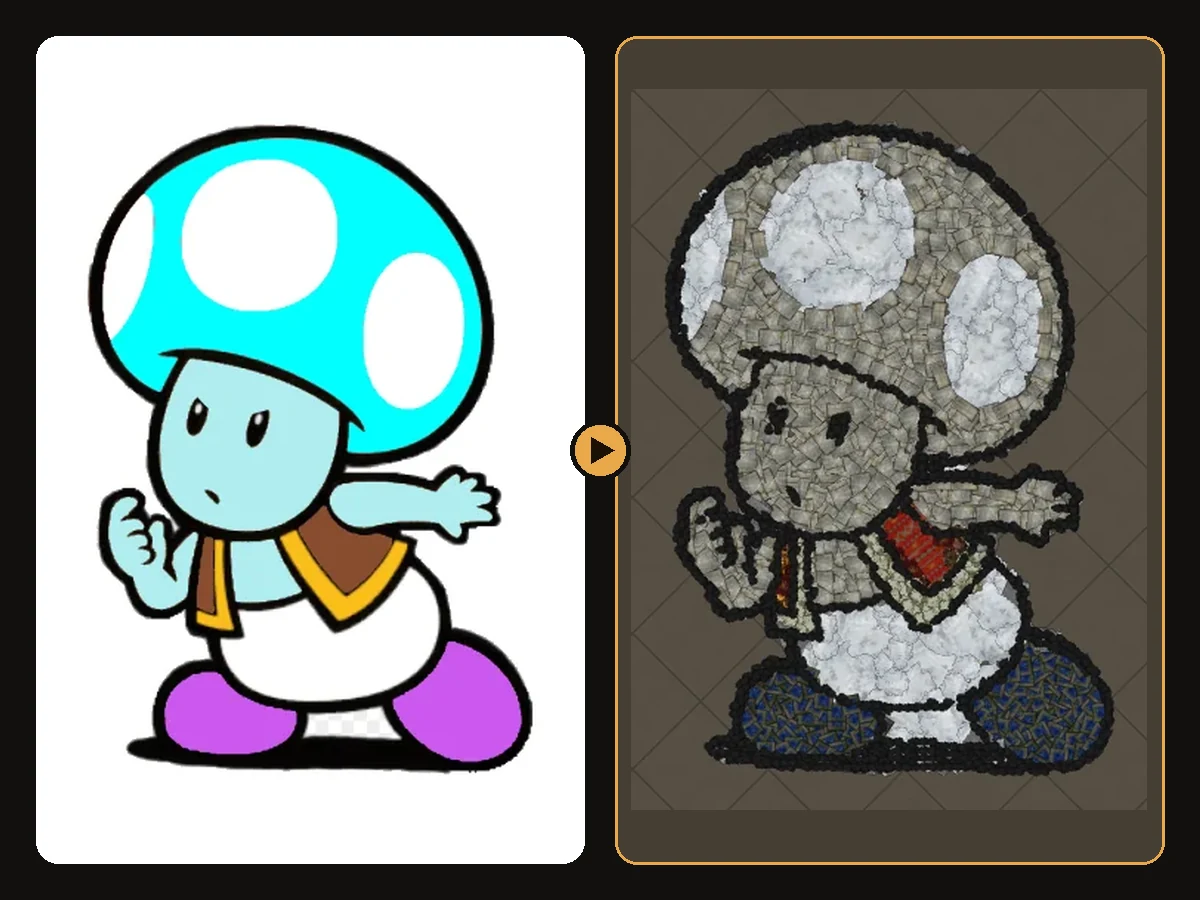
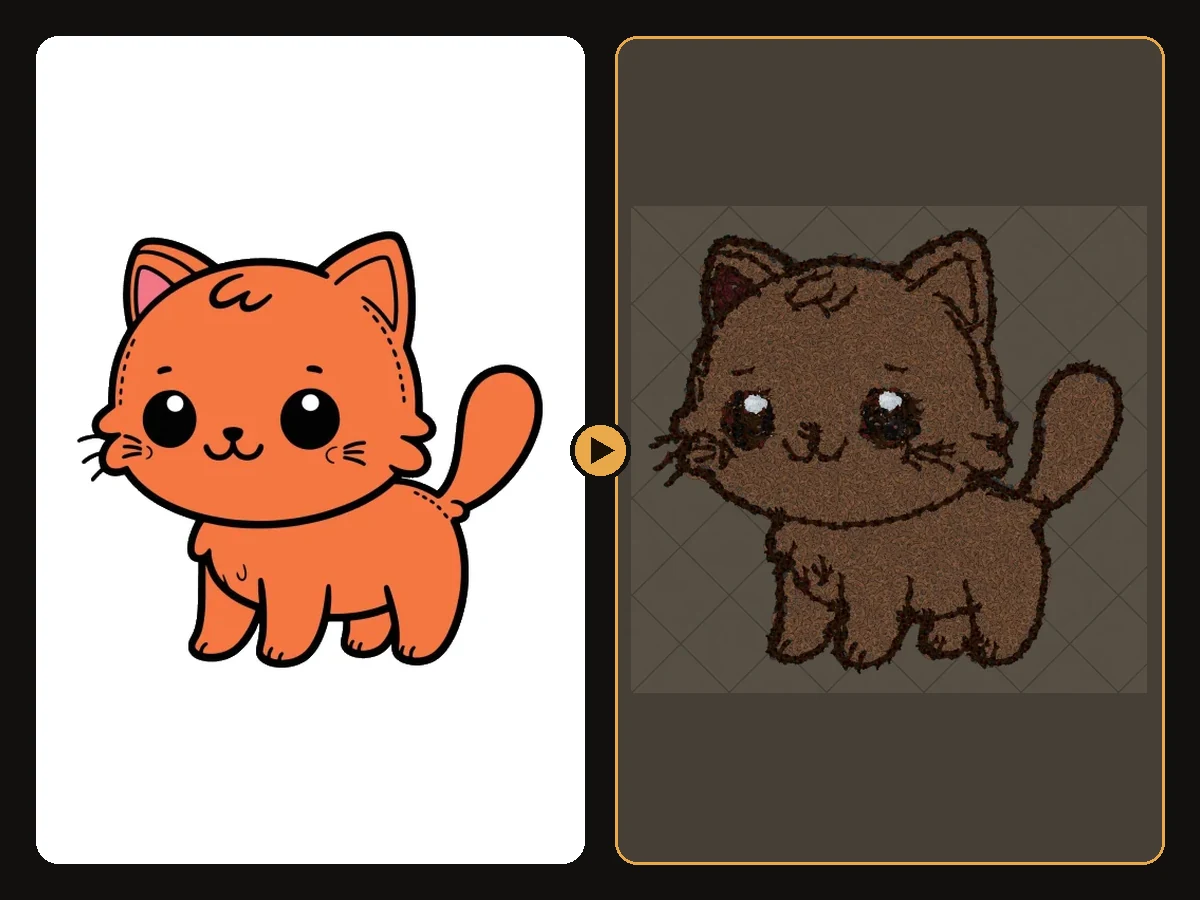
- Generate. The generator separates the subject from the background, finds its colours and outlines, picks matching decorations and places them along the curves of the drawing.
- Preview the result for free.
- Download the
.hideoutfile and import it.
For the full technical story, read how PoE hideout art works.
Settings you can tweak
The defaults work for most images, but every setting is available:
- Art size: how big the artwork is in hideout units. Larger means more detail and more decorations.
- Position: X/Y coordinates in the hideout, starting at the centre.
- Max colours: fewer colours give a cleaner, poster-like look.
- Outline and line art: trace the edge of the subject and the inner lines of a drawing.
- Shop decorations: include or exclude decorations from the in-game store.
- Keep existing objects: choose which parts of your current hideout stay in the file.
Your first preview is free
Your first preview is free and needs no account. Downloading the .hideout file uses one download from your plan. See plans and pricing for the options.
Examples
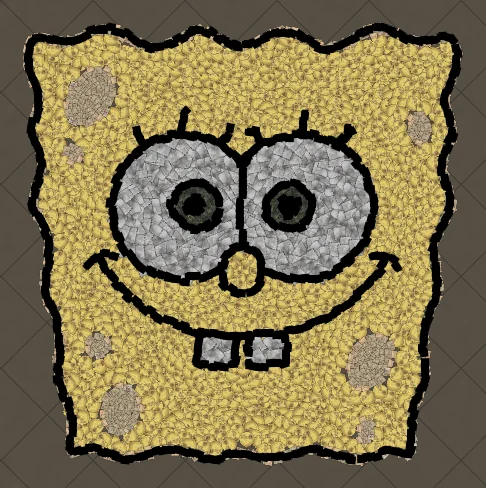
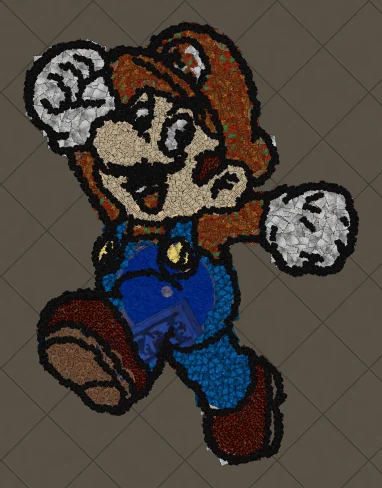
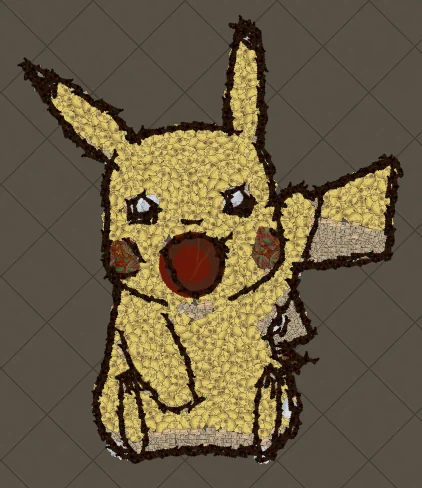
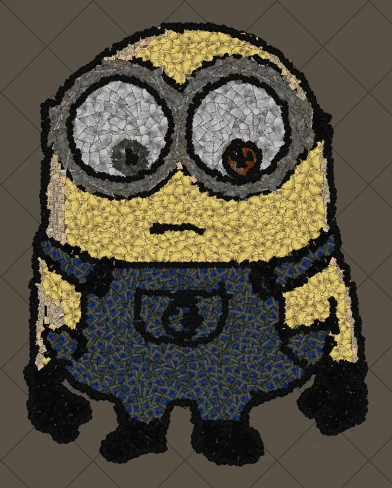
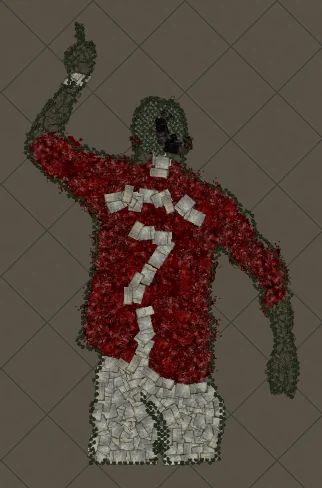
Every artwork below was made with the generator from a single image. Click any one for its full guide: decorations used, colour matching and step-by-step instructions.
Is it allowed?
The generator only creates a .hideout file, the same kind of file the game exports when you share a hideout. You import it with the game's own Import button in hideout edit mode. Nothing touches, modifies or automates the game client.
Popular searches
Players use the generator for Pokémon hideout art, Mario hideout art, anime hideout art, guild logos, streamer emotes and memes. If you have an idea, the quickest way to see it in game is to try it free.
Art guides
View all
Pokémon
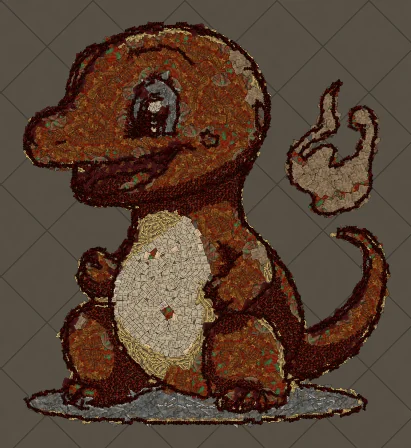
How to Make Charmander Hideout Art in Path of Exile
Charmander, the Fire-type starter Pokémon, is one of the most loved designs in the series. Its warm orange body, cream belly and flame-tipped tail map beautifully onto the earthy reds and browns that Path of Exile decorations do best.
Cartoons
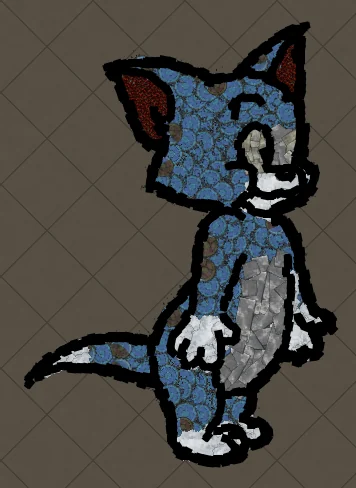
How to Make Tom the Cat Hideout Art in Path of Exile
Tom from Tom and Jerry is all expressive curves: pointed ears, a long tail and a two-tone blue-grey body. The outline engine follows every one of those curves, which makes Tom a great showcase of how decorations bend along a drawing.
Anime
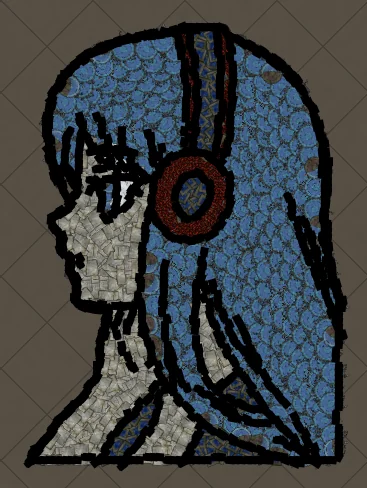
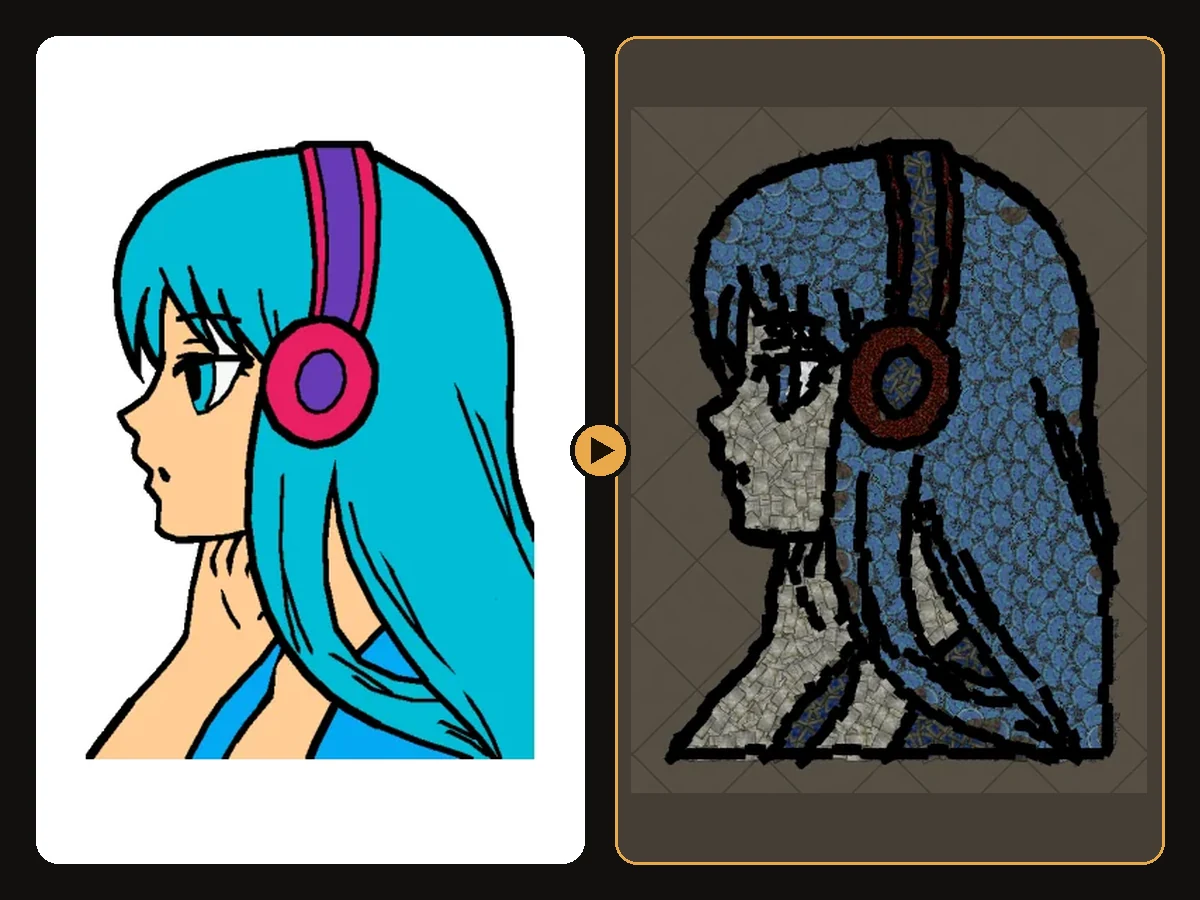
How to Make Anime Girl with Headphones Hideout Art in Path of Exile
A classic anime portrait: flowing hair, big expressive eyes and bold headphones. Anime art is drawn with clean outlines and flat colour areas, which is exactly what the generator rebuilds best from decorations.
Keep reading
 Guides
How to Import Hideout Art into Path of Exile
Import a .hideout file into your Path of Exile hideout, and fix the most common problems.
 Tips
Tips
Best Images for PoE Hideout Art
Which images turn into great Path of Exile hideout art, and how to prepare them.
 Explained
How PoE Hideout Art Actually Works
What happens between uploading an image and importing a hideout full of decorations.