PoE 2 Hideout Art
Make Path of Exile 2 hideout art from any image, using decorations that exist in PoE 2.
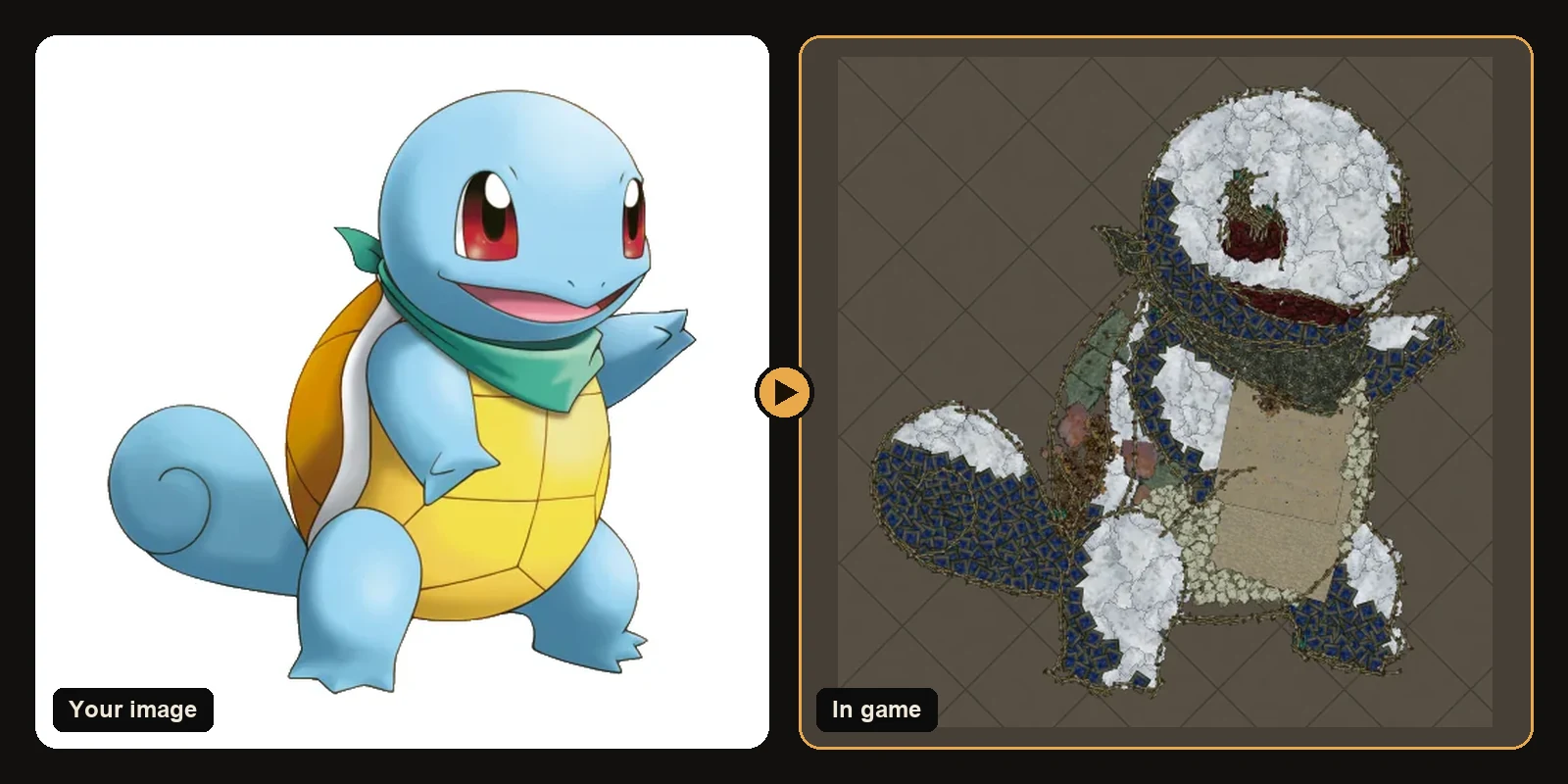
Path of Exile 2 brought new hideouts, a new camera and a new set of decorations, and players wasted no time filling them with art. The generator supports PoE 2 fully, so any image you can turn into PoE 1 hideout art also works in PoE 2, built from decorations that exist in PoE 2.
How to make PoE 2 hideout art
- Open the generator and switch the game to Path of Exile 2.
- Pick the PoE 2 hideout you actually use. A
.hideoutfile only imports into the hideout type it was made for. - Upload your image and press Try it free for an in-game preview.
- Download the
.hideoutfile and import it from the hideout edit menu.
That is the whole process. The steps are the same as for PoE 1; only the decoration list and the hideouts change.
Which decorations PoE 2 art uses
The two games share a lot of art assets, but the decoration lists are not identical. Some PoE 1 favourites do not exist in PoE 2, and PoE 2 has pieces PoE 1 does not. For PoE 2 the generator only uses decorations that have been seen in real PoE 2 hideout files, so everything in your download is something the game recognises.
In practice that means the same image can come out with a slightly different texture in each game. The outline and colour layout stay the same; the "material" the picture is made of changes. Every art guide on this site shows the PoE 2 decoration count next to the PoE 1 count, so you can compare.
The PoE 2 camera and art size
PoE 2's camera sits a little differently from PoE 1's, and hideouts have different open floor areas. Two practical tips:
- Place the art where you stand most. The default position is the hideout centre, but you can move it with the X/Y position fields so it sits next to your stash or waypoint.
- Go bigger for faces. Eyes and mouths need room. If a character looks soft in the preview, raise the art size by 30 to 50 units and generate again.
Choosing images for PoE 2
What works in PoE 1 works in PoE 2:
- Bold outlines: cartoons, logos and line art keep crisp edges.
- A few flat colours: big colour areas read better than gradients.
- One clear subject: crop away busy backgrounds.
Read best images for hideout art for examples.
Unlocking decorations in PoE 2
When you import a hideout file, the game places only the decorations you have unlocked. The result page lists every decoration in your artwork with its count, so you can unlock anything missing first and get the complete picture on the first import.
PoE 2 hideout art ideas
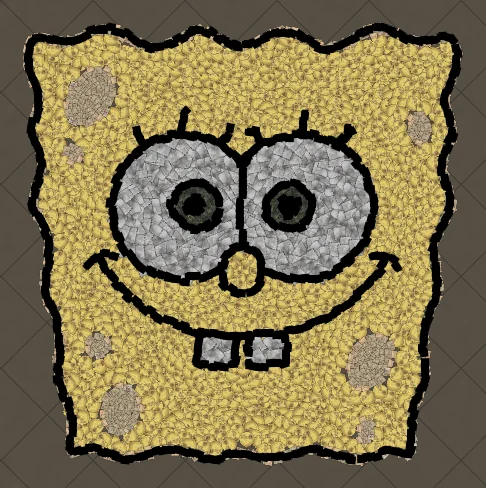
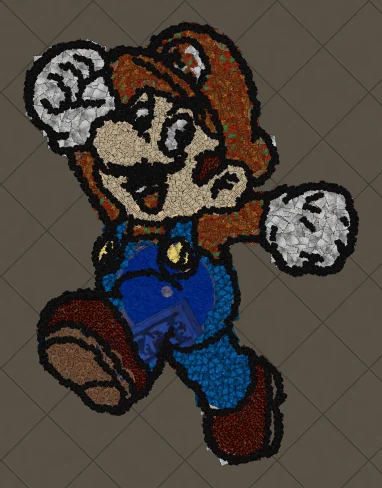
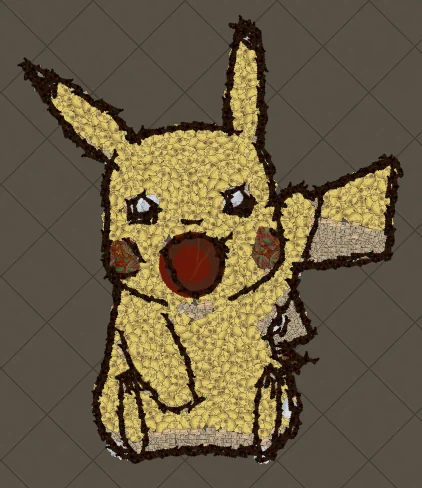
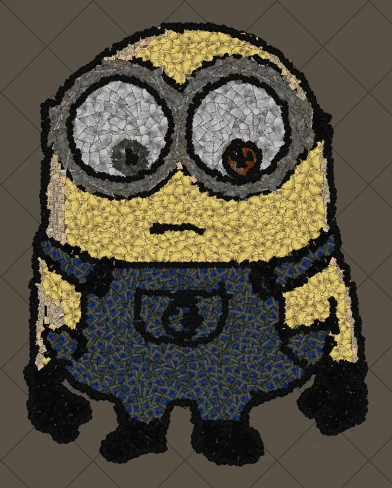
Pokémon, Mario, anime portraits and guild logos are the most popular. Browse the art guides for a full breakdown of each one, including how many decorations it needs in PoE 2.
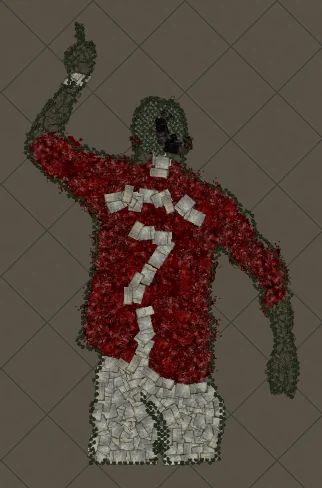
Art guides
View all
Pokémon
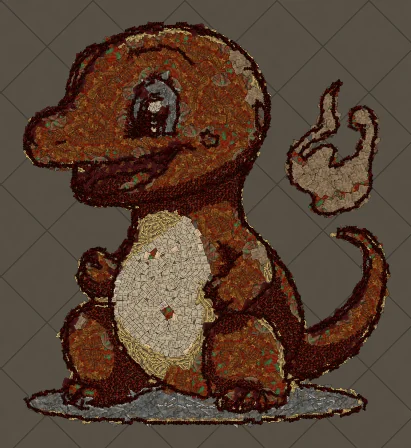
How to Make Charmander Hideout Art in Path of Exile
Charmander, the Fire-type starter Pokémon, is one of the most loved designs in the series. Its warm orange body, cream belly and flame-tipped tail map beautifully onto the earthy reds and browns that Path of Exile decorations do best.
Cartoons
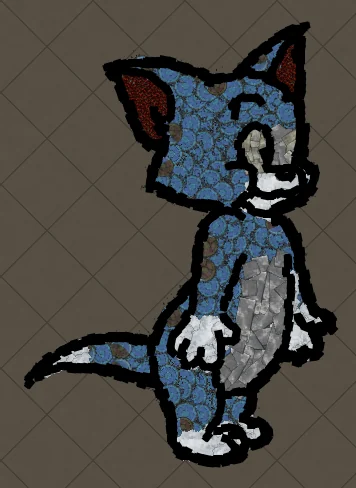
How to Make Tom the Cat Hideout Art in Path of Exile
Tom from Tom and Jerry is all expressive curves: pointed ears, a long tail and a two-tone blue-grey body. The outline engine follows every one of those curves, which makes Tom a great showcase of how decorations bend along a drawing.
Anime
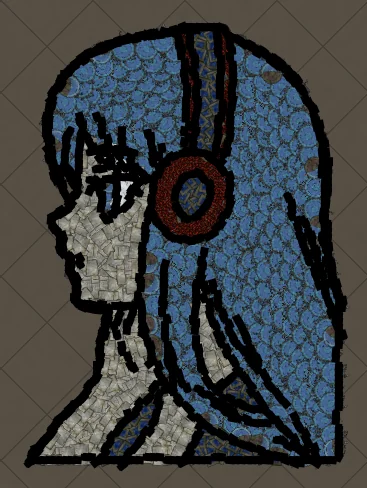
How to Make Anime Girl with Headphones Hideout Art in Path of Exile
A classic anime portrait: flowing hair, big expressive eyes and bold headphones. Anime art is drawn with clean outlines and flat colour areas, which is exactly what the generator rebuilds best from decorations.
Keep reading
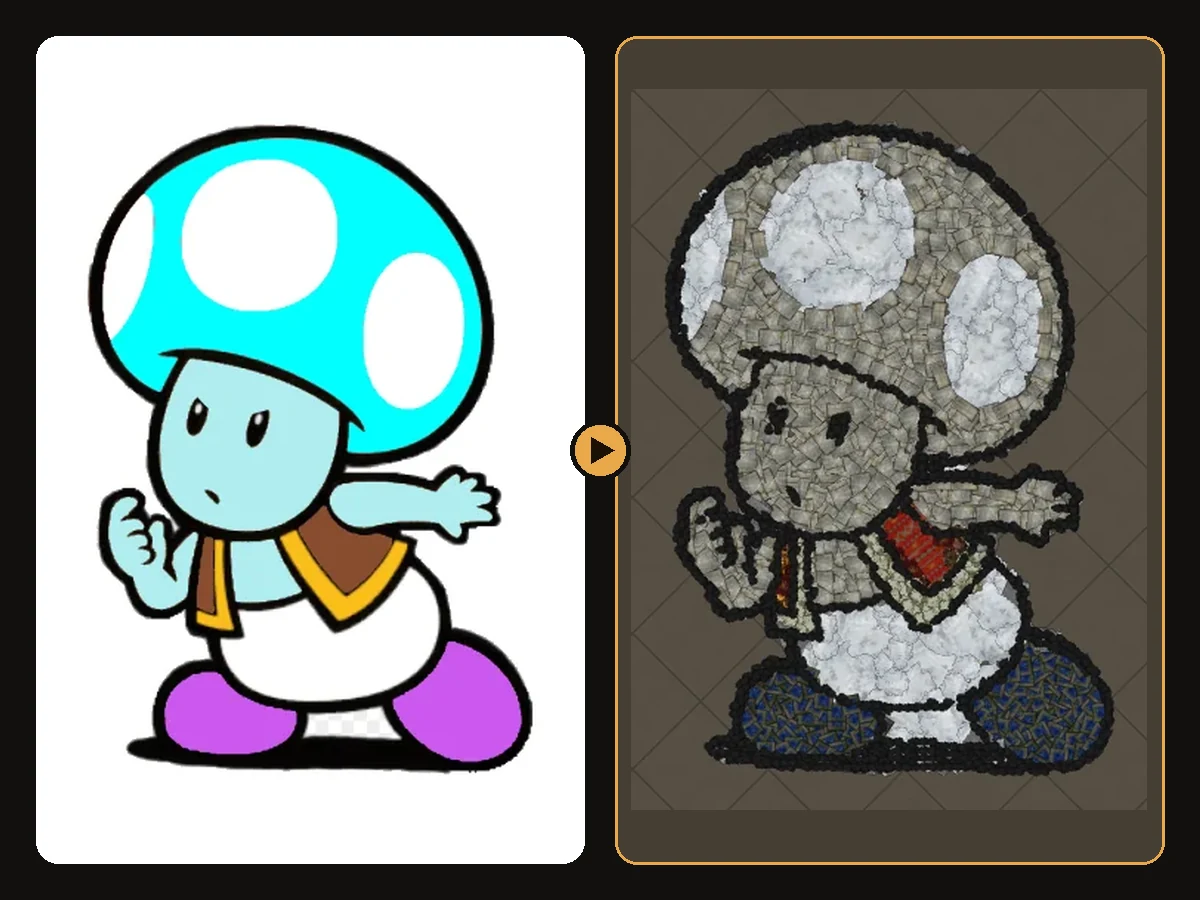 Guides
How to Import Hideout Art into Path of Exile
Import a .hideout file into your Path of Exile hideout, and fix the most common problems.
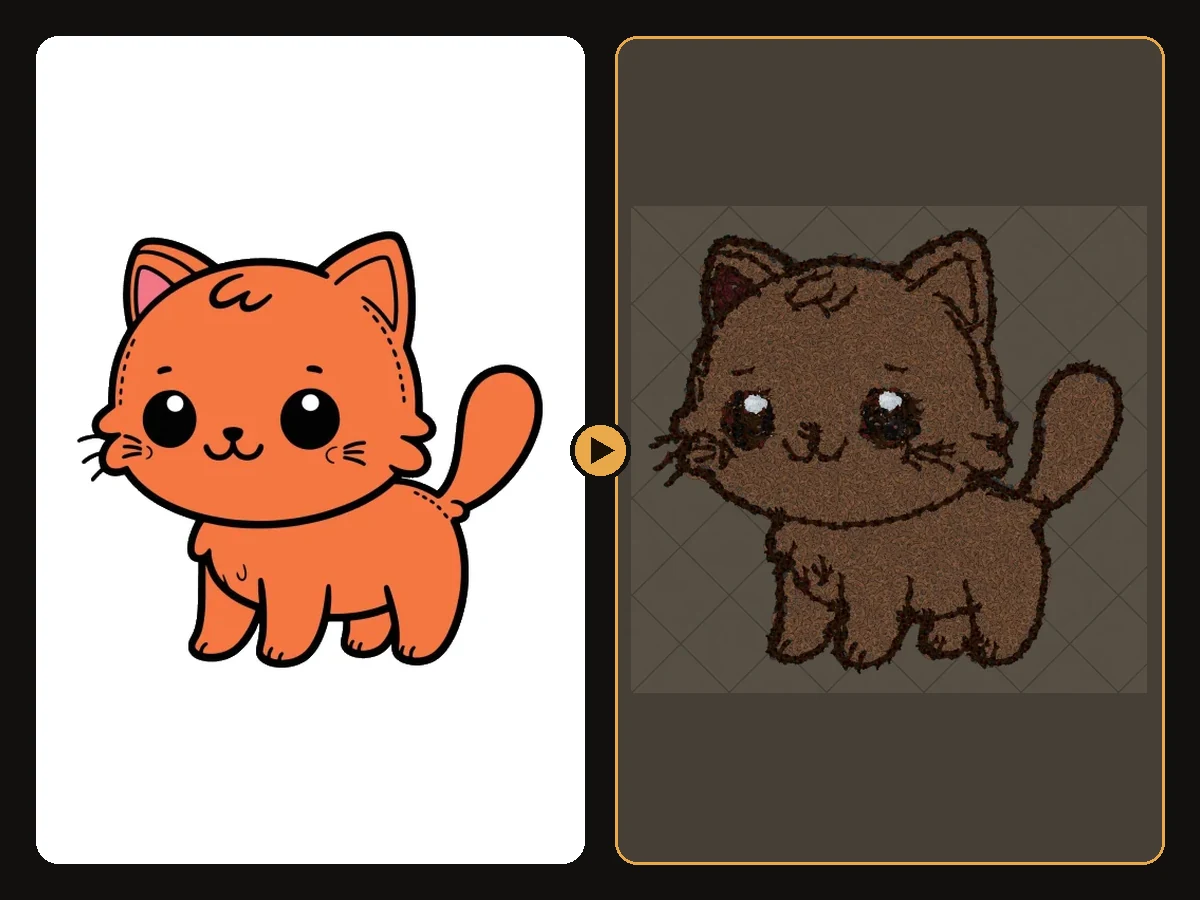 Tips
Tips
Best Images for PoE Hideout Art
Which images turn into great Path of Exile hideout art, and how to prepare them.
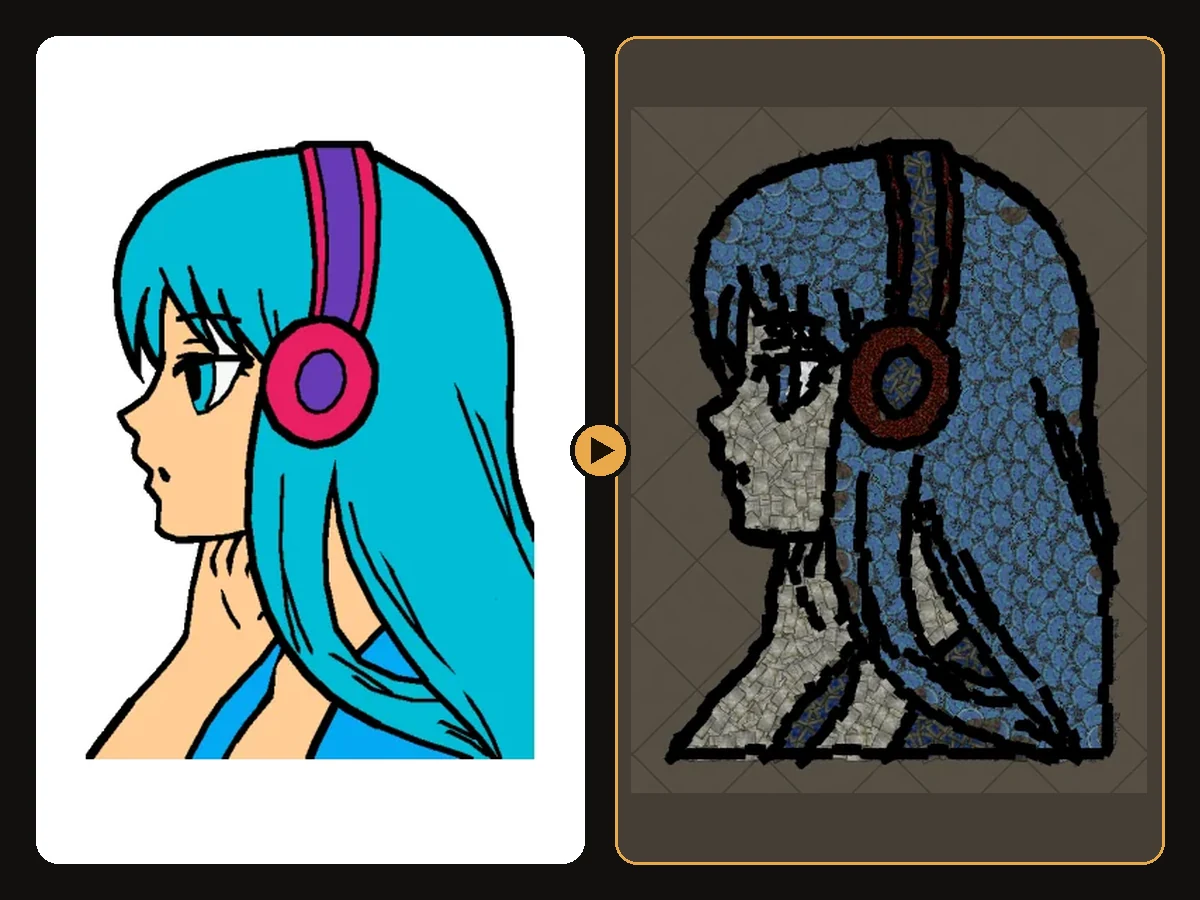 Explained
How PoE Hideout Art Actually Works
What happens between uploading an image and importing a hideout full of decorations.