Place Hideout Art Next to Your Stash
Position settings so visitors see your art where you stand most.
Position settings so visitors see your art where you stand most.
The same ideas apply in Path of Exile 1 and Path of Exile 2 unless a step says otherwise.
Why this matters
Your hideout is where trading crafting and waiting between maps actually happen. Layout mistakes cost time every session. Visual choices also decide whether guests remember the space.
Practical guidance
Keep function first
Stash, waypoint, crafting benches and map device should sit on a short path. Art belongs where the camera already looks, not on top of the buttons you click constantly.
Respect the decoration cap
Path of Exile stops at 750 decorations. Functional objects you keep in the file still share that budget with art, so plan the picture size with the rest of the hideout in mind.
Mix favour and MTX carefully
Favour decorations cover a lot of colour. Shop pieces are optional flavour. If you generate art, read the decoration list so import does not skip paid items you never bought.
Add a signature image
Once the layout feels fast, place a crest logo or character piece with the generator. Export a backup of your current hideout before you import anything new.
Checklist for Place Hideout Art Next to Your Stash
- Backup the current
.hideoutfile. - Confirm hideout type matches the file you will import.
- Leave walking room around stash and benches.
- Preview art size against the 750 limit.
- Import, then fix any missing decorations from the list.
Next steps
Art guides
View all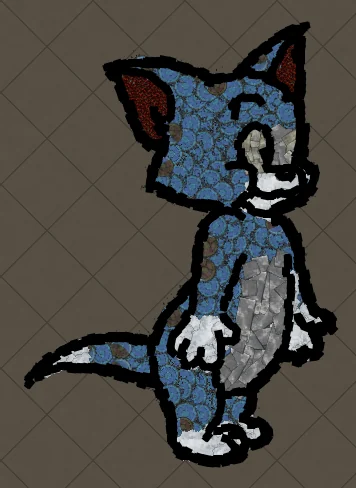 Cartoons
How to Make Tom the Cat Hideout Art in Path of Exile
Tom from Tom and Jerry is all expressive curves: pointed ears, a long tail and a two-tone blue-grey body. The outline engine follows every one of those curves, which makes Tom a great showcase of how decorations bend along a drawing.
 Cartoons
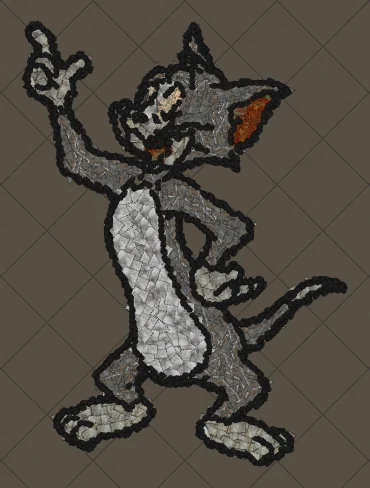
How to Make Tom Waving Hideout Art in Path of Exile
Tom in a full-body waving pose. Long limbs and a long tail make this a great example of decorations being rotated to follow the direction of each line.
 Pokémon
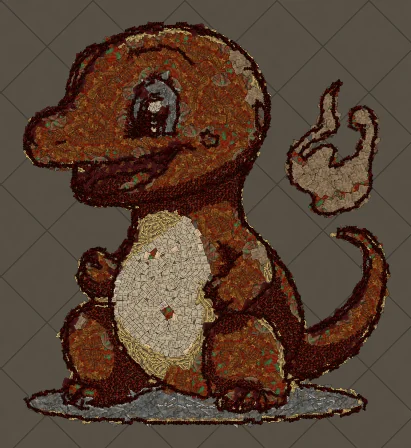
How to Make Charmander Hideout Art in Path of Exile
Charmander, the Fire-type starter Pokémon, is one of the most loved designs in the series. Its warm orange body, cream belly and flame-tipped tail map beautifully onto the earthy reds and browns that Path of Exile decorations do best.
Keep reading
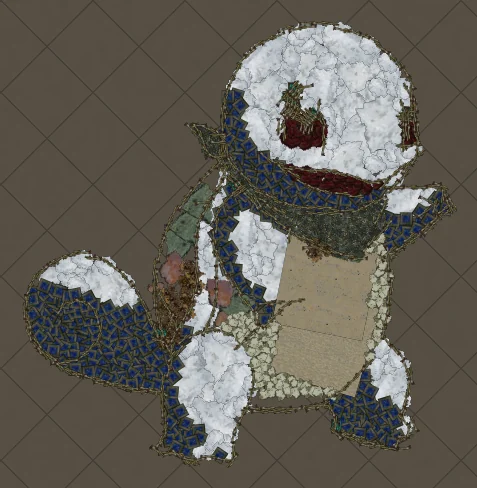 Guides
How to Make Pikachu Hideout Art in Path of Exile
Step by step recreation of Pikachu as Path of Exile hideout decorations.
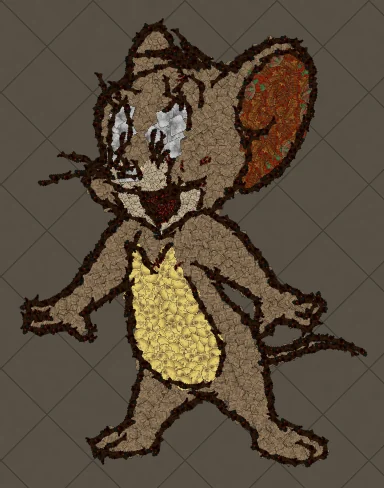 Tips
Best Art Size for Pikachu Hideout Art
Which art size keeps Pikachu readable inside the 750 decoration limit.
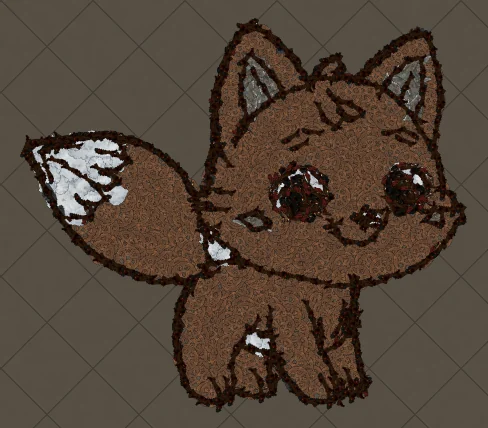 Guides
Pikachu Hideout Art in Path of Exile 2
How to build Pikachu with Path of Exile 2 decorations and hideouts.