Path of Exile Hideout Art
Hideout art is a picture built out of real Path of Exile decorations. Here is what it is, how players make it, and how to make your own from any image.
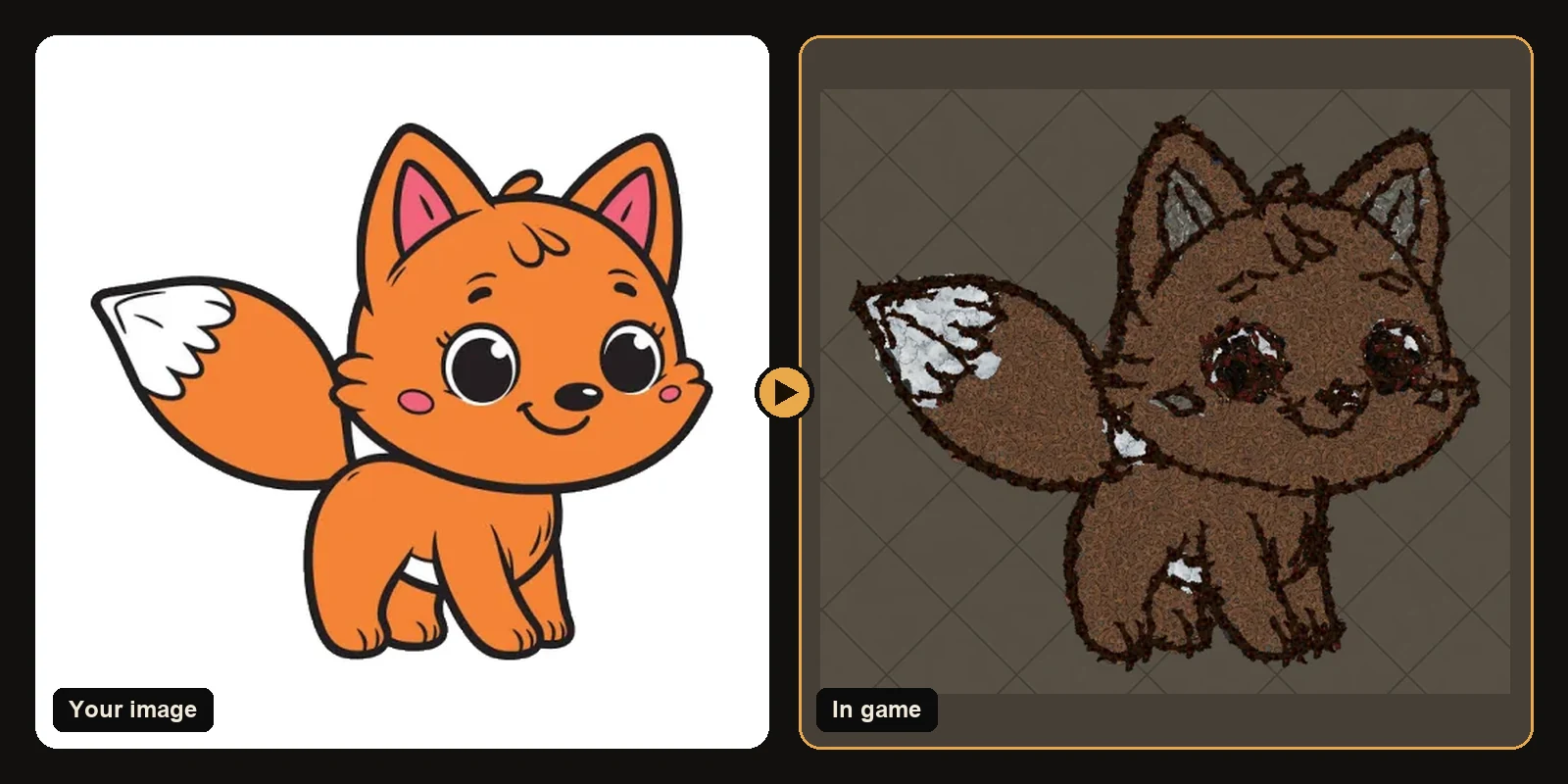
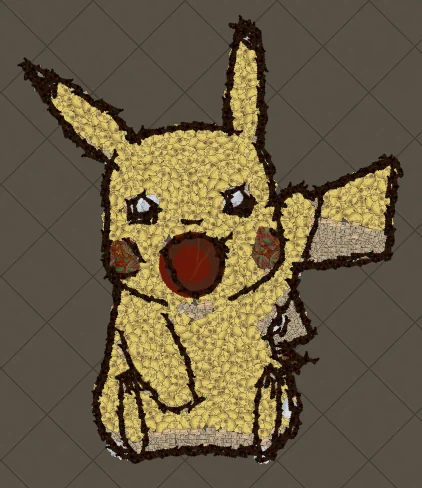
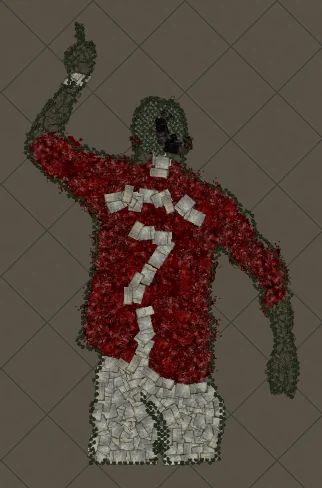
Path of Exile players spend hundreds of hours in their hideouts, so it is no surprise that decorating them has become a game of its own. Hideout art is the most eye-catching part of that hobby: decorations are arranged so that, seen from the game camera, they form a picture. A Pikachu on the floor of your Robber's Trench, your guild logo next to the stash, an anime portrait big enough to walk across.
This page explains what hideout art is, why it has always been so hard to make, and how you can make your own from any image in a few minutes.
What hideout art actually is
Every decoration in Path of Exile is a small 3D object: a pile of books, a rug, a scattered bone, a patch of moss. Each one has a fixed colour and texture, and each can be placed anywhere in your hideout with any rotation. Hideout art uses those objects like the tiles of a mosaic. Yellow-ish decorations become Pikachu's body, dark ones trace the outline, red ones become the cheeks.
Because the pieces are real objects, the art is part of your hideout. Visitors see it, it shows up in screenshots and streams, and it stays exactly where you put it.
Why it is so hard to make by hand
A finished artwork usually needs well over a thousand decorations, and each one has to be:
- The right colour. Decorations come in a limited, mostly earthy palette, so you need to know which ones read as yellow, blue or skin tone from above.
- The right size. A big rug fills a large area quickly; a small pebble is needed for an eye or a fingertip.
- In the right place and rotation. Edges only look clean when pieces follow the curve of the shape.
Placing that many objects one by one in the hideout editor takes many evenings, and one mistake in the outline means moving dozens of pieces. That is why most hand-made hideout art you see online is either very small or very blocky.
Making hideout art from any image
The POE Hideout Art Generator does the placement for you. It reads your image, picks matching decorations from the game's own data, places every piece and writes a .hideout file you can import with the game's built-in Import button.
- Upload any image. Characters, logos, anime, memes, guild emblems, your own drawing.
- Pick your game and hideout. Path of Exile 1 and Path of Exile 2 are both supported.
- Get a free preview rendered from the decorations' real meshes and textures.
- Download the
.hideoutfile and import it in game.
What makes generated art look good
Real decorations at real sizes
The generator only uses decorations that exist in the game, at their real in-game footprint. Nothing is scaled or recoloured, so the preview matches what you see after importing.
Shapes that follow the drawing
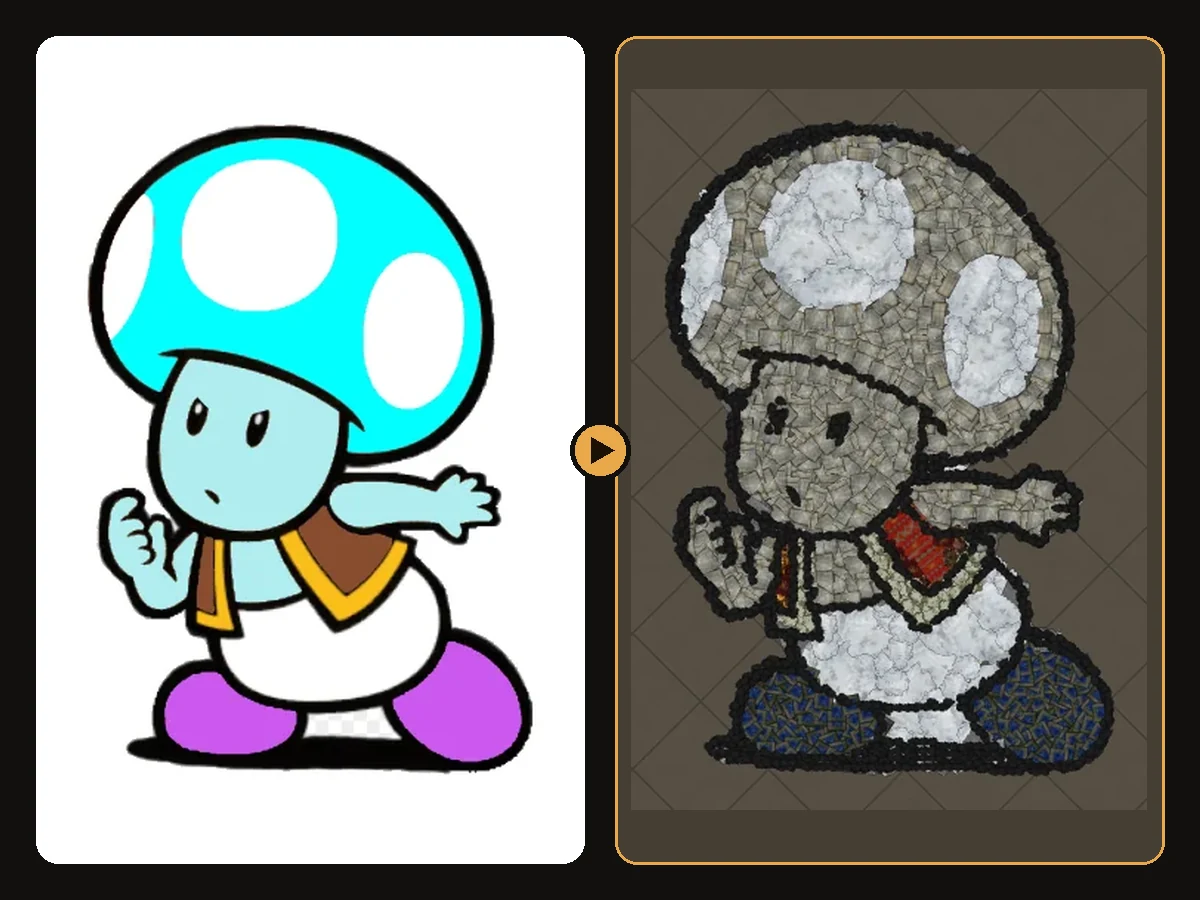
Instead of laying pieces on a square grid, the generator follows the outlines of your image. Large pieces fill the inside of each colour area, smaller ones finish the edges, and a dark "brush" decoration traces the line art. That is what keeps eyes, mouths and fingers readable.
Colour matching that keeps contrast
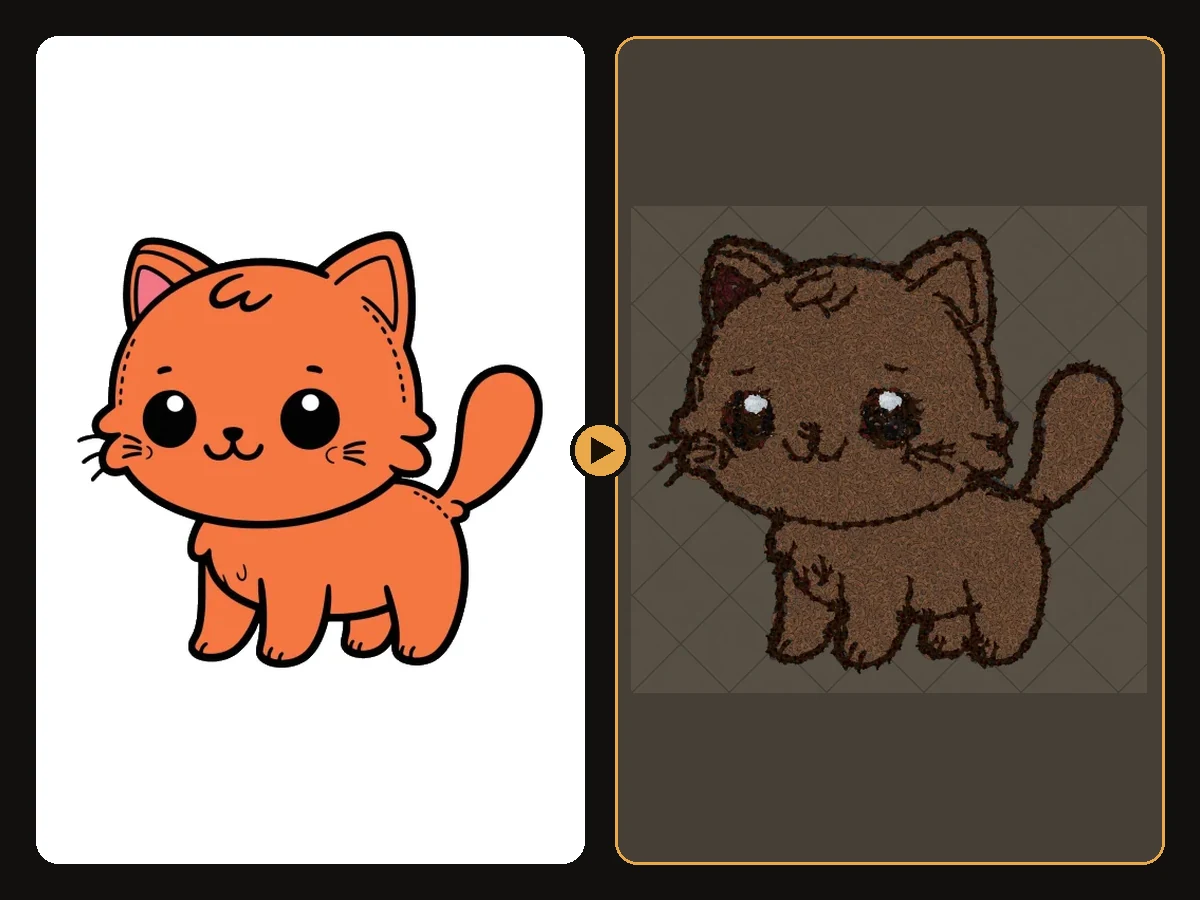
Path of Exile's decoration palette is mostly stone, wood, metal and cloth. The generator matches each colour to the closest decoration family while keeping light and dark areas in the right order, so a yellow character still reads as bright against a dark outline even when the exact yellow does not exist.
Popular hideout art ideas
Players search for and build the same favourites again and again:
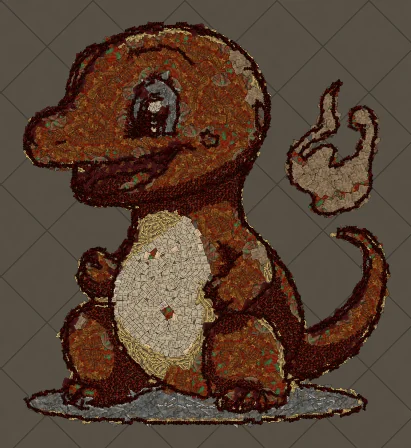
- Pokémon: Pikachu, Charmander and Squirtle.
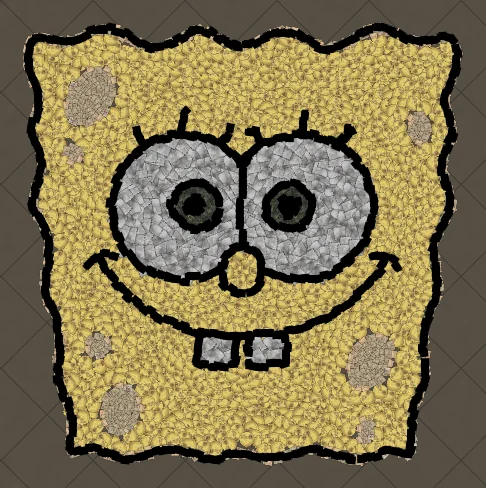
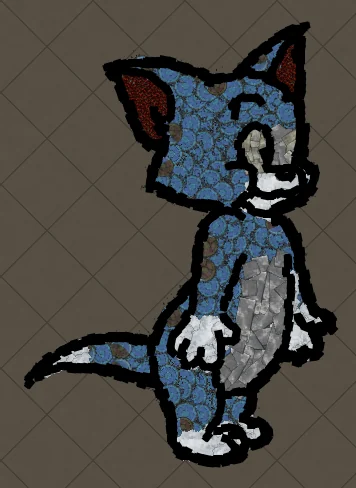
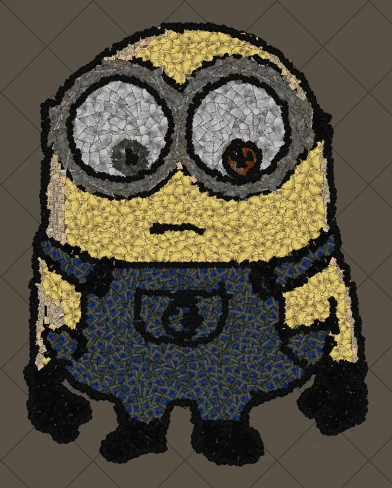
- Cartoons: SpongeBob, Tom and Jerry, Minions.
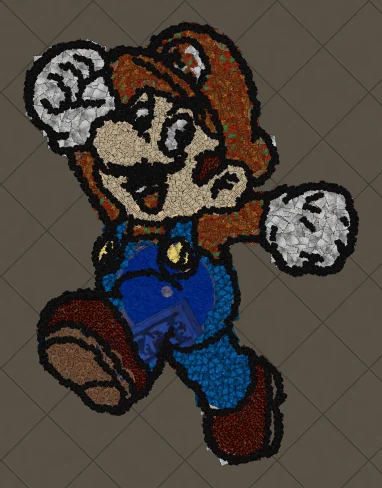
- Games: Super Mario, Toad, pixel weapons and icons.
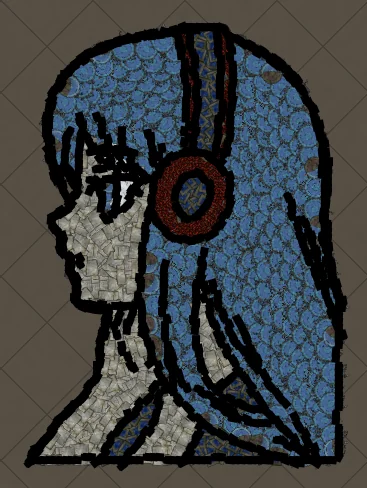
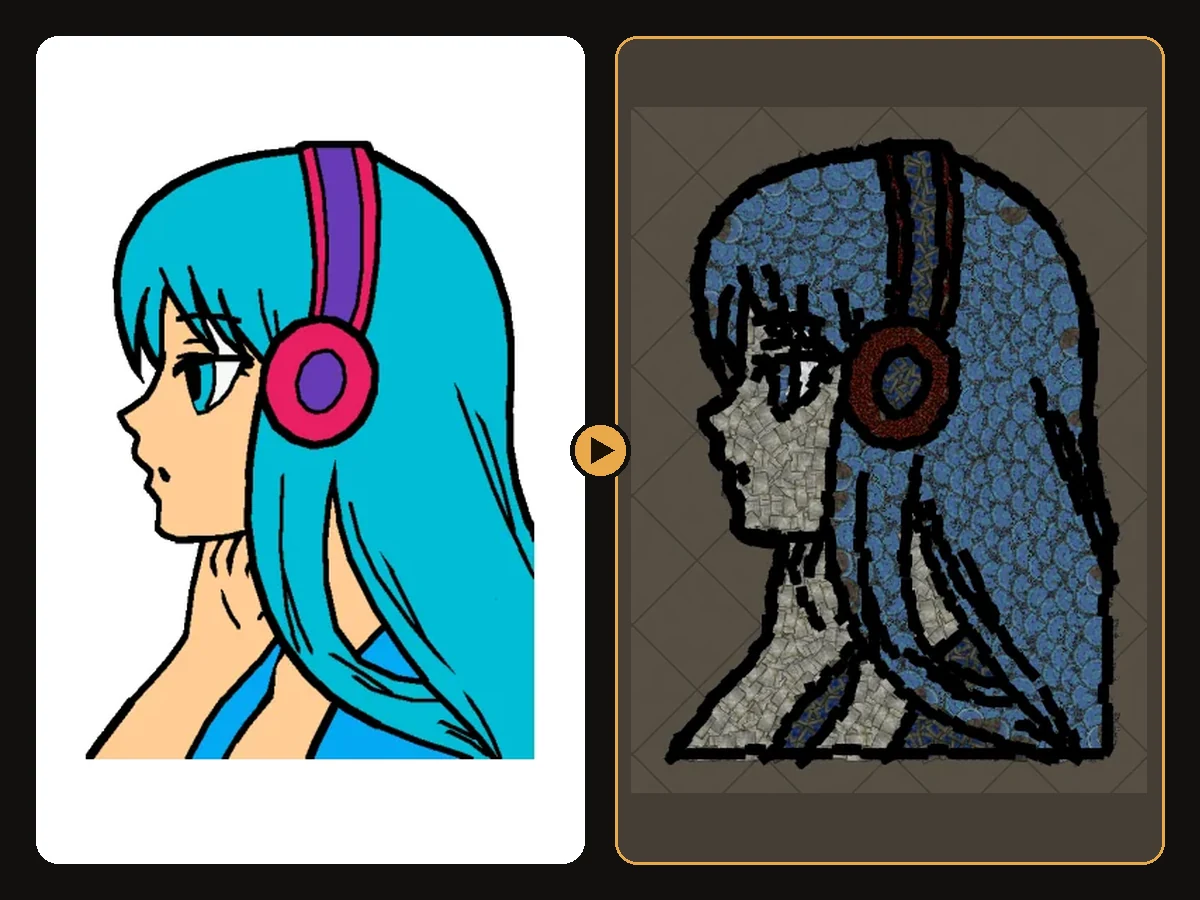
- Anime: portraits with bold hair shapes, like the anime girl with headphones.
- Logos and text: guild names, streamer logos and messages like LOVE.
Each of these links goes to a full guide with the decorations used, the colour matching and the steps to rebuild it.
Hideout art in Path of Exile 2
Path of Exile 2 has its own hideouts and its own decoration list. The generator builds PoE 2 art only from decorations that exist in PoE 2, so you can use the same image in both games. Read more on the PoE 2 hideout art page.
Next steps
- How to make hideout art: the full step-by-step walkthrough.
- Best images for hideout art: what converts best and how to prepare it.
- How to import hideout art: getting the file into your hideout.
- All art guides: original vs in-game for every artwork.
Art guides
View all
Pokémon
How to Make Charmander Hideout Art in Path of Exile
Charmander, the Fire-type starter Pokémon, is one of the most loved designs in the series. Its warm orange body, cream belly and flame-tipped tail map beautifully onto the earthy reds and browns that Path of Exile decorations do best.
Cartoons
How to Make Tom the Cat Hideout Art in Path of Exile
Tom from Tom and Jerry is all expressive curves: pointed ears, a long tail and a two-tone blue-grey body. The outline engine follows every one of those curves, which makes Tom a great showcase of how decorations bend along a drawing.
Anime
How to Make Anime Girl with Headphones Hideout Art in Path of Exile
A classic anime portrait: flowing hair, big expressive eyes and bold headphones. Anime art is drawn with clean outlines and flat colour areas, which is exactly what the generator rebuilds best from decorations.
Keep reading
 Guides
How to Import Hideout Art into Path of Exile
Import a .hideout file into your Path of Exile hideout, and fix the most common problems.
 Tips
Tips
Best Images for PoE Hideout Art
Which images turn into great Path of Exile hideout art, and how to prepare them.
 Explained
How PoE Hideout Art Actually Works
What happens between uploading an image and importing a hideout full of decorations.