Finish Lab Points Then Make the Hideout Yours (Mid League)
Ascendancy first. Custom art second. Focused on the mid league stage.
Ascendancy first. Custom art second. Focused on the mid league stage.
The same workflow works in Path of Exile 1 and Path of Exile 2. Only the decoration list and hideout types change when you switch games on the generator.
Play first then decorate
New exiles burn time when they decorate before the character can survive. Flip the order:
- Cap life and elemental resists
- Install a loot filter
- Claim a hideout and place stash crafting and waypoint
- Add a small crest or character piece with the generator
- Grow the art project only after mapping feels stable
A usable hideout gets opened every session. That is when a personal art piece feels worth a download. Fancy floors on a dying campaign character just hide the real blockers.
Why this order converts better
Path of Exile progression comes from surviving acts learning vendor recipes and getting a movement skill. Hideout art is the reward layer on top. If you reverse the order you will reopen the editor after every death instead of fixing flasks and links.
How hideout art fits the loop
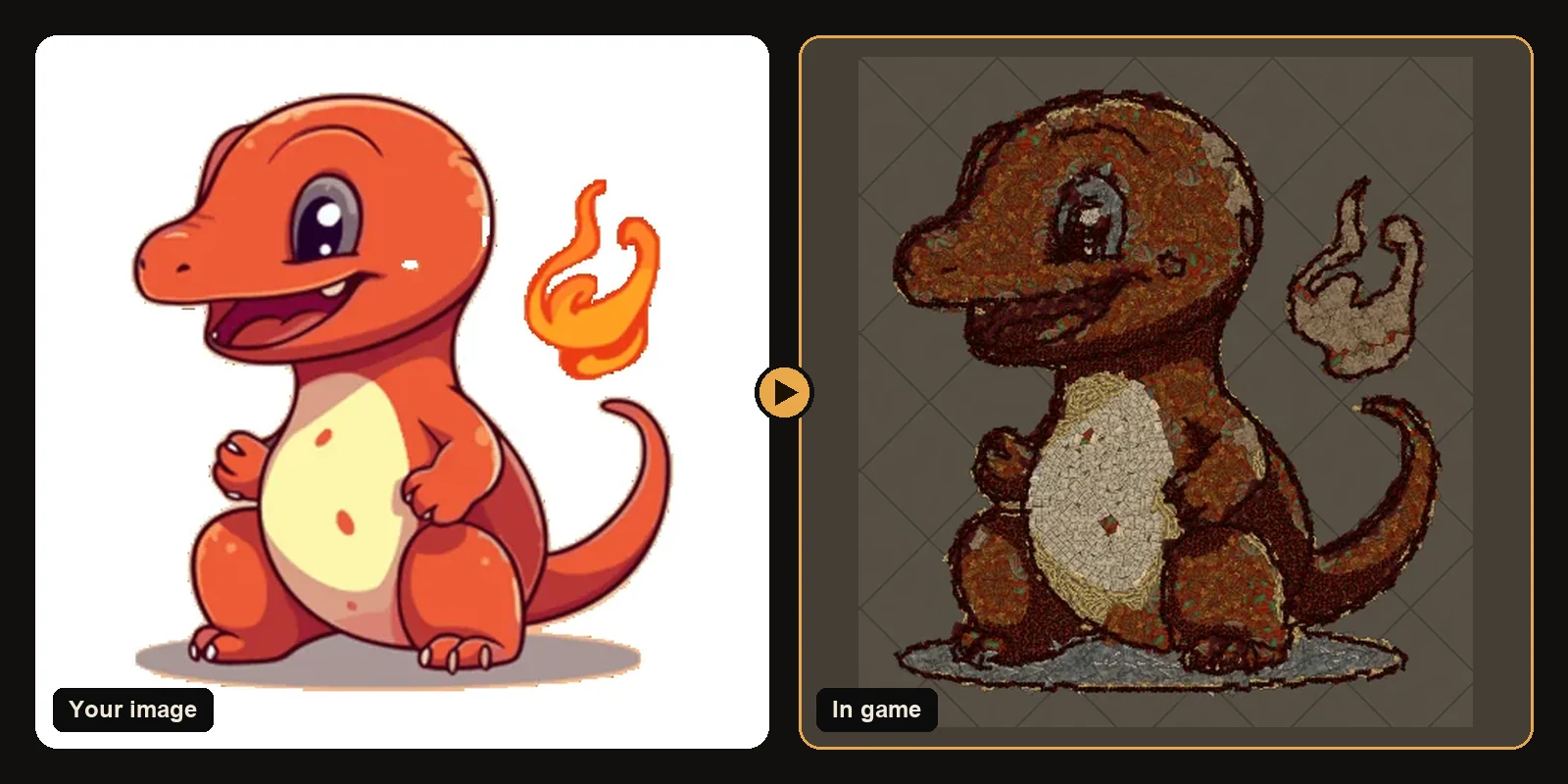
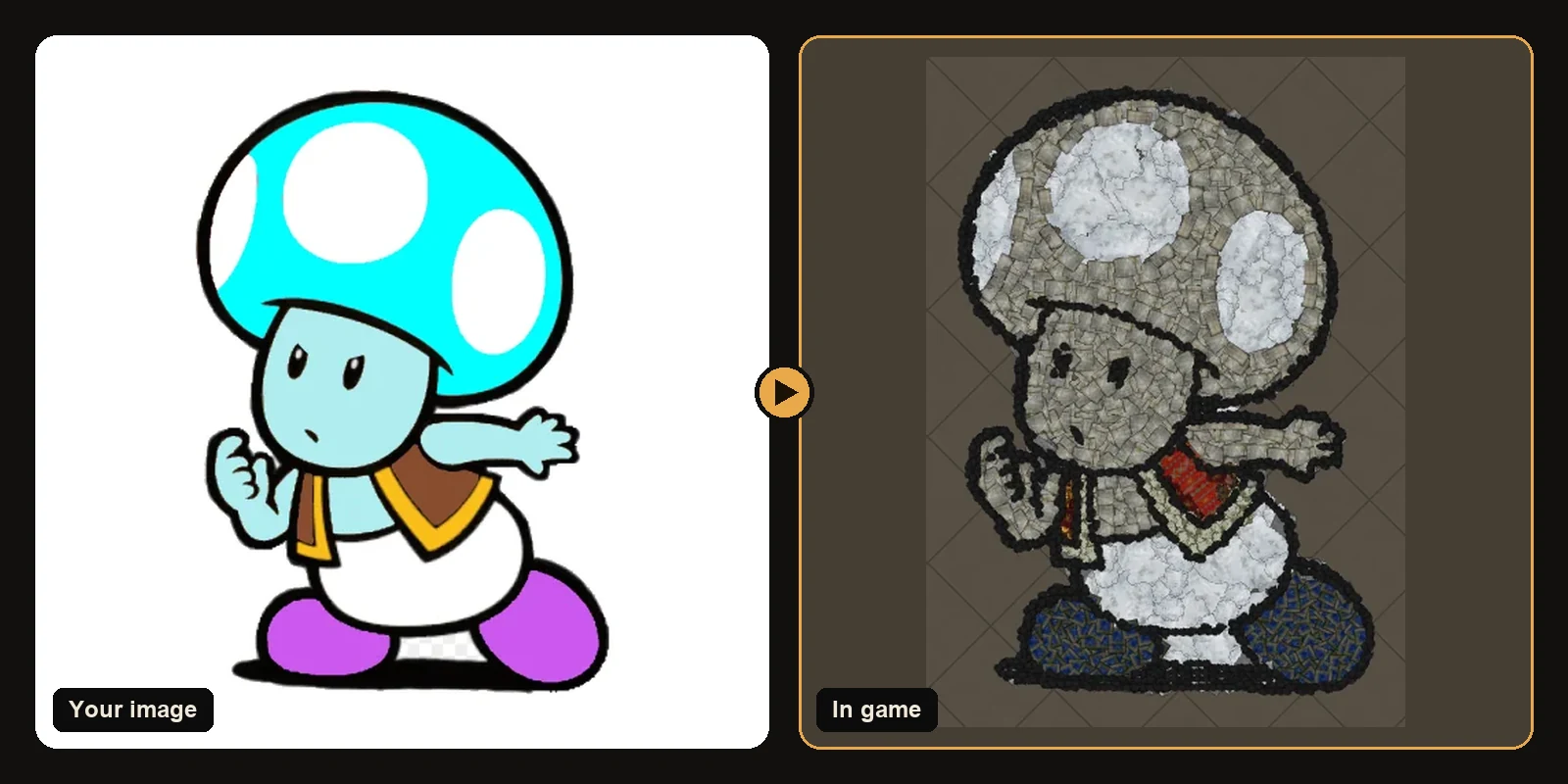
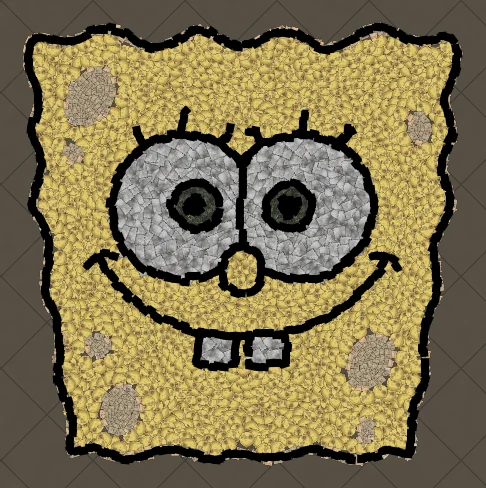
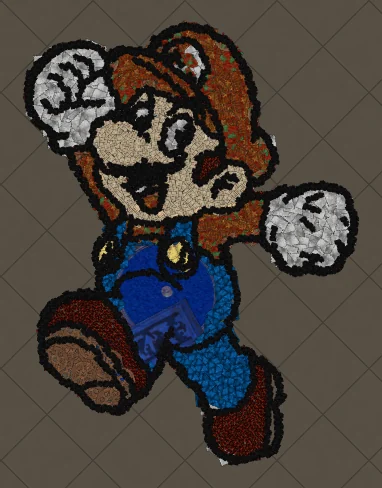
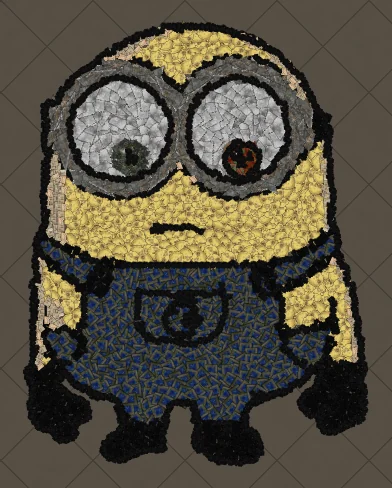
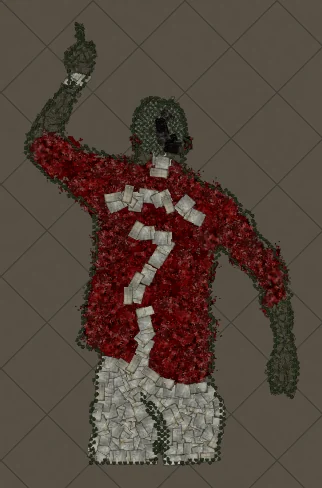
Once the character can map or boss comfortably, a signature picture is a good reward. Upload a clean input. Preview in the generator. Keep the 750 decoration budget in mind so stash access stays fast. Prefer cartoons logos and bold portraits for a first build.
Habits that save time
- After every long session dump currency into labelled tabs
- Leave one open floor for art instead of covering every tile
- Export a backup before each import
- Prefer one clear subject over a collage of tiny icons
- Re-check the decorations list before you expect a complete picture
First crest checklist
- Crop a guild mark emoji or simple character
- Generate at about 100 art size units
- Confirm the hideout type matches your room
- Import only after a backup export
- Place the art beside the path you already walk
Next steps
- How to make hideout art: the full step-by-step walkthrough.
- Best images for PoE hideout art: what converts best and how to prepare it.
- How to import hideout art: getting the file into your hideout.
- How PoE hideout art works: what the generator does under the hood.
- How many decorations does hideout art use?: art size, the 750 cap and typical counts.
- Open the generator and try a free preview.
Art guides
View all
Cartoons
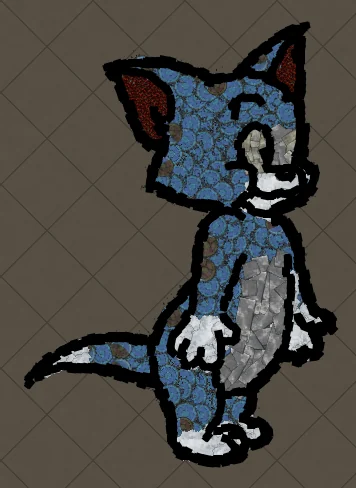
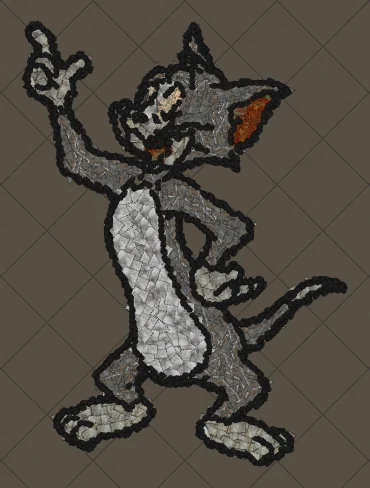
How to Make Tom the Cat Hideout Art in Path of Exile
Tom from Tom and Jerry is all expressive curves: pointed ears, a long tail and a two-tone blue-grey body. The outline engine follows every one of those curves, which makes Tom a great showcase of how decorations bend along a drawing.
 Cartoons
How to Make Tom Waving Hideout Art in Path of Exile
Tom in a full-body waving pose. Long limbs and a long tail make this a great example of decorations being rotated to follow the direction of each line.
Pokémon
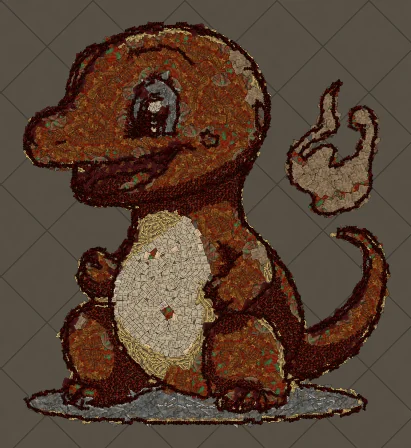
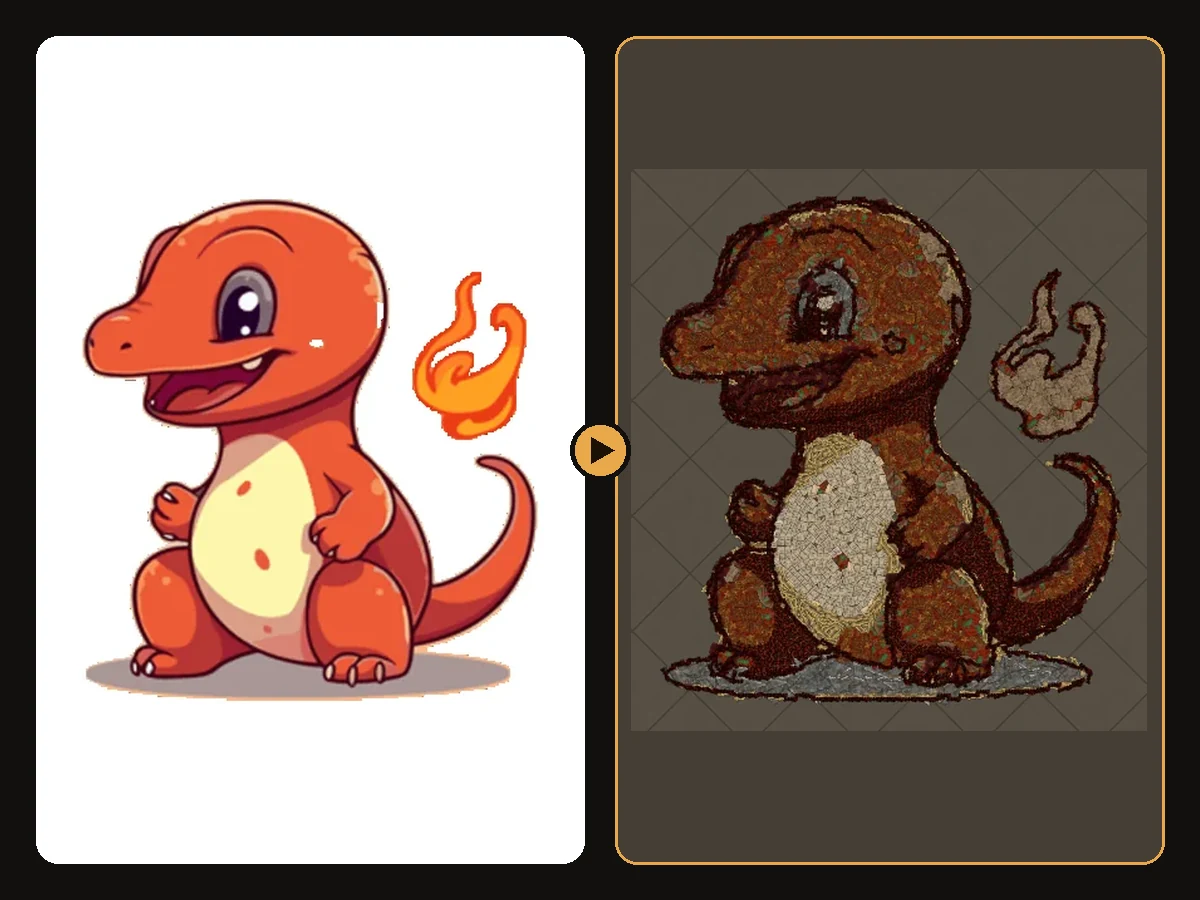
How to Make Charmander Hideout Art in Path of Exile
Charmander, the Fire-type starter Pokémon, is one of the most loved designs in the series. Its warm orange body, cream belly and flame-tipped tail map beautifully onto the earthy reds and browns that Path of Exile decorations do best.
Keep reading
 Guides
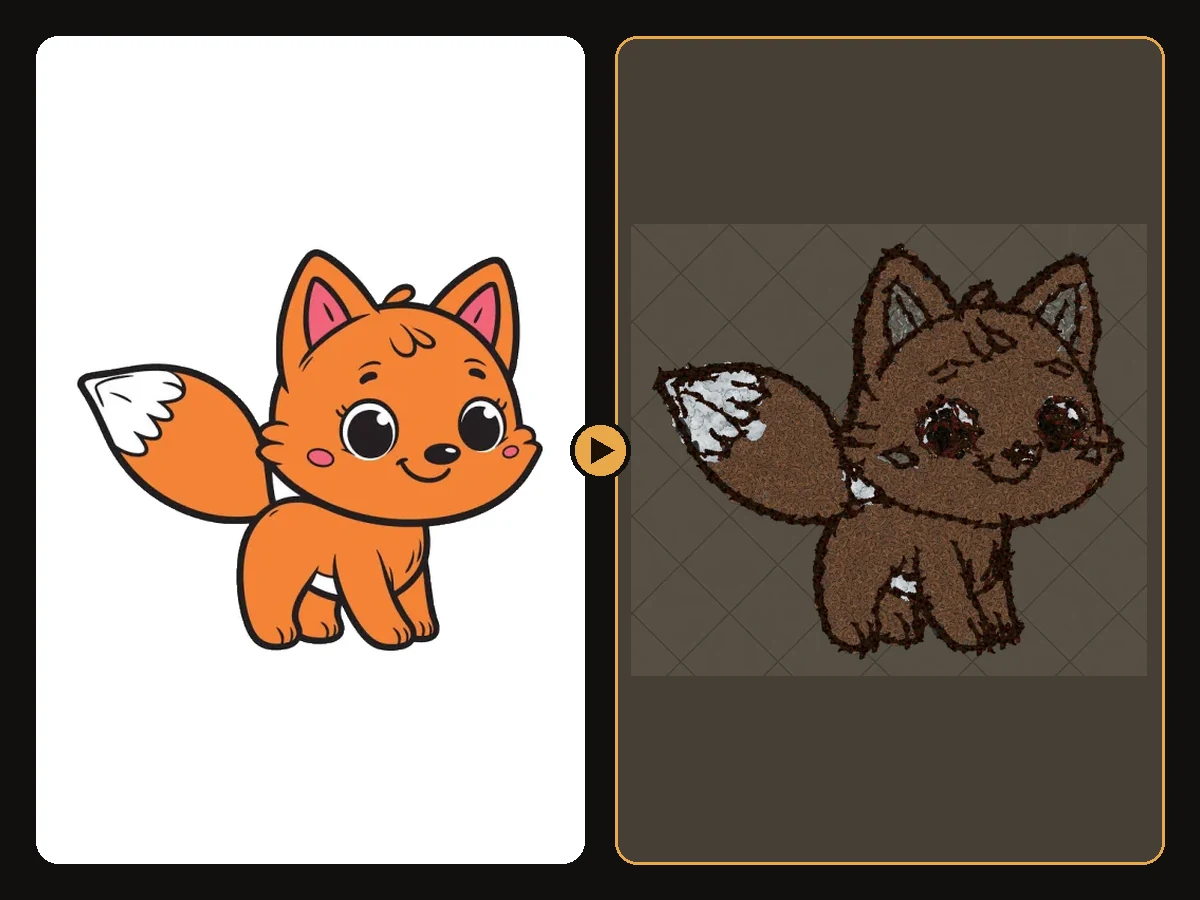
How to Make Sharp Looking Hideout Art
Practical steps so generated Path of Exile hideout art stays readable from the camera.
 Tips
How to Keep a Clean Silhouette in Hideout Art
Cropping and background choices that stop the generator from building clutter.
 Guides
How to Turn a Logo into Hideout Art
Flat colours and bold shapes make logos some of the cleanest hideout art.