Share a Hideout That Includes Art (PoE 1)
Export the full file so friends get the picture and the layout. Notes for PoE 1.
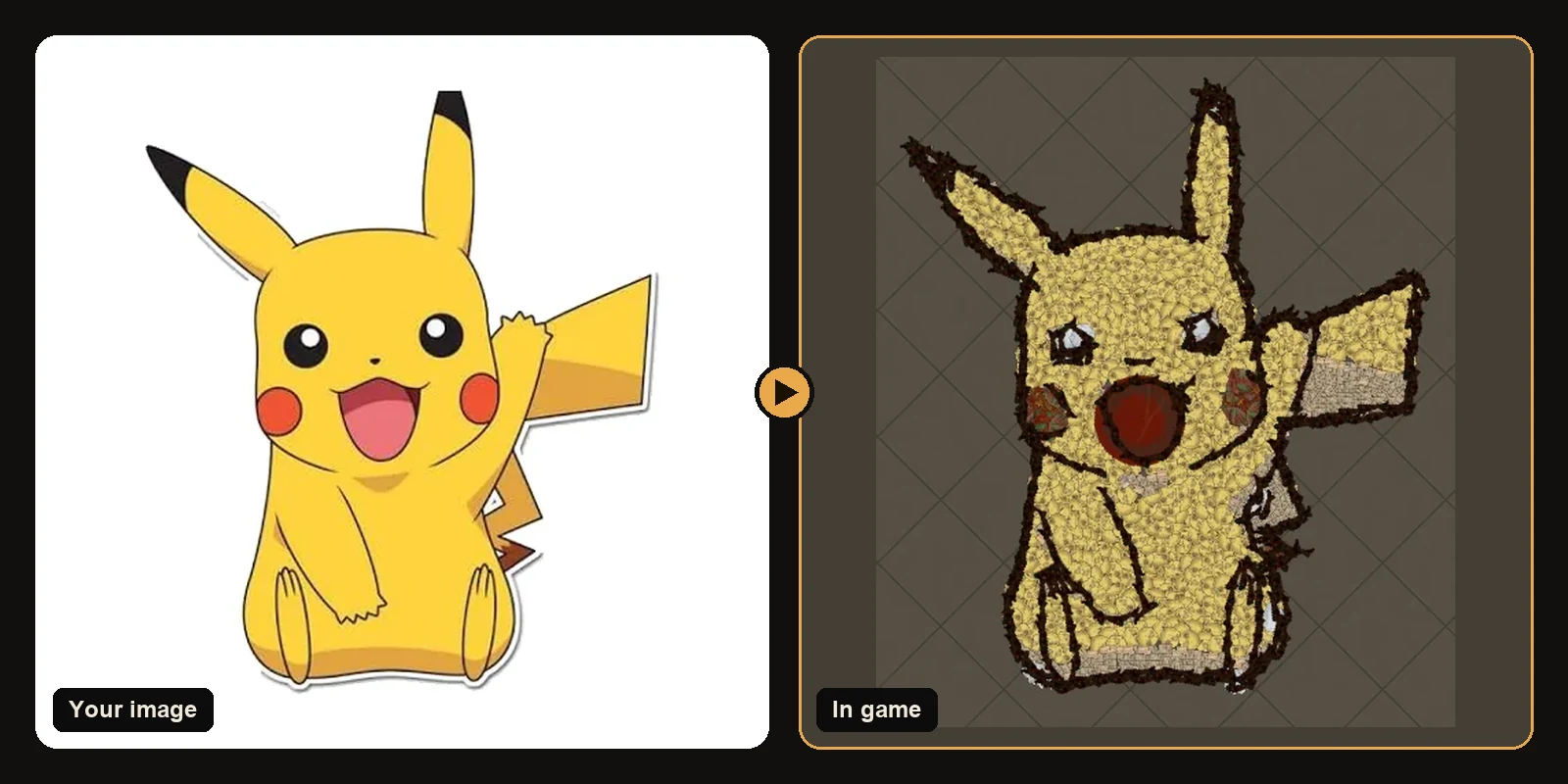
Export the full file so friends get the picture and the layout. Notes for PoE 1.
This guide focuses on Path of Exile 1. Pick your PoE 1 hideout on the generator so the .hideout file imports into the room you actually use.
What a .hideout file is
A .hideout file is a small text file the game itself uses to share hideouts. It lists the hideout type and every object: each decoration's name position rotation and variation. Files from the generator use that same format which is why they import with the normal Import button.
Import the safe way
- Travel to your hideout and open Edit Hideout.
- Click Export and save a backup of your current layout.
- Confirm the generated file matches your hideout type and game (PoE 1 vs PoE 2).
- Click Import and choose the downloaded file.
- Read the decorations list on the result page. Unlock anything skipped then import again if needed.
Keep functional objects
If you left stash waypoint benches and masters enabled on the generator, they stay in the file. Art should not sit on top of the buttons you click every map. Place the picture where visitors already look and leave a clear path from the entrance to your public tabs.
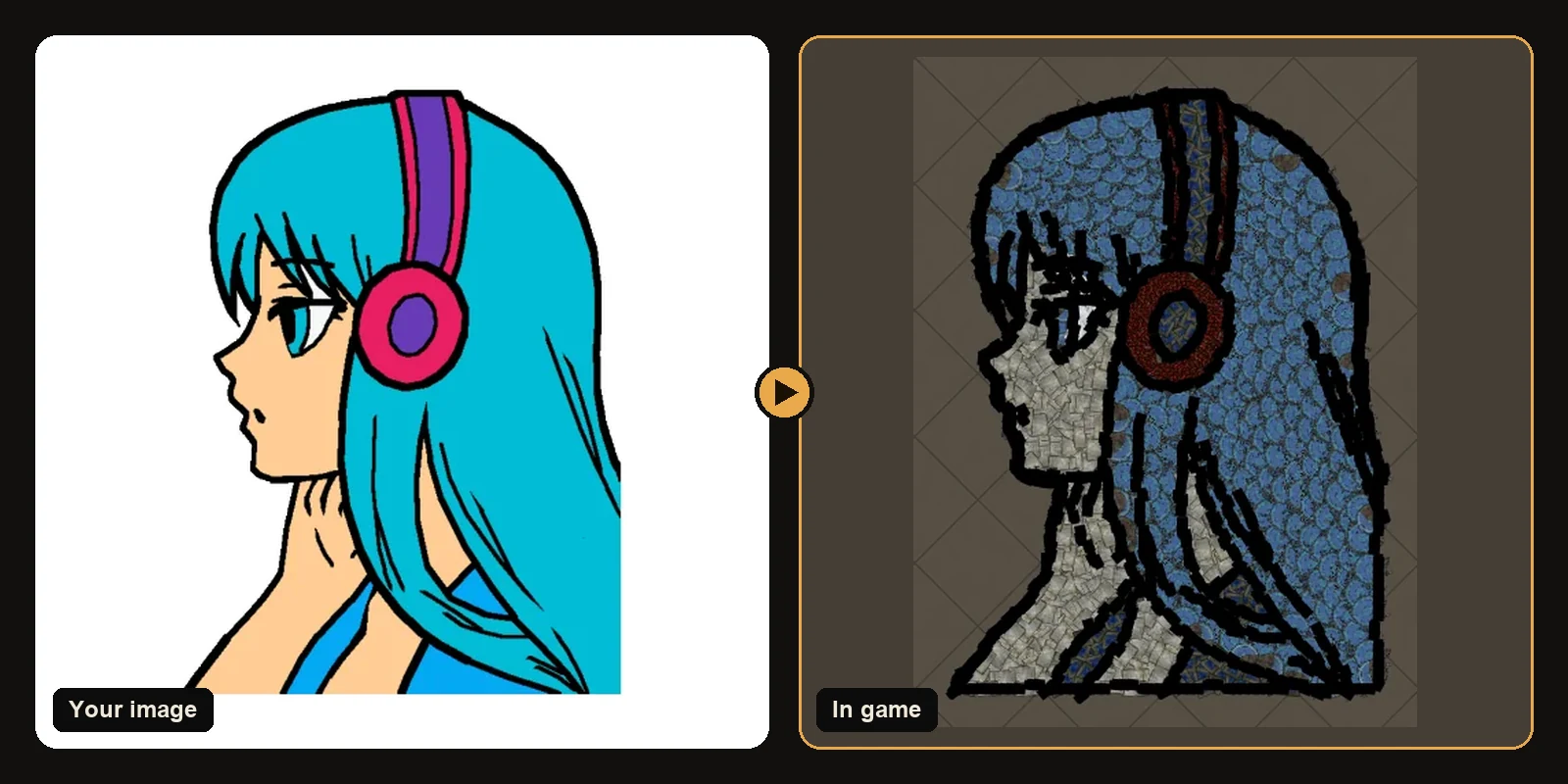
Common import problems
- Nothing appeared: you imported into a different hideout type than the file was built for. Switch hideouts or generate again with the correct type.
- Gaps in the picture: those decorations are not unlocked yet. Unlock them and re-import.
- Wrong place: change X/Y on the generator generate again and re-import.
- PoE 2 vs PoE 1 mix-up: the games use different hideout types. Generate with the matching game selected.
Quick checklist
- Right game on the generator
- Right hideout on the generator
- Current layout exported as a backup
- Decorations in the list unlocked
- Imported from the hideout edit menu
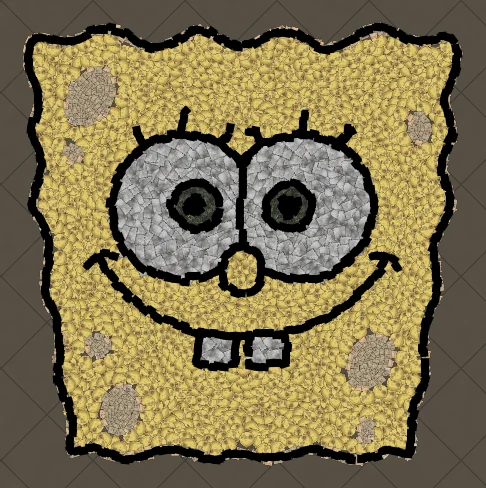
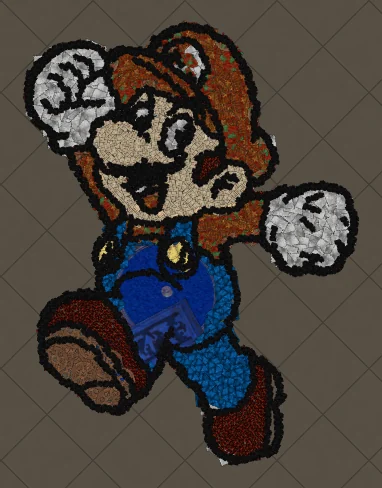
Next steps
- How to make hideout art: the full step-by-step walkthrough.
- Best images for PoE hideout art: what converts best and how to prepare it.
- How to import hideout art: getting the file into your hideout.
- How PoE hideout art works: what the generator does under the hood.
- How many decorations does hideout art use?: art size, the 750 cap and typical counts.
- Open the generator and try a free preview.
Art guides
View all
Cartoons
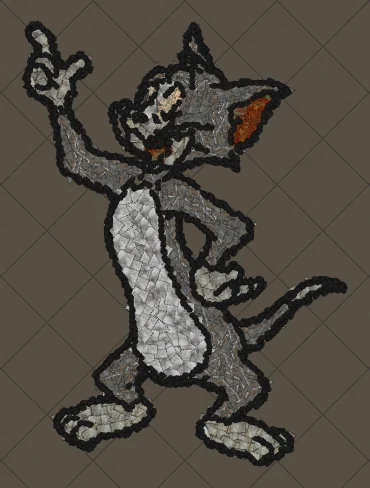
How to Make Tom the Cat Hideout Art in Path of Exile
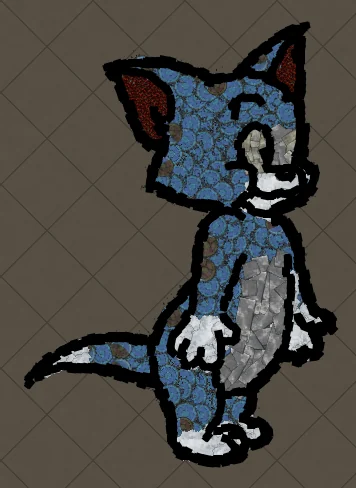
Tom from Tom and Jerry is all expressive curves: pointed ears, a long tail and a two-tone blue-grey body. The outline engine follows every one of those curves, which makes Tom a great showcase of how decorations bend along a drawing.
 Cartoons
How to Make Tom Waving Hideout Art in Path of Exile
Tom in a full-body waving pose. Long limbs and a long tail make this a great example of decorations being rotated to follow the direction of each line.
Pokémon
How to Make Charmander Hideout Art in Path of Exile
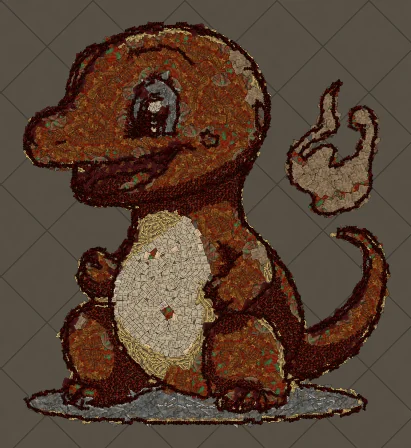
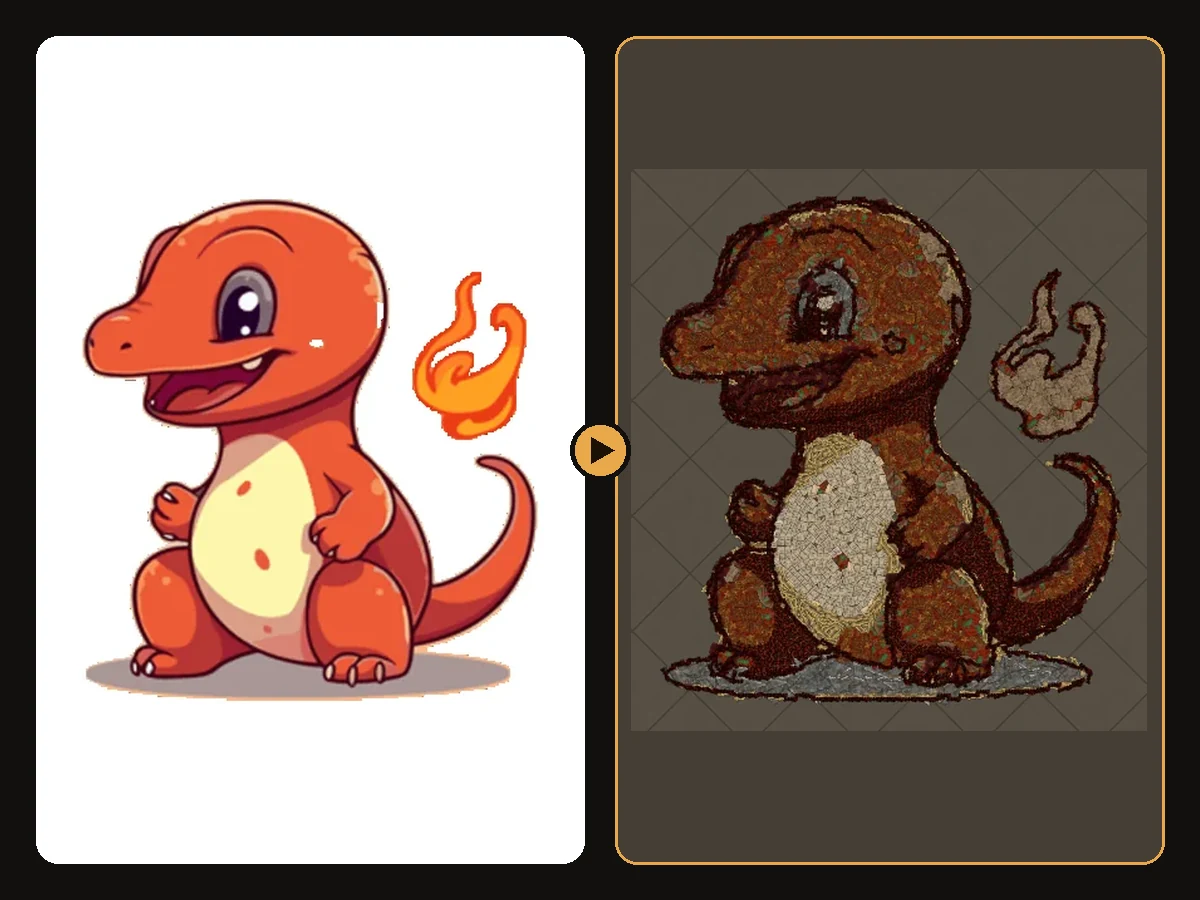
Charmander, the Fire-type starter Pokémon, is one of the most loved designs in the series. Its warm orange body, cream belly and flame-tipped tail map beautifully onto the earthy reds and browns that Path of Exile decorations do best.
Keep reading
 Guides
How to Make Sharp Looking Hideout Art
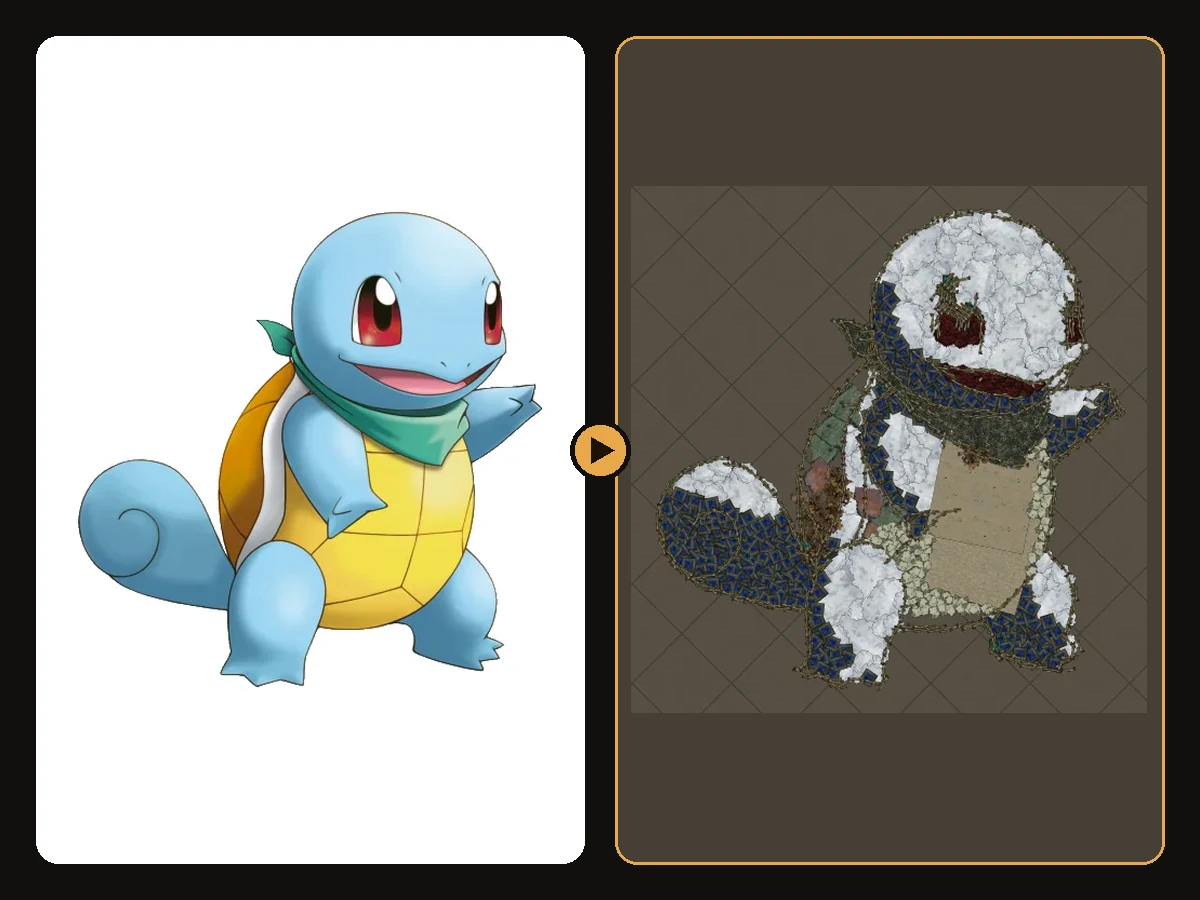
Practical steps so generated Path of Exile hideout art stays readable from the camera.
 Tips
How to Keep a Clean Silhouette in Hideout Art
Cropping and background choices that stop the generator from building clutter.
 Guides
How to Turn a Logo into Hideout Art
Flat colours and bold shapes make logos some of the cleanest hideout art.