Fix Tiny Details in Hideout Art for Console Players
Crop closer so small features get enough decorations. Advice aimed at console players.
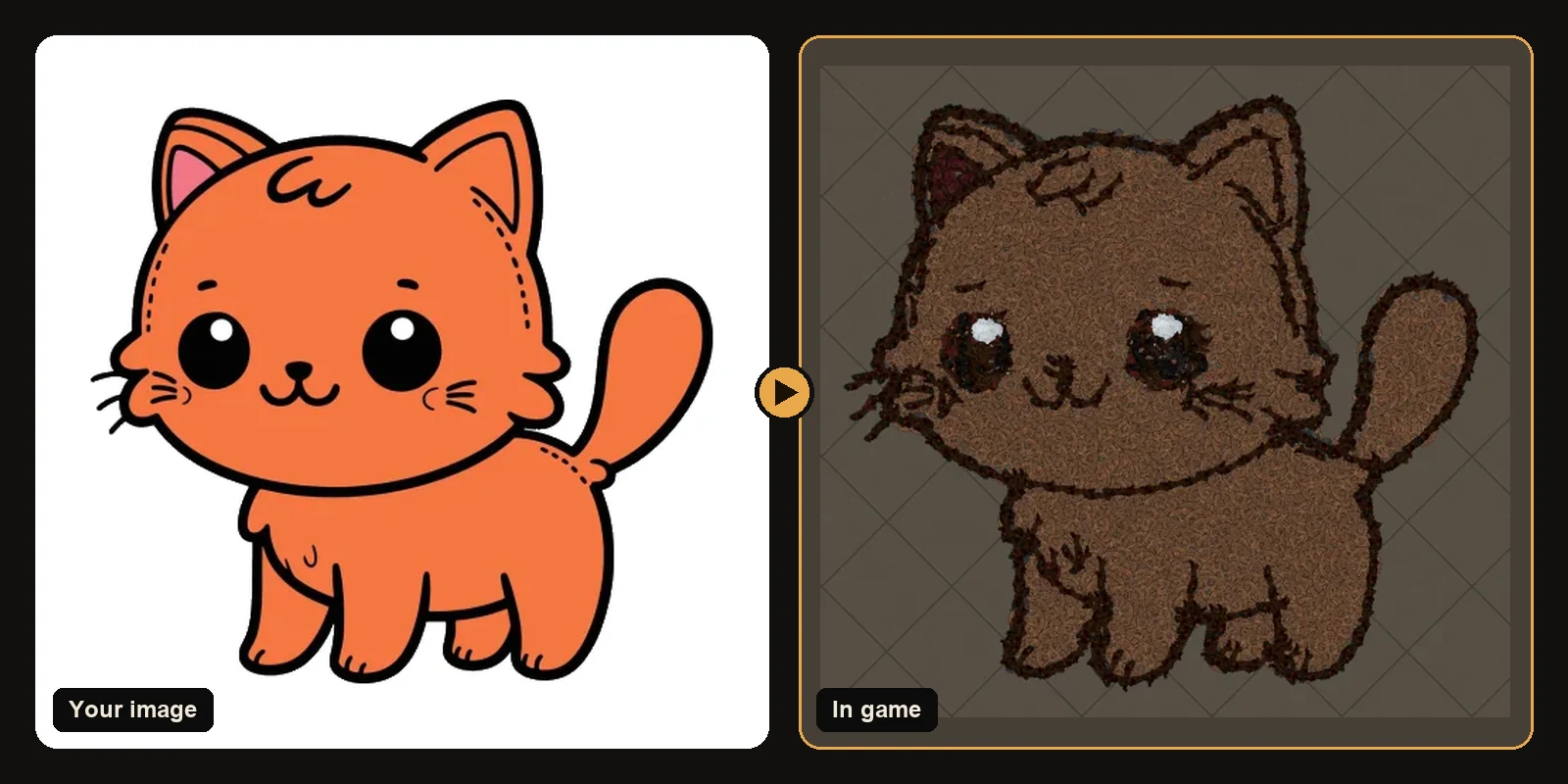
Crop closer so small features get enough decorations. Advice aimed at console players.
The same workflow works in Path of Exile 1 and Path of Exile 2. Only the decoration list and hideout types change when you switch games on the generator.
The problem: Tiny Details
Crop closer so small features get enough decorations.
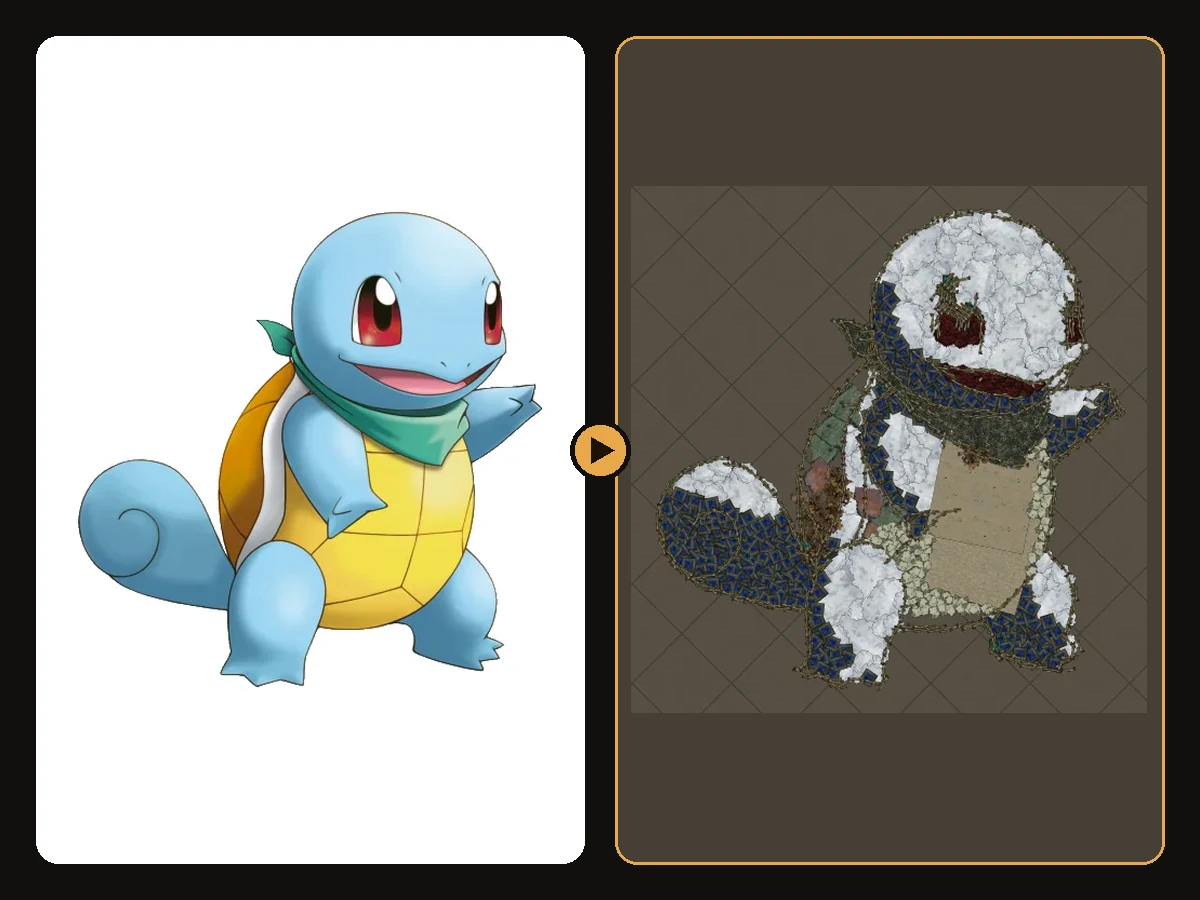
This comes up a lot for console players. The generator can only place decorations that exist in the catalogue. If the source fights that with busy backgrounds thin outlines soft gradients or tiny details the preview looks noisy soft or incomplete. Fix the image first. Do not import a weak file and hope.
The three traits of a good input
1. A bold outline
Outlines become a trace of dark decorations. A thick clean outline gives the art a crisp edge. A thin or broken one disappears from the camera.
2. A few flat colours
Each colour area becomes one decoration family. Four to eight flat colours read perfectly. Gradients and soft shading turn into bands that can look speckled.
3. One clear subject
The generator builds whatever is in the frame. A character on a plain or transparent background gives a clean silhouette. A character in a detailed scene builds the scene too.
Fix checklist before you generate
- Crop tight to the subject.
- Remove busy backgrounds or use transparency.
- Prefer the version of the image with the thickest outline.
- Raise art size for faces fine marks and thin text.
- Lower max colours when the result looks speckled.
- Brighten very dark images a little so outlines have contrast.
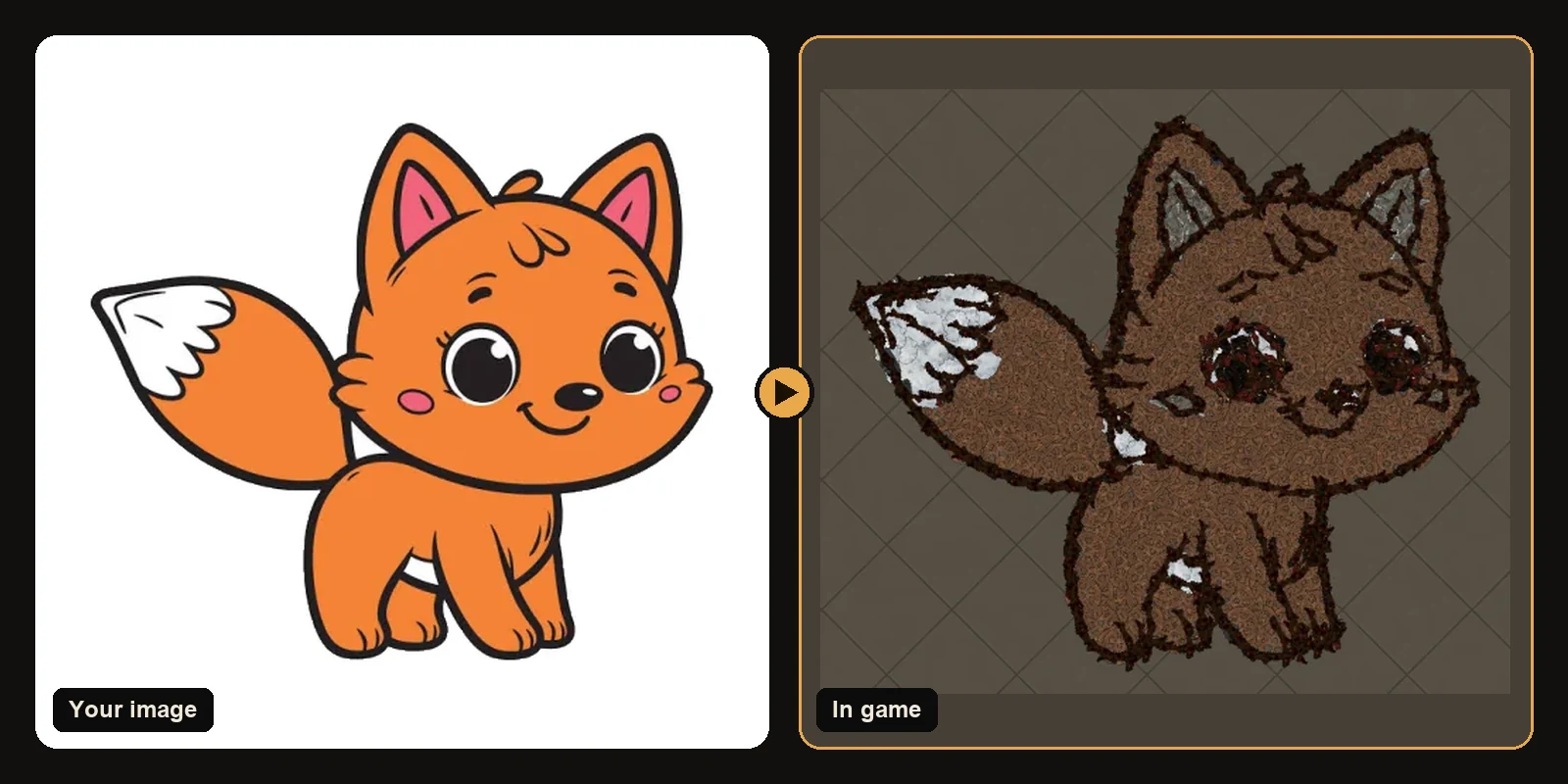
Then generate and trust the preview
Open the generator upload the cleaned file and judge success from the in-game preview. If the silhouette is wrong, fix the image again. Plans include unlimited previews so you can iterate without spending downloads.
Styles that usually win
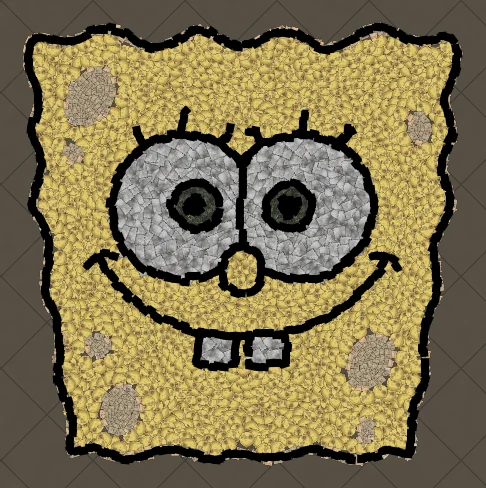
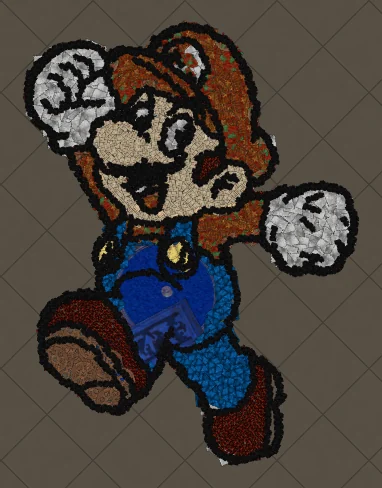
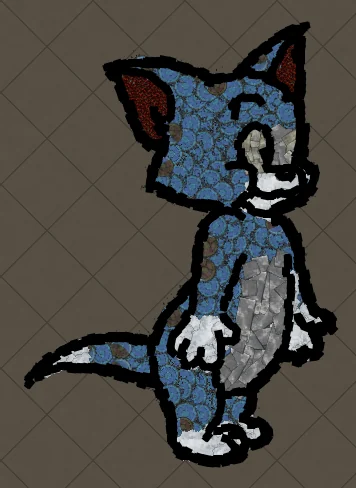
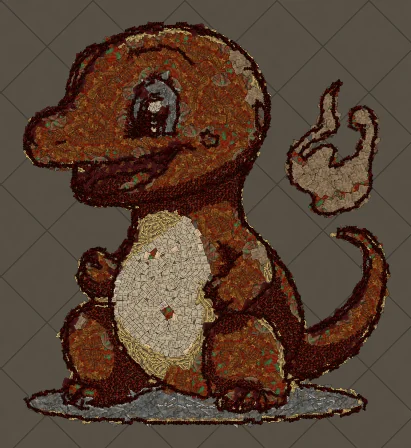
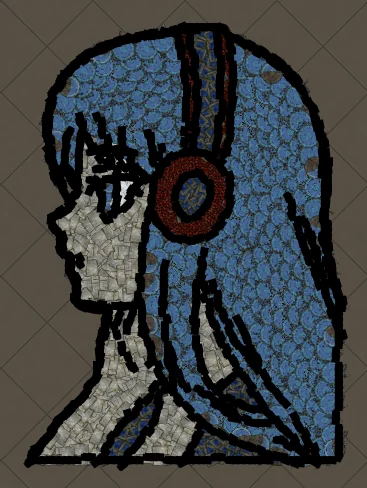
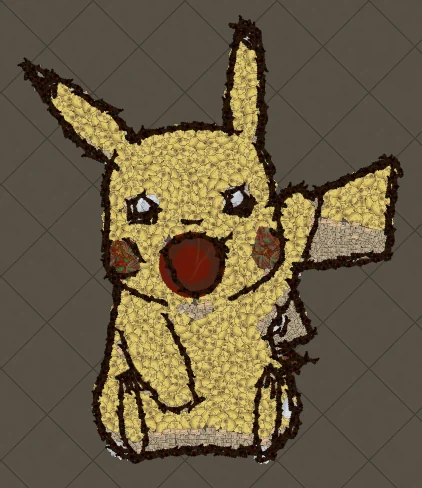
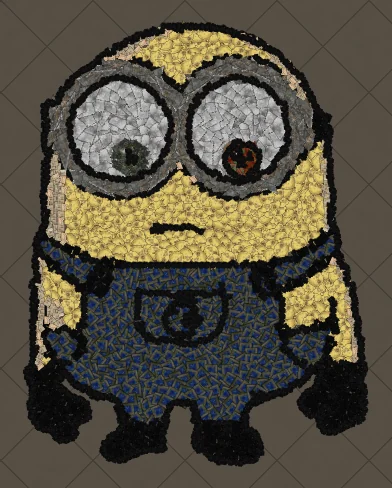
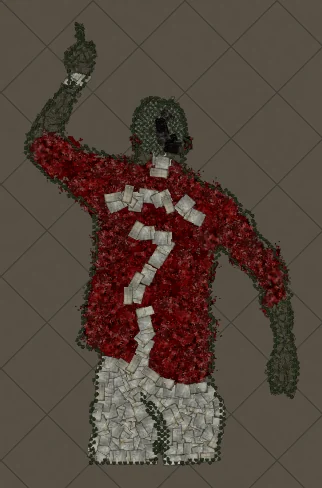
Cartoons logos emojis chunky text and bold anime portraits convert cleanly. Photos still work when lighting is strong and the background is plain. See best images for PoE hideout art for more before and after examples.
Next steps
- How to make hideout art: the full step-by-step walkthrough.
- Best images for PoE hideout art: what converts best and how to prepare it.
- How to import hideout art: getting the file into your hideout.
- How PoE hideout art works: what the generator does under the hood.
- How many decorations does hideout art use?: art size, the 750 cap and typical counts.
- Open the generator and try a free preview.
Art guides
View all
Cartoons
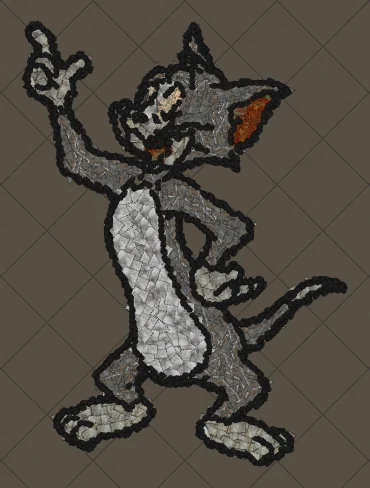
How to Make Tom the Cat Hideout Art in Path of Exile
Tom from Tom and Jerry is all expressive curves: pointed ears, a long tail and a two-tone blue-grey body. The outline engine follows every one of those curves, which makes Tom a great showcase of how decorations bend along a drawing.
 Cartoons
How to Make Tom Waving Hideout Art in Path of Exile
Tom in a full-body waving pose. Long limbs and a long tail make this a great example of decorations being rotated to follow the direction of each line.
Pokémon
How to Make Charmander Hideout Art in Path of Exile
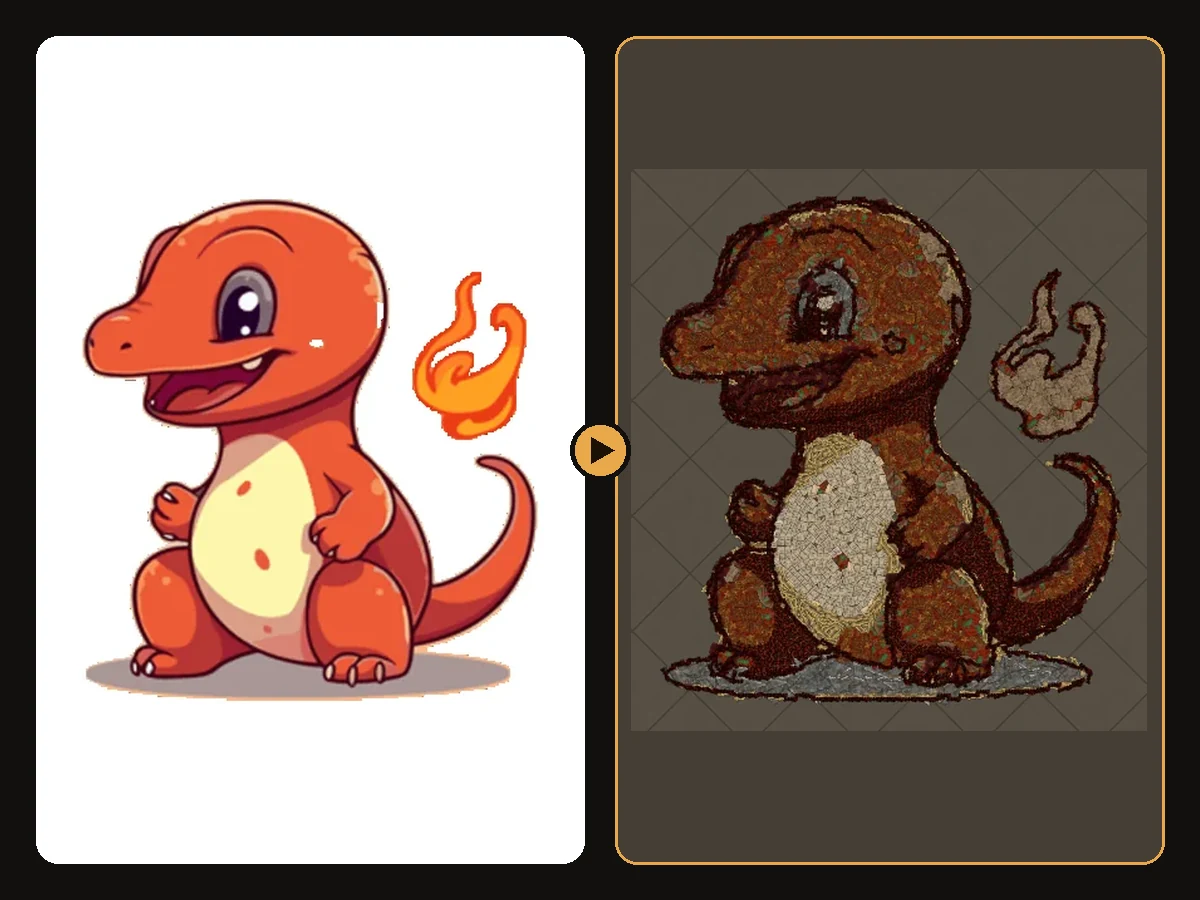
Charmander, the Fire-type starter Pokémon, is one of the most loved designs in the series. Its warm orange body, cream belly and flame-tipped tail map beautifully onto the earthy reds and browns that Path of Exile decorations do best.
Keep reading
 Guides
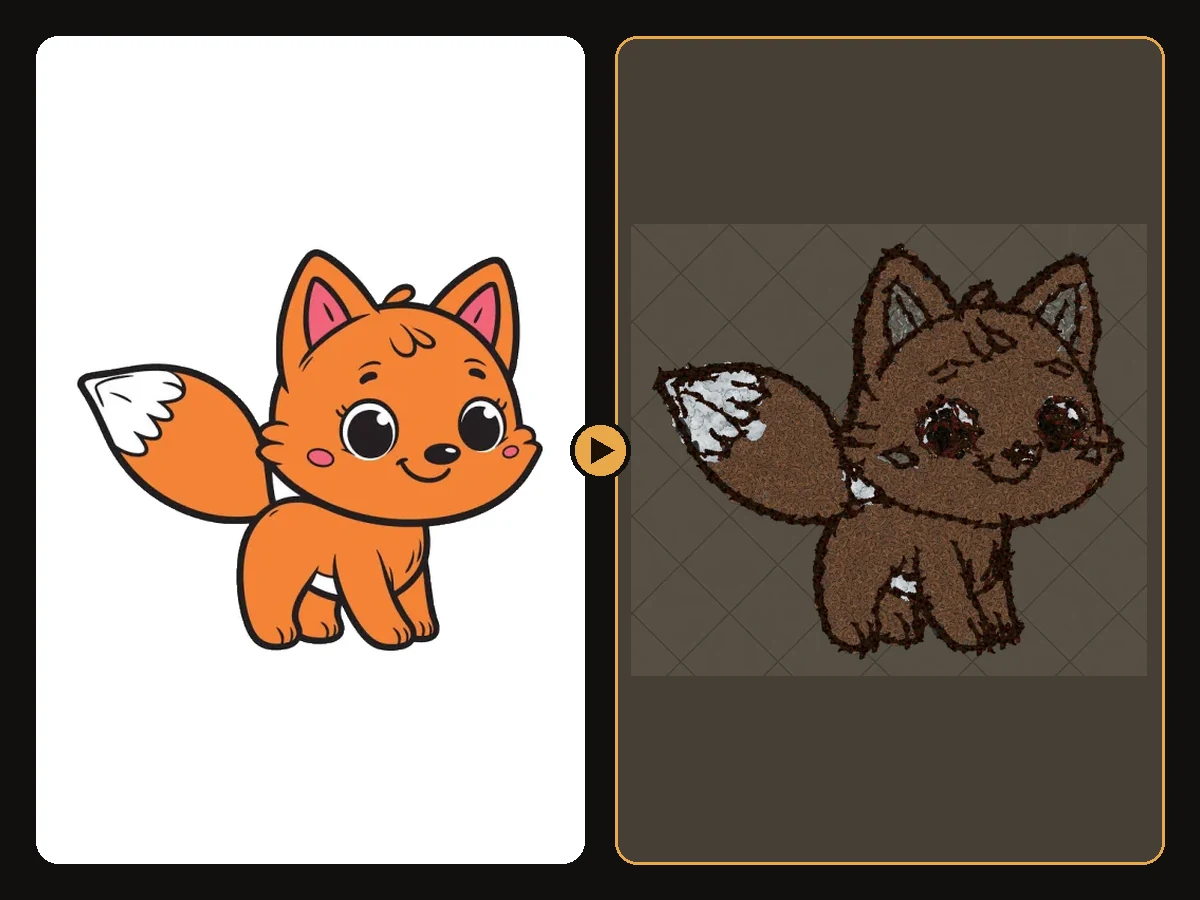
How to Make Sharp Looking Hideout Art
Practical steps so generated Path of Exile hideout art stays readable from the camera.
 Tips
How to Keep a Clean Silhouette in Hideout Art
Cropping and background choices that stop the generator from building clutter.
 Guides
How to Turn a Logo into Hideout Art
Flat colours and bold shapes make logos some of the cleanest hideout art.