Hideout Art Under 300 Decorations for Simple Logos
How to keep simple logos readable while staying near a 300 decoration budget.
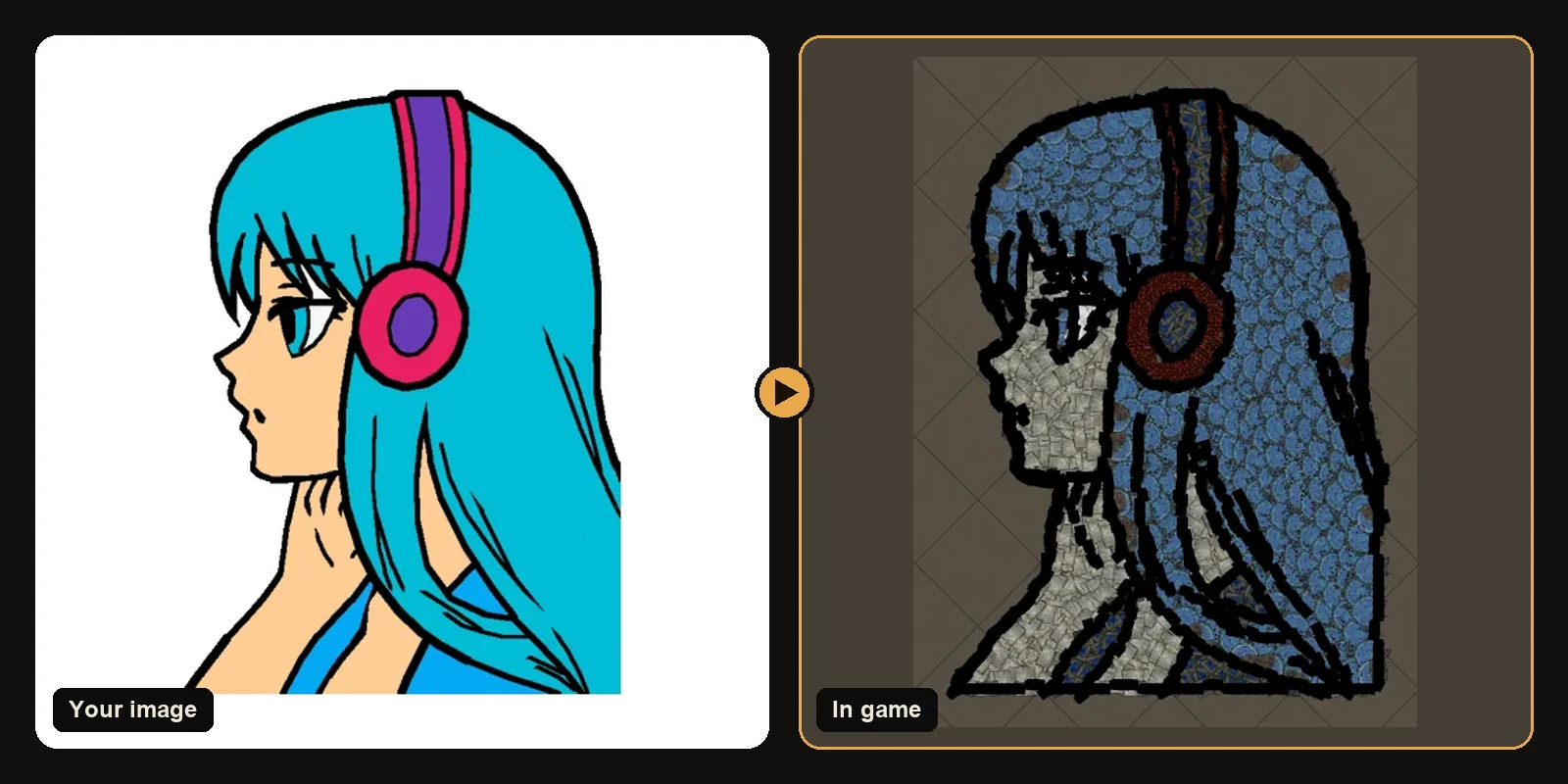
How to keep simple logos readable while staying near a 300 decoration budget.
The same workflow works in Path of Exile 1 and Path of Exile 2. Only the decoration list and hideout types change when you switch games on the generator.
The 750 decoration rule
Path of Exile 1 and Path of Exile 2 allow 750 decorations per hideout. Stash waypoint crafting bench and masters do not count toward that number. Everything else you keep in the file shares the budget with your art.
Aiming near 300 decorations for simple logos usually means a moderate art size fewer max colours a cropped subject and shop decorations disabled if you do not own them. The result page shows the exact count before you download so you are never guessing.
How the generator respects the cap
- It builds at the size you chose.
- If the piece count would exceed the limit, outlines switch to longer more efficient strokes first.
- If it still does not fit, the art scales down just enough while keeping as much detail as possible.
That is why a download from the generator always imports as a complete picture instead of arriving with the top chopped off by the game.
Practical ways to stay near 300
- Lower art size if you want room left for your own décor.
- Reduce max colours under More options. Five or six colours often look cleaner anyway.
- Crop tightly so no decorations are spent on empty background.
- Turn off Follow line art when inner lines are not important.
- Disable shop decorations if you only want favour pieces you already own.
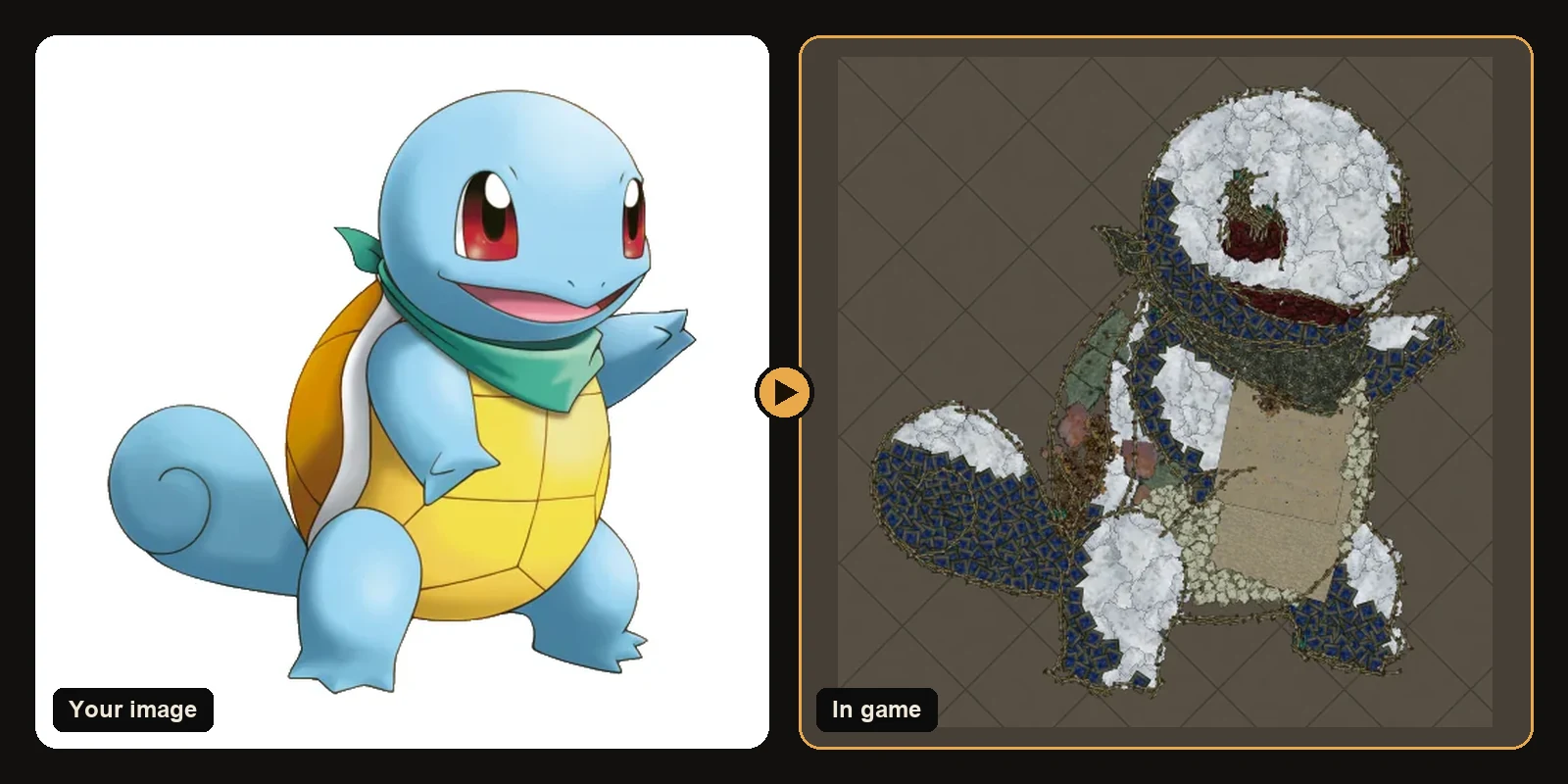
Typical counts from real builds
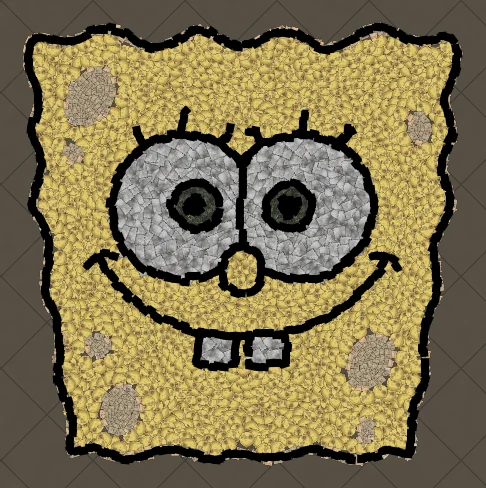
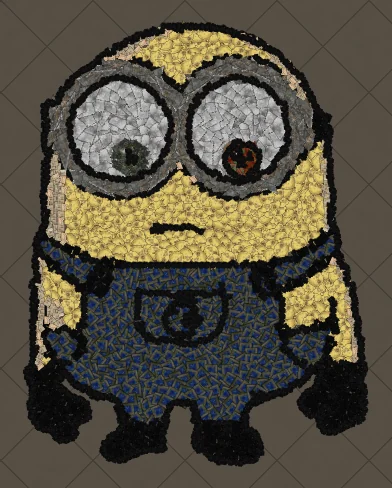
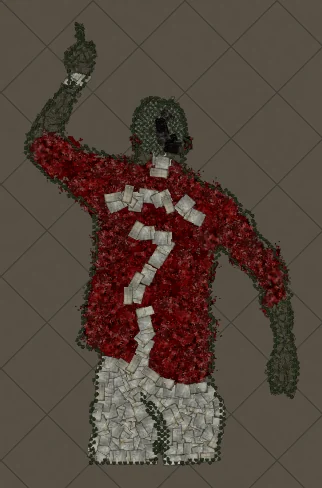
- Simple logos text and line art often fit in a few hundred decorations at a moderate size.
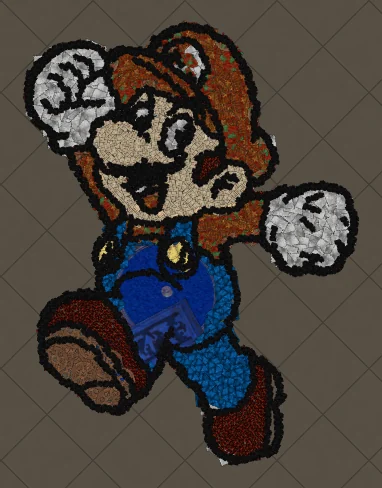
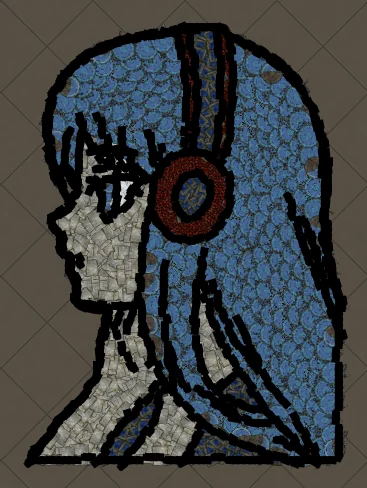
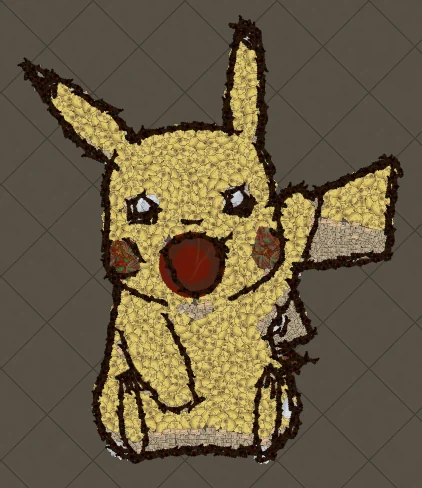
- Cartoon characters and anime portraits usually use most of the budget when you want faces sharp.
- Stacking several art pieces in one hideout burns the cap fast. Prefer one signature picture.
When the preview looks incomplete
If the silhouette collapses after you tighten the budget, raise size a little and cut colours instead of raising both at once. Contrast and shape matter more than matching every neon shade in the source.
Next steps
- How to make hideout art: the full step-by-step walkthrough.
- Best images for PoE hideout art: what converts best and how to prepare it.
- How to import hideout art: getting the file into your hideout.
- How PoE hideout art works: what the generator does under the hood.
- How many decorations does hideout art use?: art size, the 750 cap and typical counts.
- Open the generator and try a free preview.
Art guides
View all
Cartoons
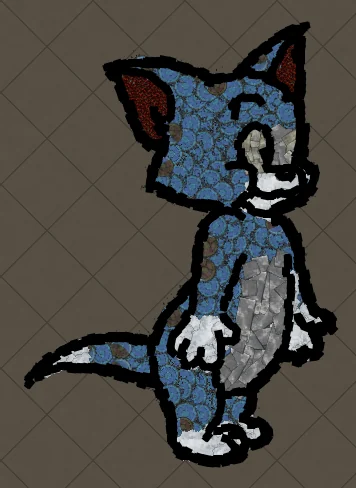
How to Make Tom the Cat Hideout Art in Path of Exile
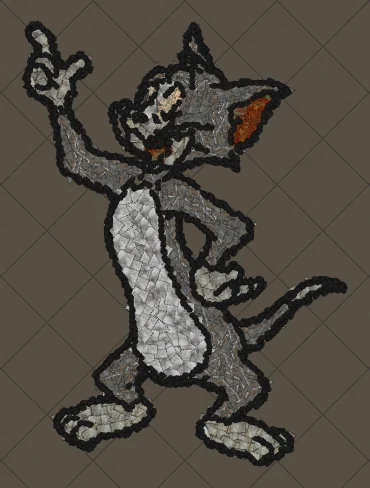
Tom from Tom and Jerry is all expressive curves: pointed ears, a long tail and a two-tone blue-grey body. The outline engine follows every one of those curves, which makes Tom a great showcase of how decorations bend along a drawing.
 Cartoons
How to Make Tom Waving Hideout Art in Path of Exile
Tom in a full-body waving pose. Long limbs and a long tail make this a great example of decorations being rotated to follow the direction of each line.
Pokémon
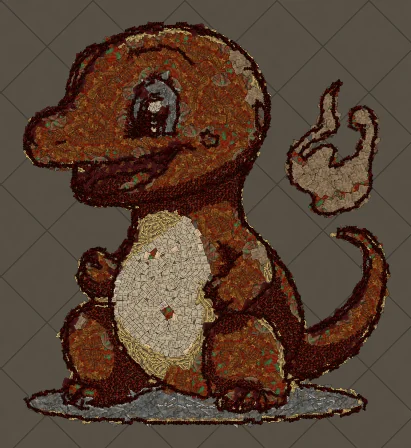
How to Make Charmander Hideout Art in Path of Exile
Charmander, the Fire-type starter Pokémon, is one of the most loved designs in the series. Its warm orange body, cream belly and flame-tipped tail map beautifully onto the earthy reds and browns that Path of Exile decorations do best.
Keep reading
 Guides
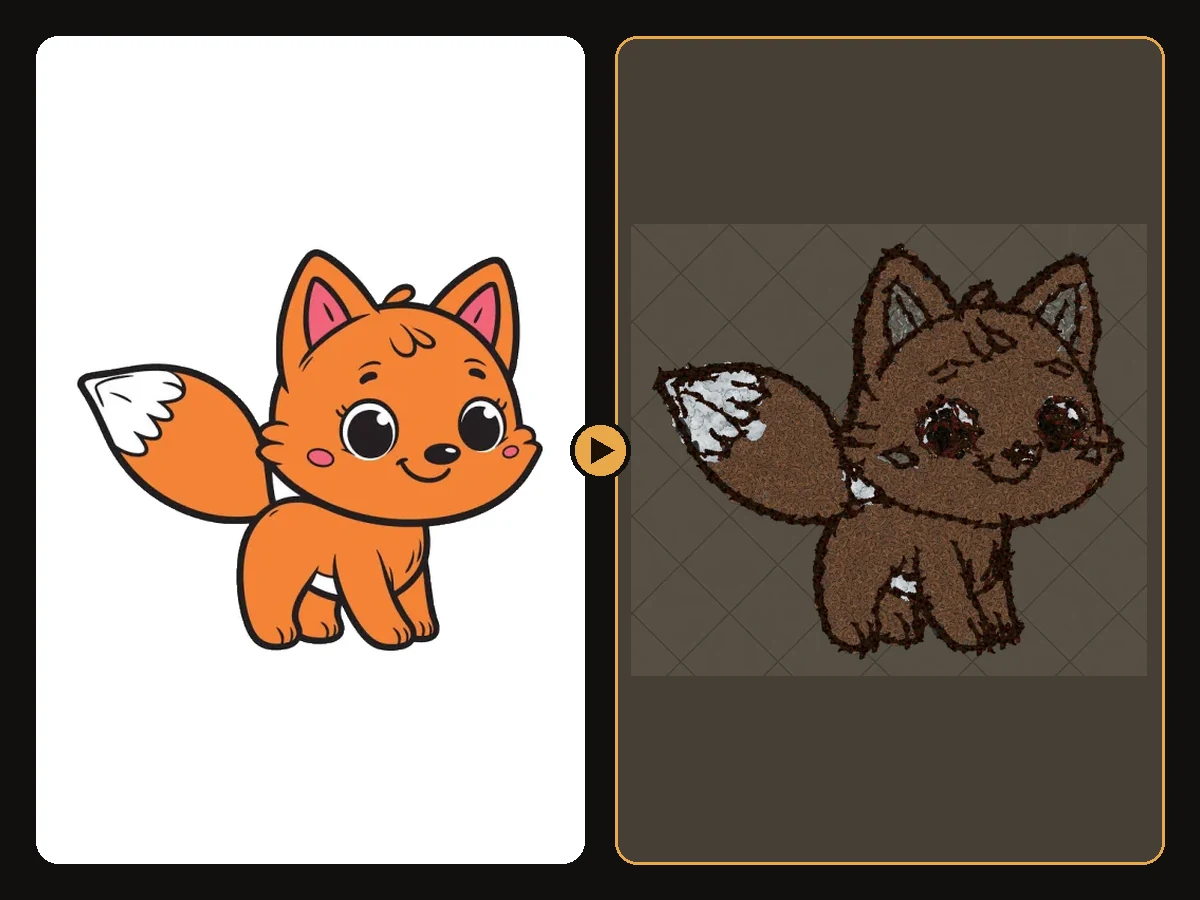
How to Make Sharp Looking Hideout Art
Practical steps so generated Path of Exile hideout art stays readable from the camera.
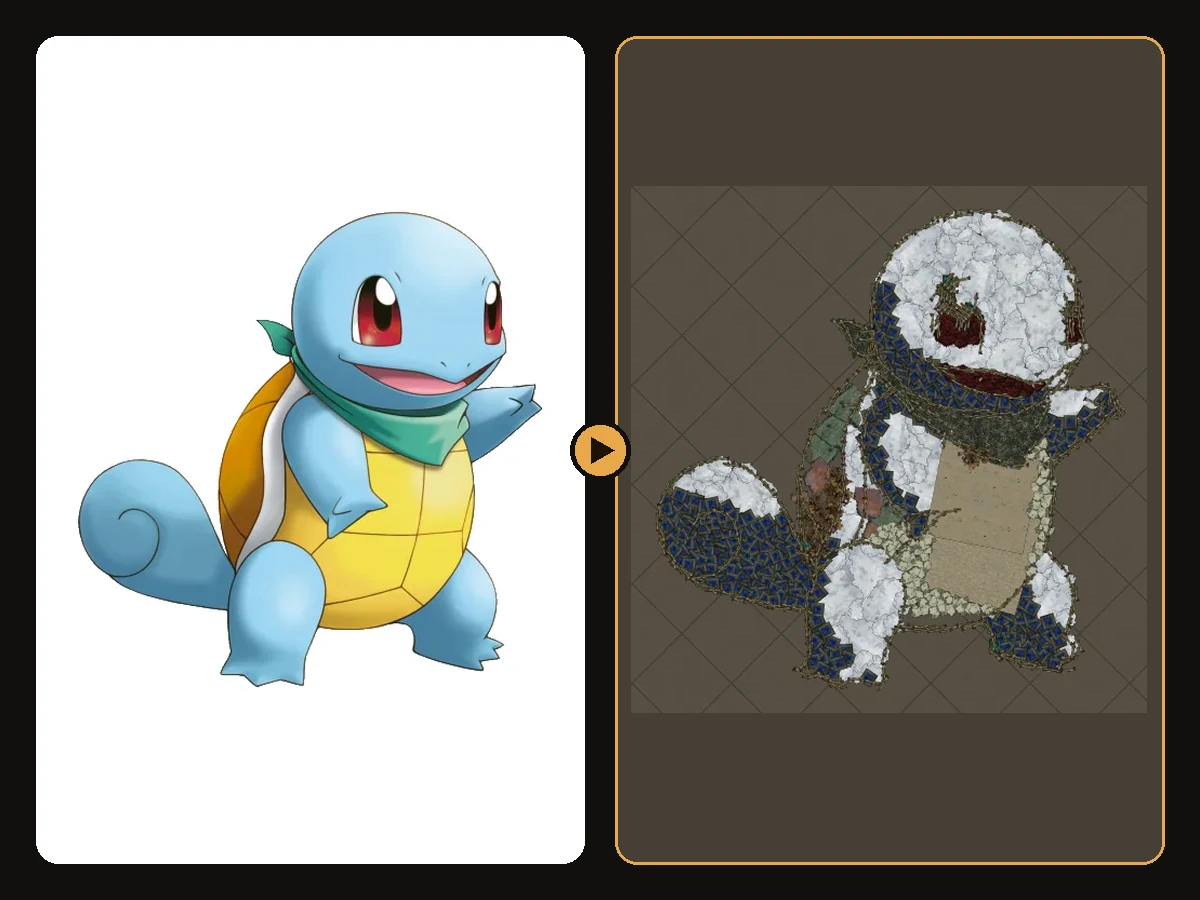 Tips
How to Keep a Clean Silhouette in Hideout Art
Cropping and background choices that stop the generator from building clutter.
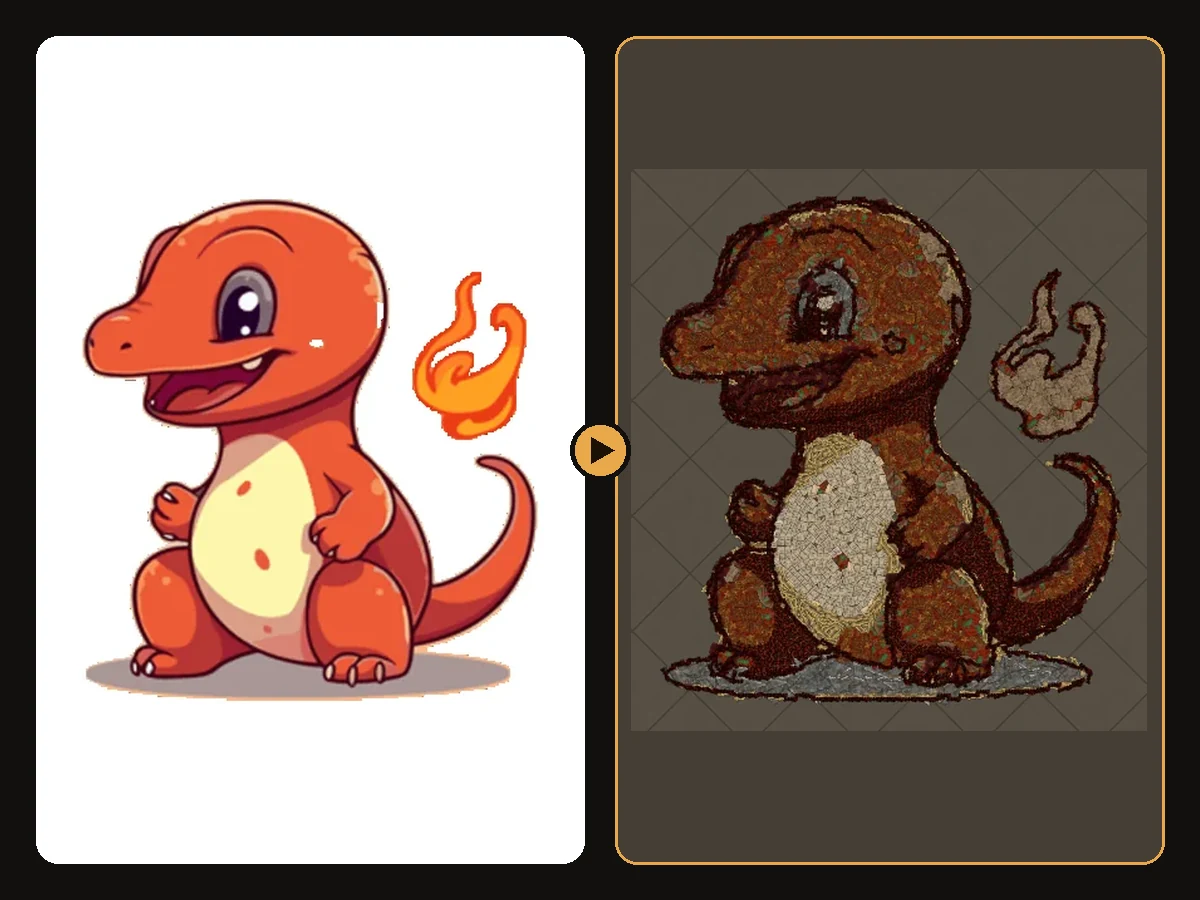 Guides
How to Turn a Logo into Hideout Art
Flat colours and bold shapes make logos some of the cleanest hideout art.